Your Collection
Your collection items will appear here.

User Generated Stickers

Find User Generated custom stickers to use
on Discord, Telegram & Whatsapp
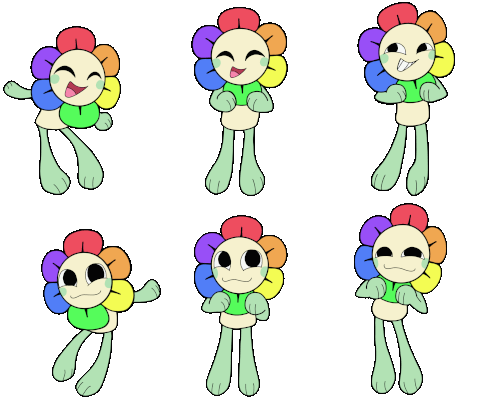
.gif 14 Dandy Sticker
.png 144 3V1 Sticker
.png 145 myparakeet Sticker
.png 26 storytime3 Sticker
.gif 59 Noli Sticker
.png 19 bloxy Sticker
.png 17 cant_keep_up Sticker
.gif 502 Y2KSlop Sticker
.gif 4 Touch_zh Sticker
.png 86 OMS Sticker
.png 33 Eagle_fruit Sticker
.png 17 elizabeth Sticker
.png 2 Humble Sticker
.png 29 Obama Sticker
.png 140 HelpMe Sticker
.png 40 PetSimulatorFinalBoss Sticker
.png 70 Yeah Sticker
.png 21 TBC Sticker
.png 334 RobloxHead Sticker
.png 73 alex Sticker
.png 14 Bored Sticker
.png 175 CryingBurger Sticker
.png 3 GSRPWelcome Sticker
.png 9 CloudyMoon Sticker
.png 82 roblox_studio Sticker

User Generated Discord stickers

Browse User Generated stickers shared by the emoji.gg community. Open a favourite to preview it, check its details and download the image.

Building a set for your server? Save your favourites to a collection as you browse so you can find them again.

Add stickers to your Discord server

  1. Choose your favourites. Open a sticker and download its image.
  2. Open Server Settings. In Discord, select your server and go to the Stickers section.
  3. Upload and name it. Select the downloaded image, give it a name and save it for your community to use.

Get the Android app

Emoji.gg is better on the app. Download it from the Google Play store.

Get Emoji.gg on Google Play