Your Collection
Your collection items will appear here.

Miah Stickers

Find Miah custom stickers to use
on Discord, Telegram & Whatsapp

.gif 75 Cat Sticker
.gif 2.1K noodles Sticker
.png 526 persona5_meme Sticker
.png 1.6K areweserious Sticker
.png 258 Babyyyyy Sticker
.png 219 Did_they_fall_for_it Sticker
.gif 45 TenkinxThumbsUp Sticker
.gif 723 Peach Sticker
.gif 468 Goma Sticker
.png 33 Cutepinkgirl Sticker
.gif 611 Neru_Hits_Punches_HatsuneMiku Sticker
.gif 43 Good_Girl Sticker
.png 723 KasaneTeto_Sybau Sticker
.png 207 KasaneTeto_ShockedScared Sticker
.png 343 Frieren Sticker
.png 229 what Sticker
.gif 20 Heart31 Sticker
.gif 247 Devil Sticker
.png 1 NIbsyNab2 Sticker
.gif 16 IDX_you_look_beautiful Sticker
.gif 54 IDX_damn_its_you Sticker
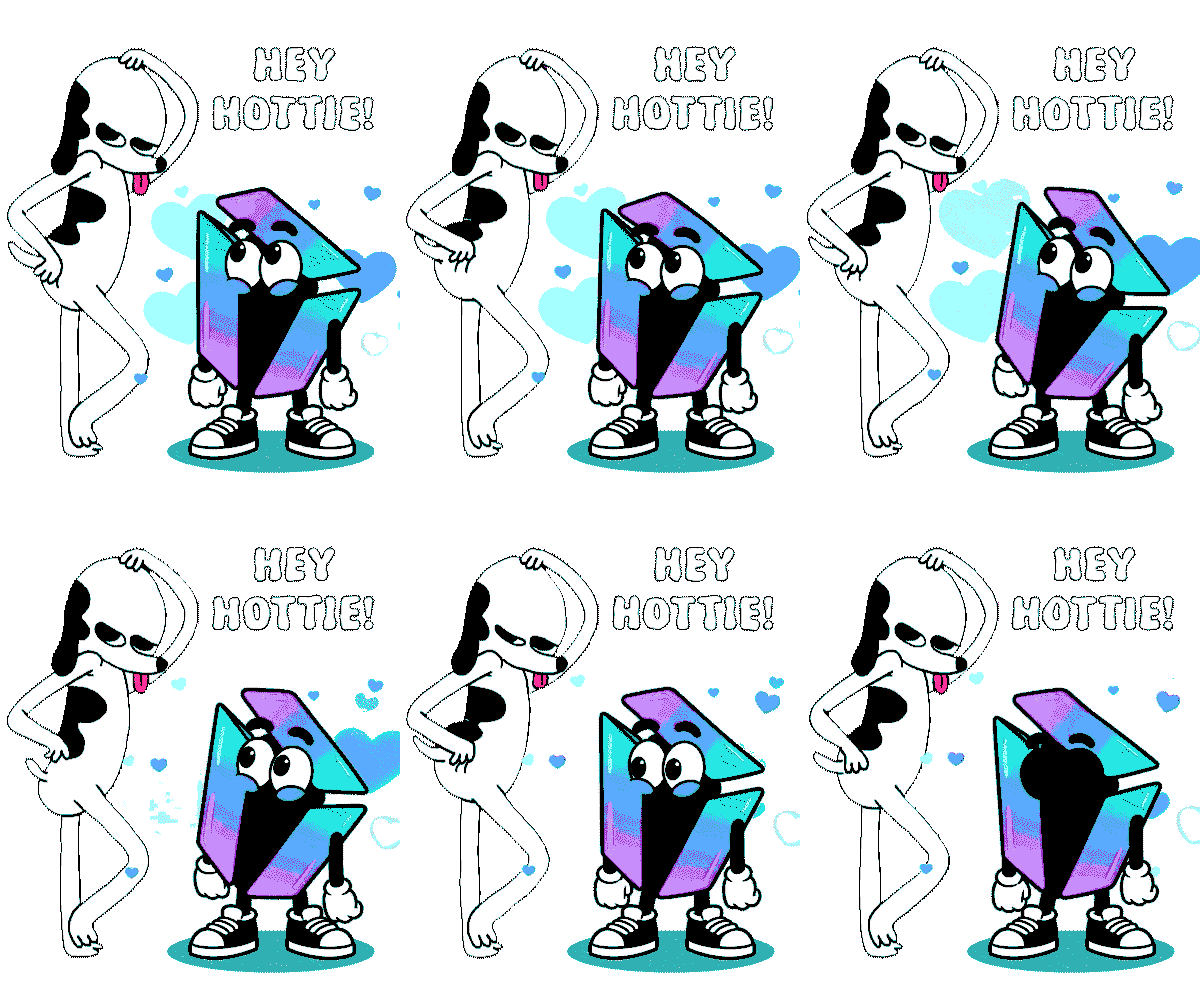
.gif 12 IDX_hey_hottie_compliment Sticker
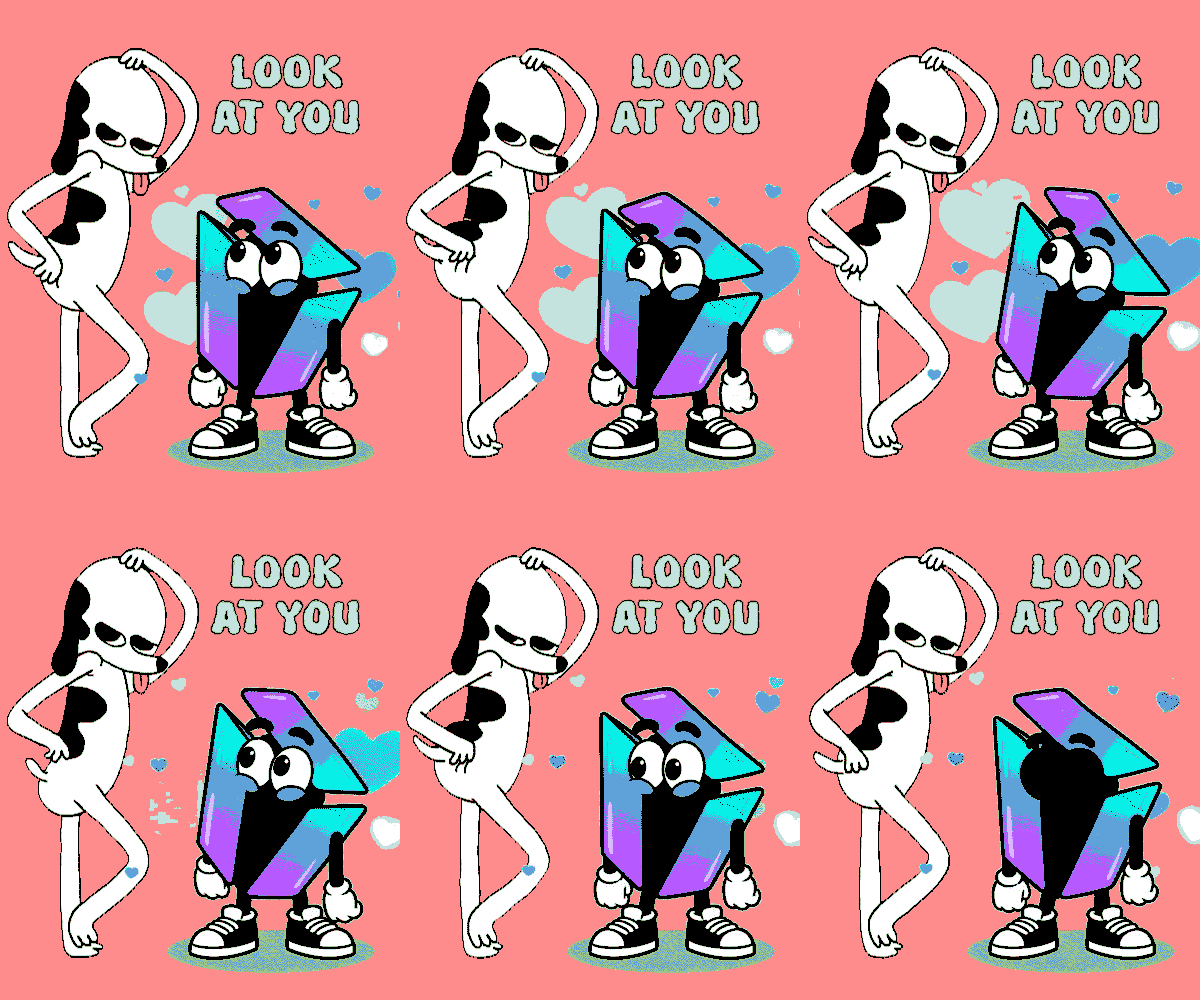
.gif 36 IDX_look_at_u Sticker
.png 75 WaguriDomain Sticker
.png 103 WaguriDerp Sticker

Miah Discord stickers

Browse Miah stickers shared by the emoji.gg community. Open a favourite to preview it, check its details and download the image.

Building a set for your server? Save your favourites to a collection as you browse so you can find them again.

Add stickers to your Discord server

  1. Choose your favourites. Open a sticker and download its image.
  2. Open Server Settings. In Discord, select your server and go to the Stickers section.
  3. Upload and name it. Select the downloaded image, give it a name and save it for your community to use.

Get the Android app

Emoji.gg is better on the app. Download it from the Google Play store.

Get Emoji.gg on Google Play