Your Collection
Your collection items will appear here.
.gif 0 venom Emoji
.png 0 1ststardragonballredo Emoji
.png 0 2ndStarDragonBall Emoji
.png 0 3stardragonball Emoji
.png 0 4stardragonball Emoji
.png 0 7StarDragonBall Emoji
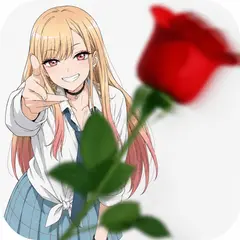
.png 251 Marin_Rose Emoji
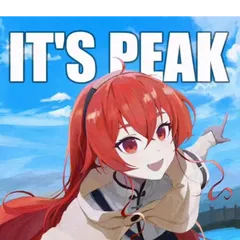
.png 130 Eris_Peak Emoji
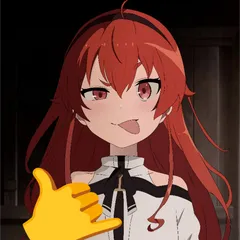
.png 67 Eris_Thumb Emoji
.png 1.3K Roxy_Thumb Emoji
.gif 110 kururujumping Emoji
.gif 241 Hitori_Gotoh Emoji
.gif 2.2K TalktomeDoja Emoji
.png 23 strawhat Emoji
.png 25 CapsuleCorps Emoji
.gif 286 cute Emoji
.png 35 OwO Emoji
.png 1.3K girlholdinggun Emoji
.png 566 Crying Emoji
.gif 222 Yunogasai Emoji
.gif 279 SteelBall Emoji
.png 33 1stardragonball Emoji
.png 23 2stardragonball Emoji
.png 57 3stardragonball Emoji
.png 29 4stardragonball Emoji

Anime Discord emojis

Browse Anime emojis shared by the emoji.gg community. Open a favourite to preview it, check its details and download the image.

Building a set for your server? Save your favourites to a collection as you browse so you can find them again.

Add emojis to your Discord server

  1. Choose your favourites. Open a emoji and download its image.
  2. Open Server Settings. In Discord, select your server and go to the Emoji section.
  3. Upload and name it. Select the downloaded image, give it a name and save it for your community to use.

Get the Android app

Emoji.gg is better on the app. Download it from the Google Play store.

Get Emoji.gg on Google Play