Your Collection
Your collection items will appear here.

Be Stickers

Find Be custom stickers to use
on Discord, Telegram & Whatsapp

.gif 73 Rebecca_with_gun Sticker
.gif 31 Tuxedo_Boy_Shocked Sticker
.gif 12 Karen_Driving Sticker
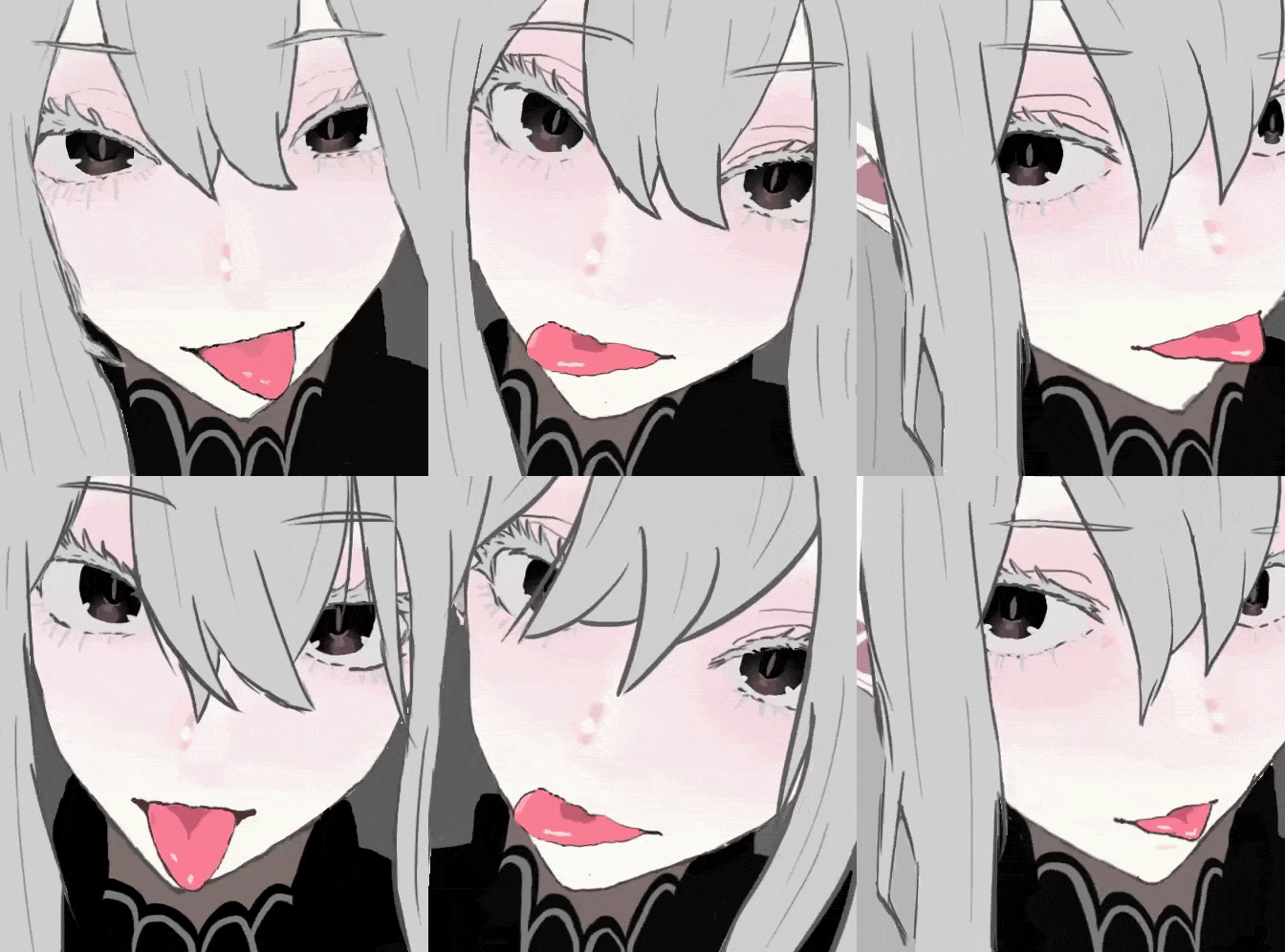
.gif 1.3K Echidnasilly Sticker
.png 697 Member Sticker
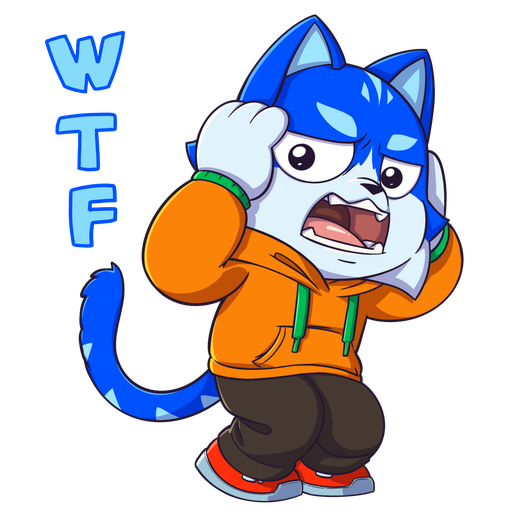
.png 56 toshi_wtf Sticker
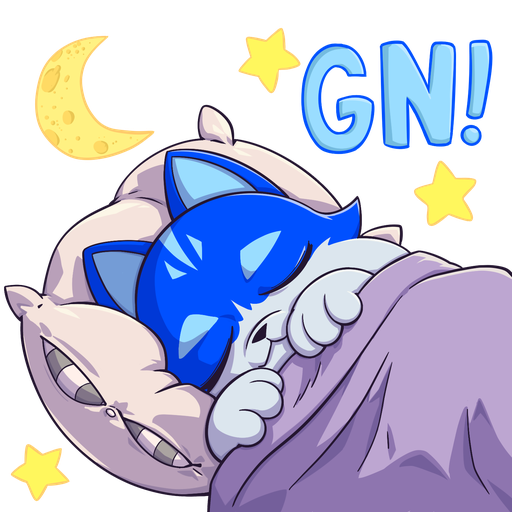
.png 103 toshi_gn Sticker
.png 41 Subscribe Sticker
.png 452 EllybyMeow Sticker
.png 44 thumbs_down_bee Sticker
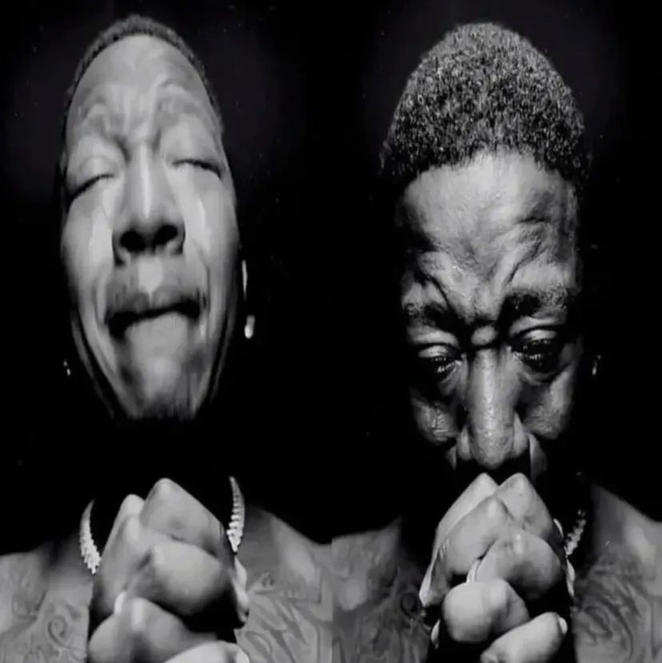
.png 1.4K beggingman Sticker
.png 78 beepboop Sticker
.png 30 Done_Ben_Affleck Sticker
.gif 108 blink Sticker
.png 18 YouTube Sticker
.png 11 KRZYSTOS Sticker
.gif 428 duck_geol Sticker
.gif 185 stopbeingpoor Sticker
.gif 32 Beer Sticker
.gif 49 Goober Sticker
.png 0 BFT Sticker
.gif 7 IDX_dribbling_002 Sticker
.png 70 ShrimpMyBeloved Sticker
.png 35 Member Sticker
.png 94 Members Sticker

Be Discord stickers

Browse Be stickers shared by the emoji.gg community. Open a favourite to preview it, check its details and download the image.

Building a set for your server? Save your favourites to a collection as you browse so you can find them again.

Add stickers to your Discord server

  1. Choose your favourites. Open a sticker and download its image.
  2. Open Server Settings. In Discord, select your server and go to the Stickers section.
  3. Upload and name it. Select the downloaded image, give it a name and save it for your community to use.

Get the Android app

Emoji.gg is better on the app. Download it from the Google Play store.

Get Emoji.gg on Google Play