Your Collection
Your collection items will appear here.

Thirty Stickers

Find Thirty custom stickers to use
on Discord, Telegram & Whatsapp

.png 99 CrownRage Sticker
.png 259 QxeenWave Sticker
.png 63 QxeenLurk Sticker
.gif 111 gagi Sticker
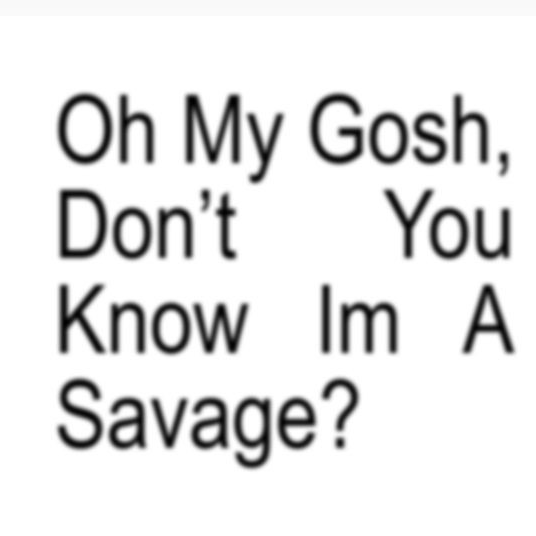
.png 160 Dontyouknowimasavage Sticker
.gif 1.4K LowIQorBait Sticker
.png 258 Babyyyyy Sticker
.png 704 trashvsgarbage Sticker
.png 25 A_Guy_Can_Hope Sticker
.gif 188 gi_hun_scream Sticker
.gif 10 Courage Sticker
.png 218 choking_self Sticker
.png 2 AlienSticker Sticker
.png 4 AlienSticker2 Sticker
.png 0 CustomStickers Sticker
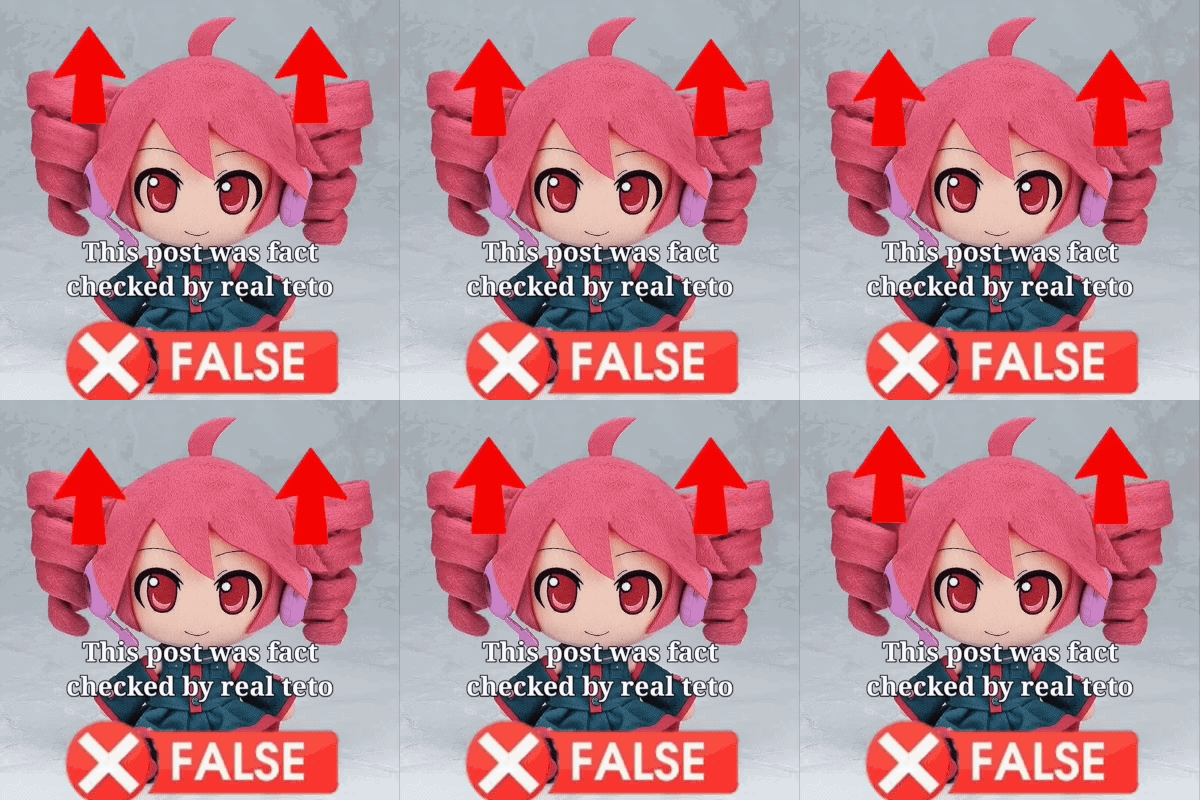
.gif 195 KasaneTeto_false_fake_bs Sticker
.png 8 HRU Sticker
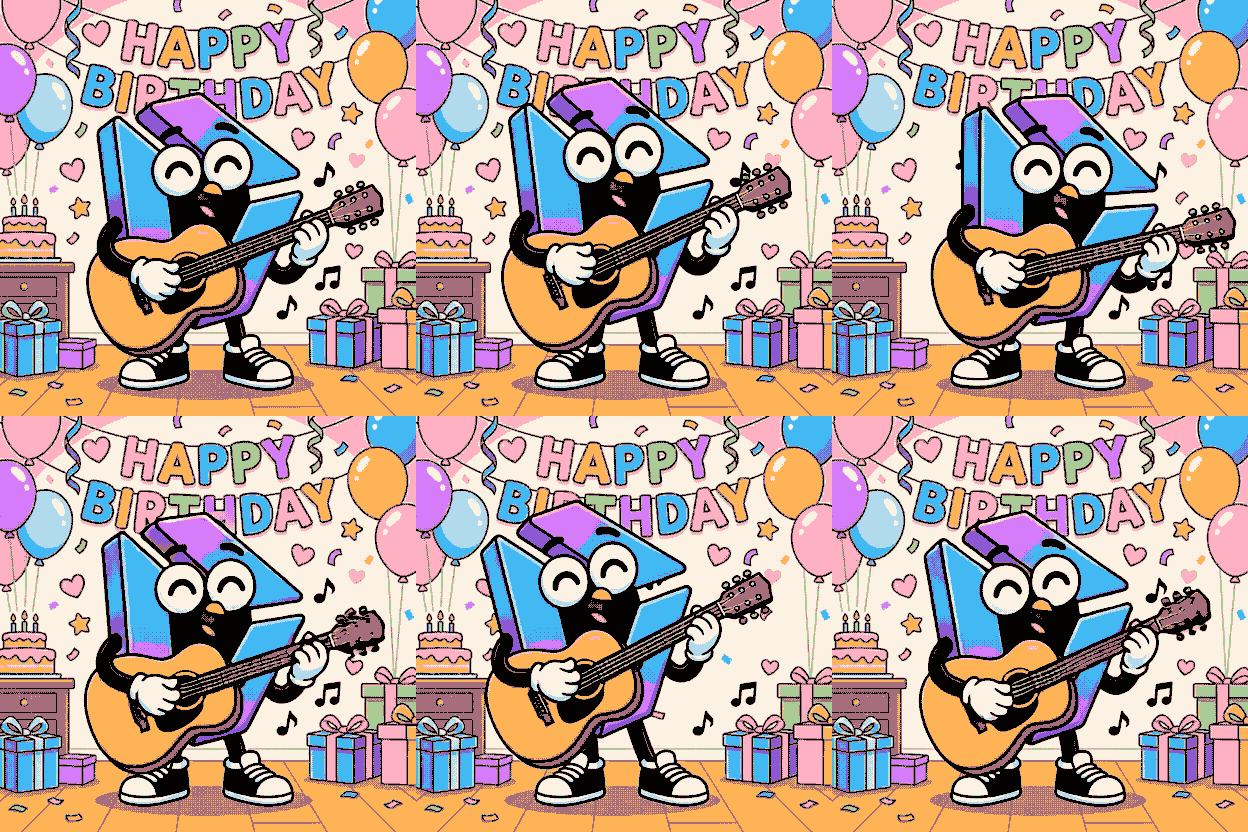
.gif 102 IDX_Happy_Birthday_1002 Sticker
.gif 16 IDX_propose_day_3010 Sticker
.gif 1 IDX_propose_day_3009 Sticker
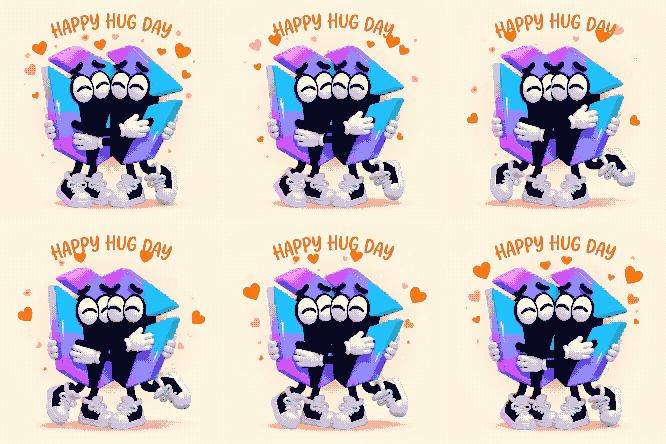
.gif 13 IDX_hug_day_3006 Sticker
.gif 3 IDX_hug_day_3003 Sticker
.gif 11 IDX_propose_day_3008 Sticker
.gif 1 IDX_propose_day_3006 Sticker
.png 656 Drooling Sticker

Thirty Discord stickers

Browse Thirty stickers shared by the emoji.gg community. Open a favourite to preview it, check its details and download the image.

Building a set for your server? Save your favourites to a collection as you browse so you can find them again.

Add stickers to your Discord server

  1. Choose your favourites. Open a sticker and download its image.
  2. Open Server Settings. In Discord, select your server and go to the Stickers section.
  3. Upload and name it. Select the downloaded image, give it a name and save it for your community to use.

Get the Android app

Emoji.gg is better on the app. Download it from the Google Play store.

Get Emoji.gg on Google Play