Your Collection
Your collection items will appear here.

Popper Stickers

Find Popper custom stickers to use
on Discord, Telegram & Whatsapp

.png 0 HussHussHuss Sticker
.gif 170 SpeedEdit3 Sticker
.gif 304 Catstrokingit Sticker
.gif 172 PeterTwitching Sticker
.png 52 Arrogante Sticker
.png 441 Whoisbrofeelinglike Sticker
.png 526 persona5_meme Sticker
.gif 2.5K hamster_shock Sticker
.png 152 Howilookwhenistretch Sticker
.png 160 Dontyouknowimasavage Sticker
.gif 1.4K LowIQorBait Sticker
.png 433 oh_god Sticker
.png 1.6K Gaypregnancytest Sticker
.png 139 sonimcrine Sticker
.png 603 stonksman Sticker
.gif 103 ba_reum_laugh Sticker
.png 11 KRZYSTOS Sticker
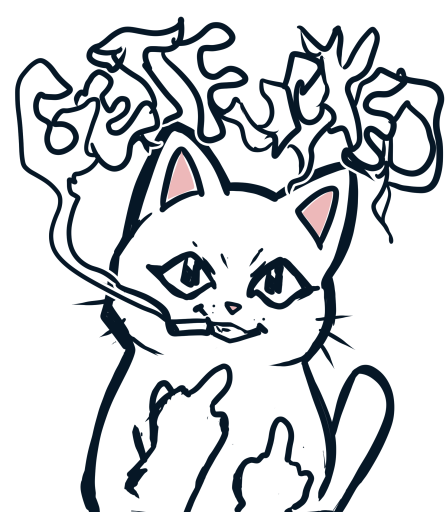
.png 123 GetFkd Sticker
.png 99 Ihatehavingfun Sticker
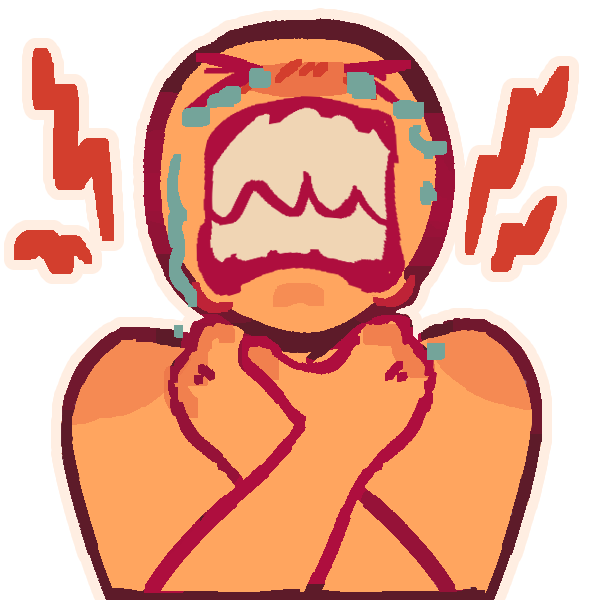
.png 218 choking_self Sticker
.gif 1 IDX_April_fools_day_02 Sticker
.gif 32 IDX_April_fools_day_01 Sticker
.png 263 LilRuskiGuy Sticker
.png 8 Percy Sticker
.png 1.1K pepedoaks Sticker

Popper Discord stickers

Browse Popper stickers shared by the emoji.gg community. Open a favourite to preview it, check its details and download the image.

Building a set for your server? Save your favourites to a collection as you browse so you can find them again.

Add stickers to your Discord server

  1. Choose your favourites. Open a sticker and download its image.
  2. Open Server Settings. In Discord, select your server and go to the Stickers section.
  3. Upload and name it. Select the downloaded image, give it a name and save it for your community to use.

Get the Android app

Emoji.gg is better on the app. Download it from the Google Play store.

Get Emoji.gg on Google Play