Your Collection
Your collection items will appear here.

Plsss Stickers

Find Plsss custom stickers to use
on Discord, Telegram & Whatsapp

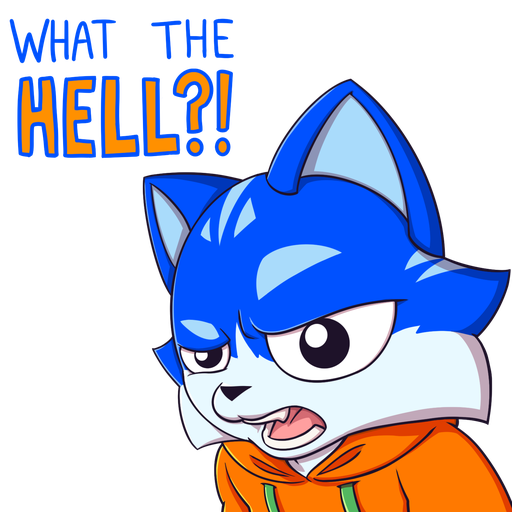
.png 60 toshi_what_the_hell Sticker
.png 98 ModPlease Sticker
.png 1.5K shrek_pleasure Sticker
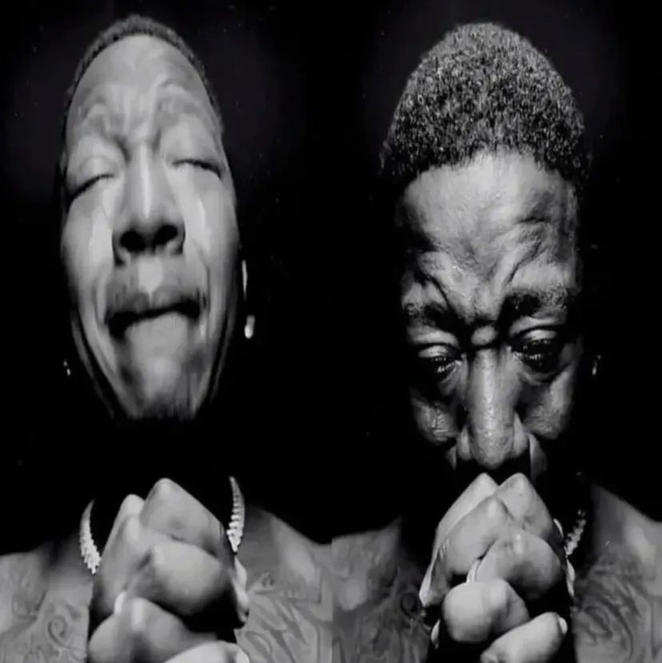
.png 1.4K beggingman Sticker
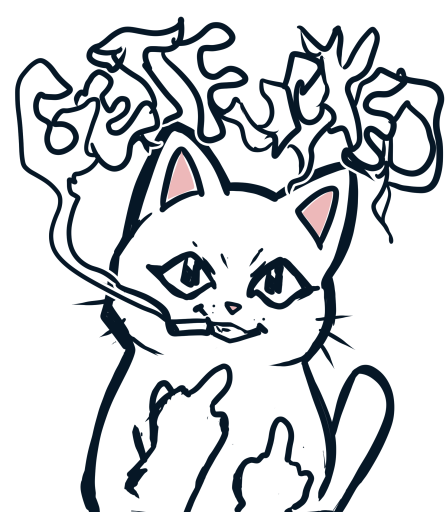
.png 123 GetFkd Sticker
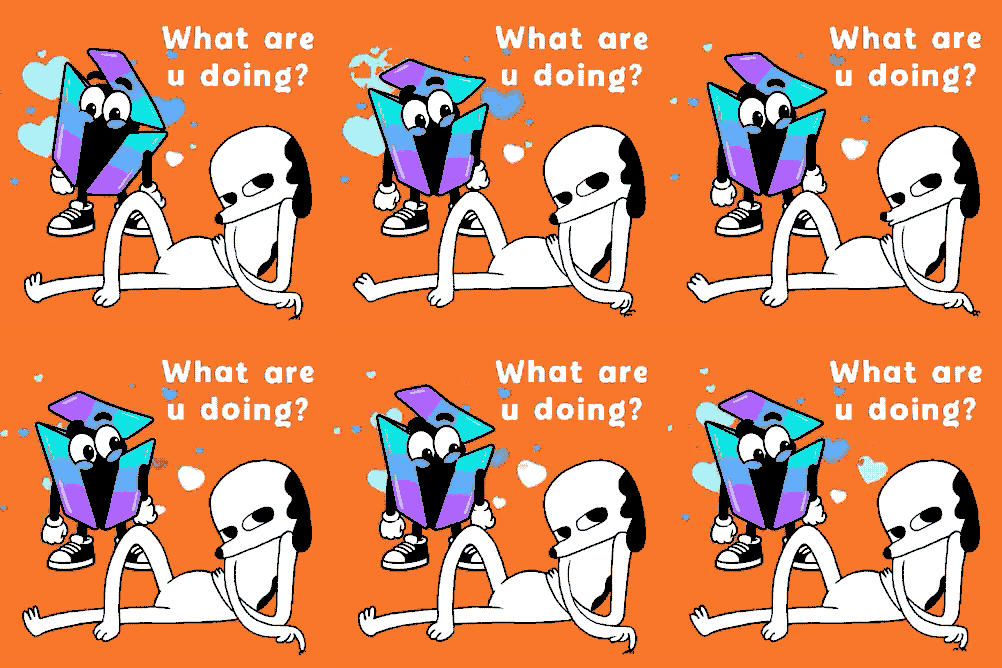
.gif 17 IDX_what_are_you_doing_1002 Sticker
.png 27 marathi Sticker
.gif 3 Easter_Basket_Bearish Sticker
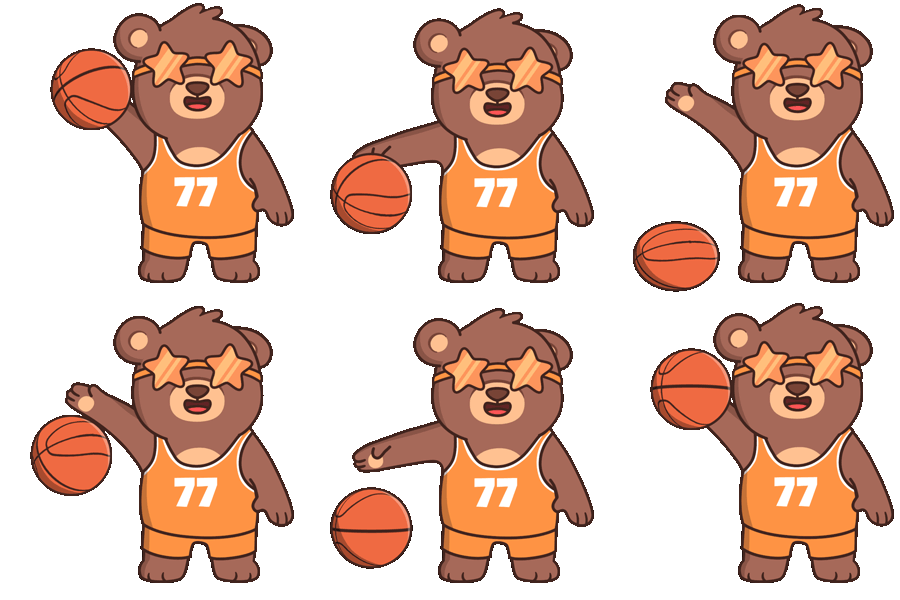
.gif 4 dribble_basketball_bearish Sticker
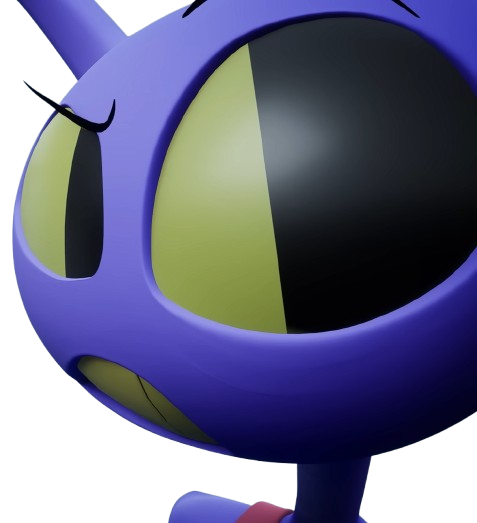
.png 243 Jax_Looking_Sus Sticker
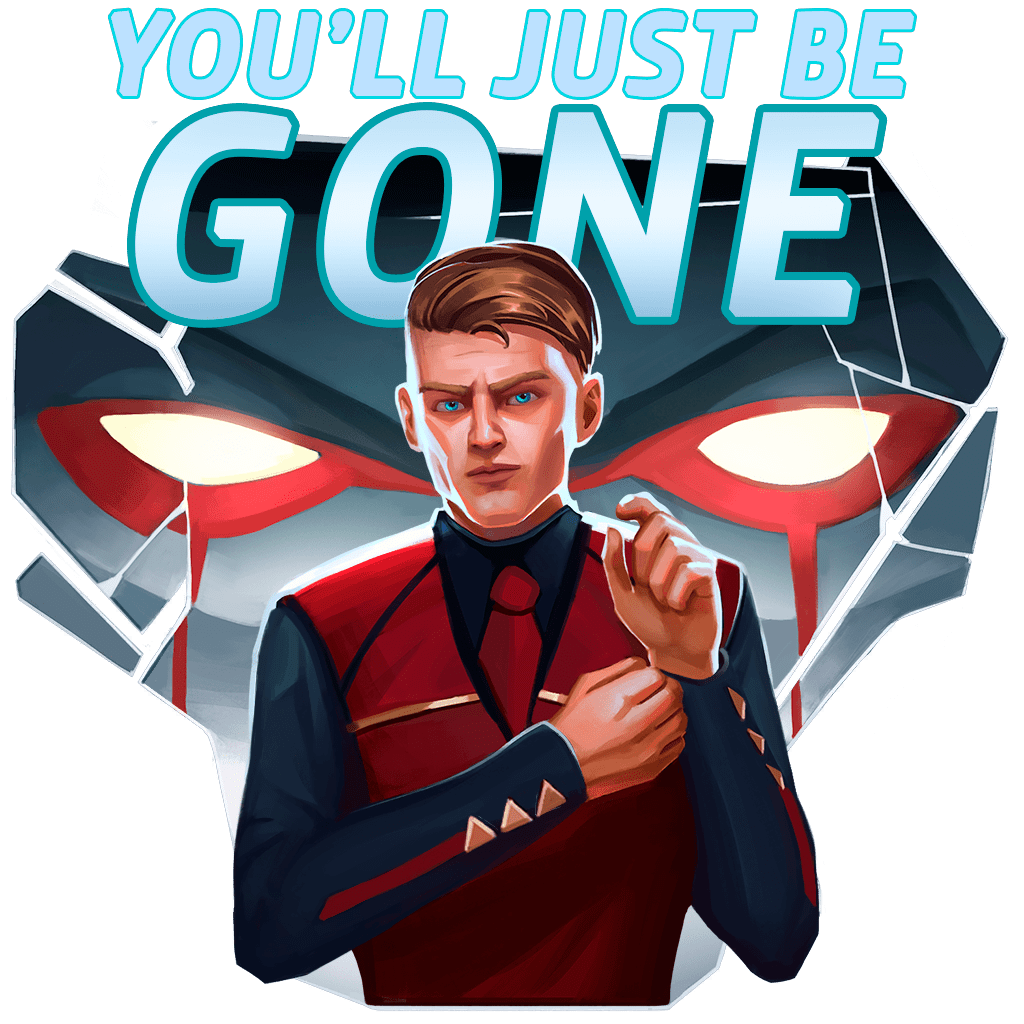
.png 1 YoullJustBeGone Sticker
.png 28 eve_no_drama Sticker
.png 850 gayhorse Sticker
.png 122 plscat Sticker
.png 396 WhoAsked_MM Sticker
.png 812 DidntAsk_MM Sticker
.png 42 WhoAskedPengu Sticker
.png 62 Please Sticker
.png 68 pls Sticker
.png 88 Stella Sticker
.png 5 please Sticker
.png 53 last_chat Sticker
.png 97 dead_server Sticker
.png 45 Fat_FallGuys Sticker
.png 183 peepoBegCry Sticker

Plsss Discord stickers

Browse Plsss stickers shared by the emoji.gg community. Open a favourite to preview it, check its details and download the image.

Building a set for your server? Save your favourites to a collection as you browse so you can find them again.

Add stickers to your Discord server

  1. Choose your favourites. Open a sticker and download its image.
  2. Open Server Settings. In Discord, select your server and go to the Stickers section.
  3. Upload and name it. Select the downloaded image, give it a name and save it for your community to use.

Get the Android app

Emoji.gg is better on the app. Download it from the Google Play store.

Get Emoji.gg on Google Play