Your Collection
Your collection items will appear here.

Mediumdark Stickers

Find Mediumdark custom stickers to use
on Discord, Telegram & Whatsapp

.gif 85 Breathing Sticker
.gif 9 StoneBald Sticker
.gif 16 StoneEyes Sticker
.gif 6 Stonehoh Sticker
.png 87 Dawg Sticker
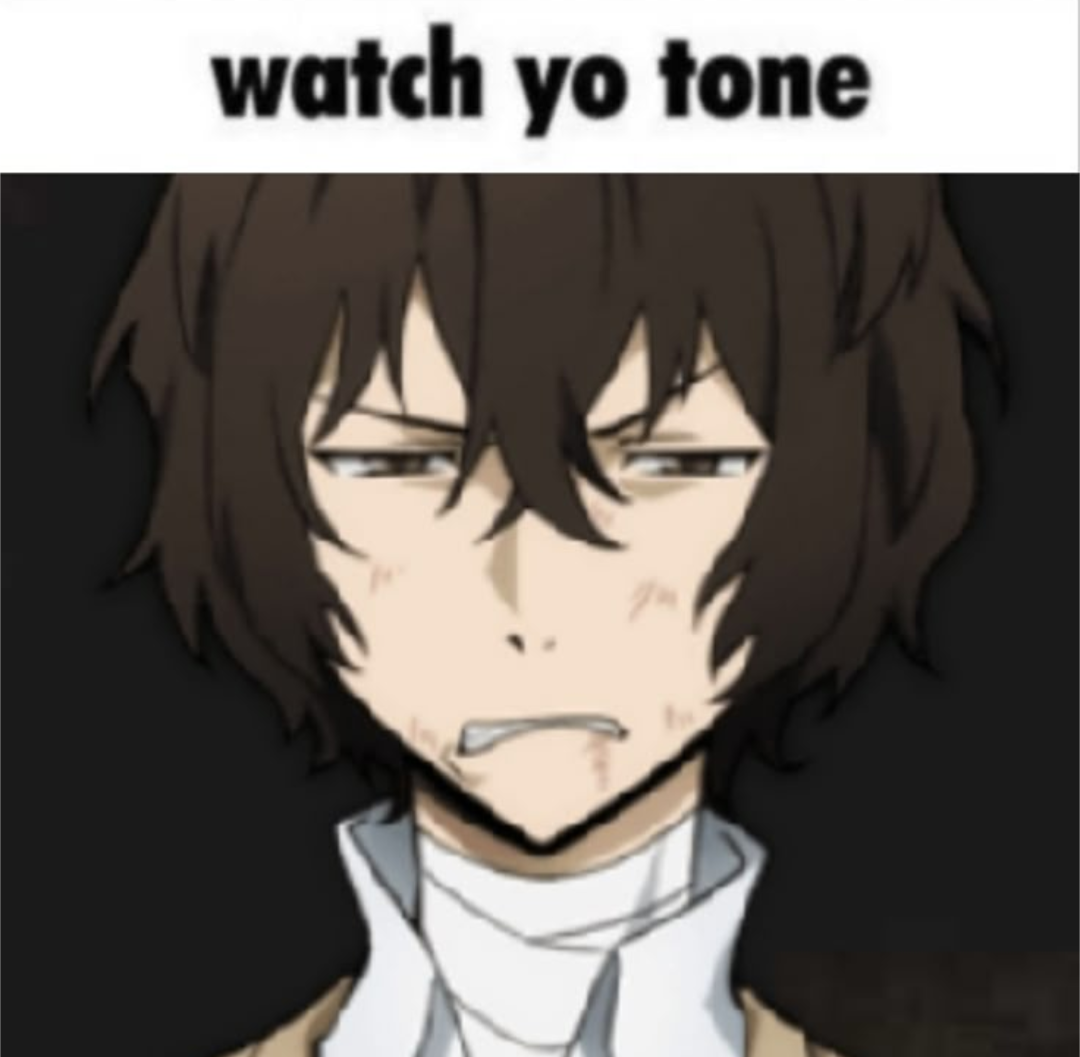
.png 33 Watchyotone Sticker
.png 31 Dazai_demeaning Sticker
.gif 41 Were_Enemies_Now Sticker
.gif 19 clown_box_brown_bearish Sticker
.png 1 AxolotlShades Sticker
.gif 101 uwu_brown_bearish Sticker
.gif 29 mic_drop_bearish Sticker
.gif 9 let_me_in_bearish Sticker
.gif 136 lick_brown_bearish Sticker
.gif 17 let_me_in_bearish Sticker
.gif 42 kisscouplebearish Sticker
.gif 16 i_want_it_bearish Sticker
.gif 10 jumpswimbearish Sticker
.gif 35 hungryTbearish Sticker
.gif 22 happyfridaybearish Sticker
.gif 27 hungry_plate_Tbearish Sticker
.gif 56 greenarrowbearish Sticker
.gif 2 earthdayearthdayTBearish Sticker
.png 486 notfunny Sticker
.png 4 mapleshadeangry Sticker

Mediumdark Discord stickers

Browse Mediumdark stickers shared by the emoji.gg community. Open a favourite to preview it, check its details and download the image.

Building a set for your server? Save your favourites to a collection as you browse so you can find them again.

Add stickers to your Discord server

  1. Choose your favourites. Open a sticker and download its image.
  2. Open Server Settings. In Discord, select your server and go to the Stickers section.
  3. Upload and name it. Select the downloaded image, give it a name and save it for your community to use.

Get the Android app

Emoji.gg is better on the app. Download it from the Google Play store.

Get Emoji.gg on Google Play