Your Collection
Your collection items will appear here.

What Stickers

Find What custom stickers to use
on Discord, Telegram & Whatsapp

.gif 36 Tuxedo_Boy_Shocked Sticker
.gif 12 Karen_Driving Sticker
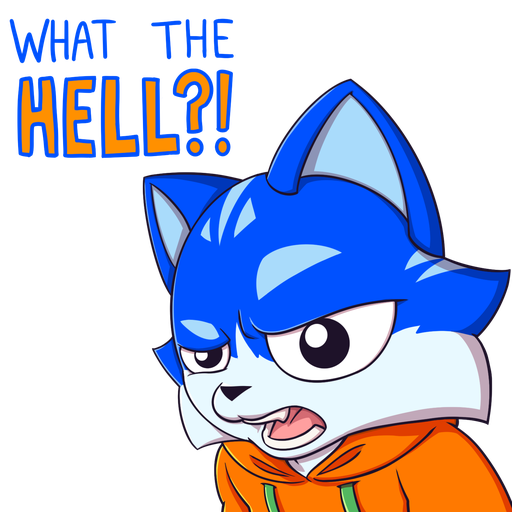
.png 60 toshi_what_the_hell Sticker
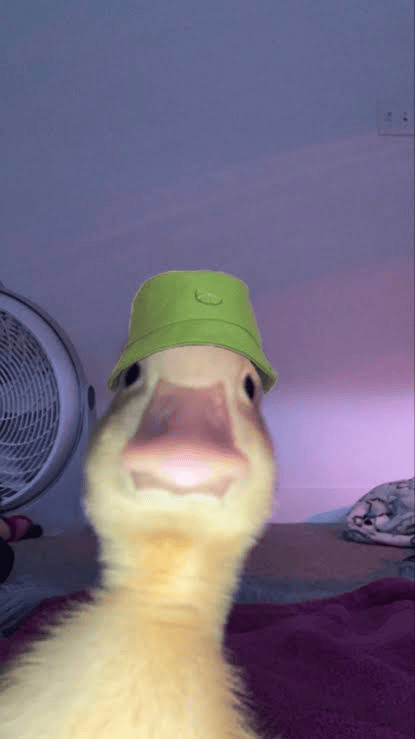
.png 436 WutDuckie Sticker
.png 37 Duckaquired Sticker
.png 862 tomhollandreaction Sticker
.png 465 likewhattt Sticker
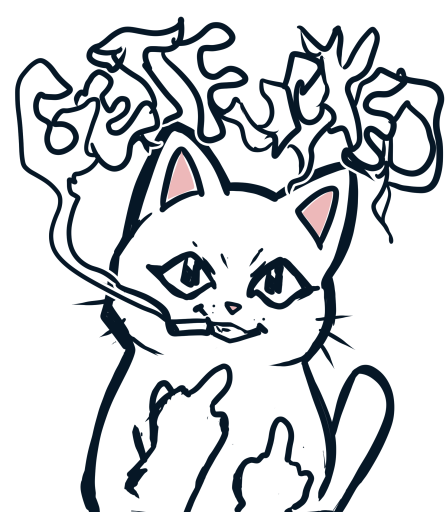
.png 123 GetFkd Sticker
.png 7 Gumi_Rose_Flower_Love Sticker
.png 11 Collector_Cafe_NJ_Logo_Sticker Sticker
.png 0 WhateverForeverHREAM Sticker
.png 229 what Sticker
.gif 116 whatdoin Sticker
.gif 17 IDX_what_are_you_doing_1002 Sticker
.png 252 What Sticker
.png 34 NanaWhat Sticker
.png 38 oh Sticker
.png 78 clawing Sticker
.png 94 Whathaveyoudone Sticker
.png 142 WHAT Sticker
.gif 959 LiveJermaReaction Sticker
.gif 2 ABA Sticker
.png 51 WHAT Sticker
.png 13 EXACTLY_MAN Sticker
.png 4 what_tf Sticker

What Discord stickers

Browse What stickers shared by the emoji.gg community. Open a favourite to preview it, check its details and download the image.

Building a set for your server? Save your favourites to a collection as you browse so you can find them again.

Add stickers to your Discord server

  1. Choose your favourites. Open a sticker and download its image.
  2. Open Server Settings. In Discord, select your server and go to the Stickers section.
  3. Upload and name it. Select the downloaded image, give it a name and save it for your community to use.

Get the Android app

Emoji.gg is better on the app. Download it from the Google Play store.

Get Emoji.gg on Google Play