Your Collection
Your collection items will appear here.

Lush Stickers

Find Lush custom stickers to use
on Discord, Telegram & Whatsapp

.png 349 Minion Flushed Sticker
.png 236 Brimstone Flushed Sticker
.png 112 Blush Sticker
.png 916 KittyBlush Sticker
.png 213 peepoBlush Sticker
.png 21 BlobHeartEyes Sticker
.png 62 Cute_Plushie Sticker
.png 174 Demure Sticker
.png 32 blush Sticker
.png 168 Stella Sticker
.png 113 Stella Sticker
.png 6 Nateblush Sticker
.png 280 twinning Sticker
.png 29 PlushFly Sticker
.png 79 Shy Sticker
.gif 56 Shy Sticker
.png 77 Neko_blushes Sticker
.png 98 angry_middle_finger Sticker
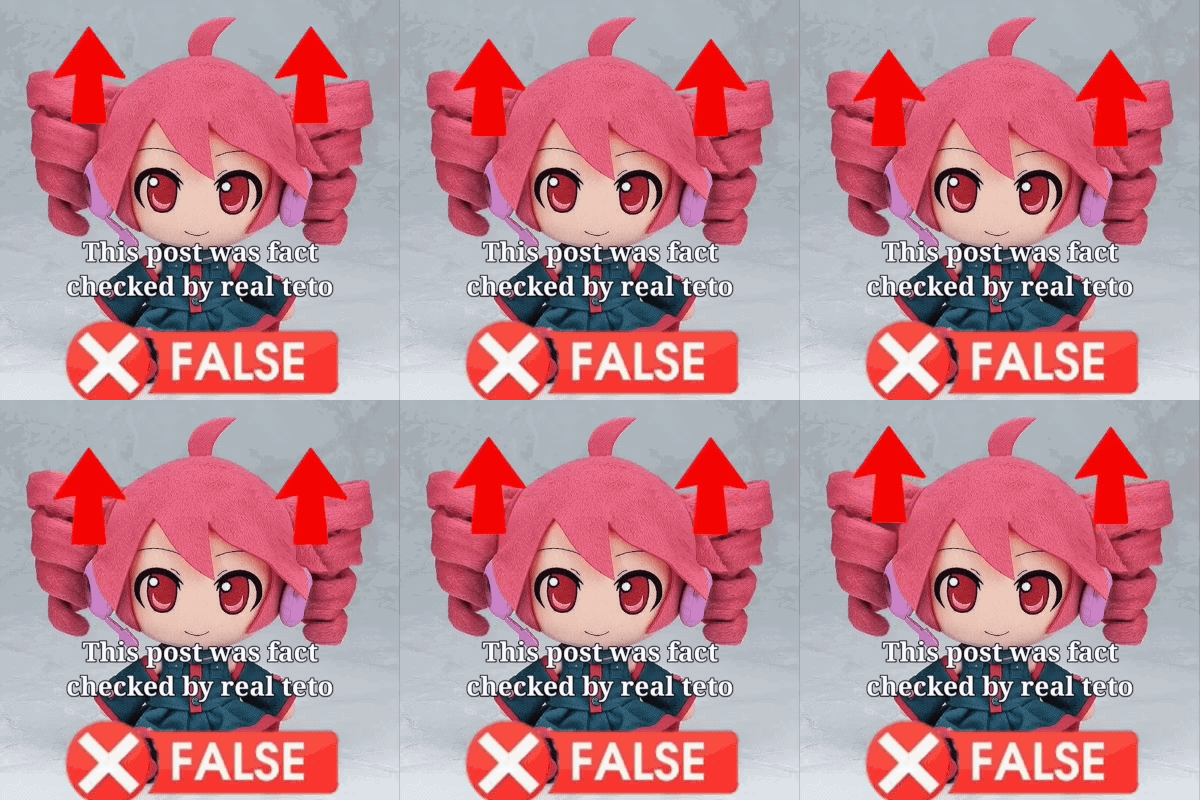
.gif 195 KasaneTeto_false_fake_bs Sticker
.png 0 Lushengtellsfortune Sticker
.png 105 Tartaglia_Blush Sticker
.gif 1.8K Blush Sticker
.gif 0 Blushing Sticker

Lush Discord stickers

Browse Lush stickers shared by the emoji.gg community. Open a favourite to preview it, check its details and download the image.

Building a set for your server? Save your favourites to a collection as you browse so you can find them again.

Add stickers to your Discord server

  1. Choose your favourites. Open a sticker and download its image.
  2. Open Server Settings. In Discord, select your server and go to the Stickers section.
  3. Upload and name it. Select the downloaded image, give it a name and save it for your community to use.

Get the Android app

Emoji.gg is better on the app. Download it from the Google Play store.

Get Emoji.gg on Google Play