Your Collection
Your collection items will appear here.

Kit Stickers

Find Kit custom stickers to use
on Discord, Telegram & Whatsapp

.gif 0 Meeses_With_Gun Sticker
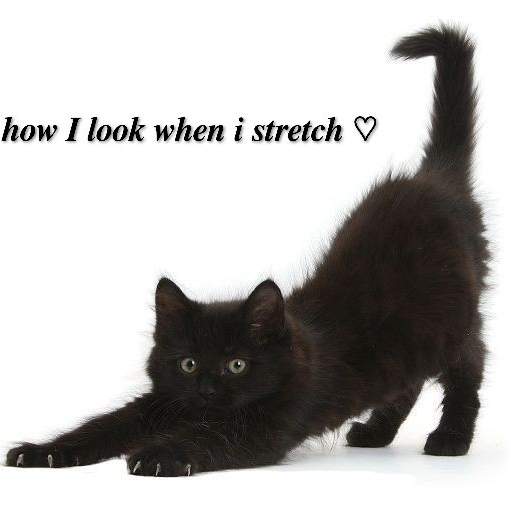
.png 152 Howilookwhenistretch Sticker
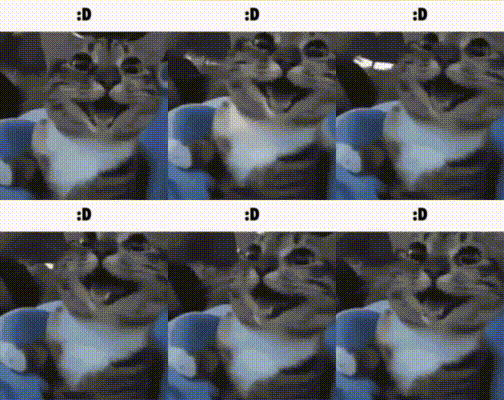
.gif 1.1K Happy_cat Sticker
.gif 723 Peach Sticker
.gif 468 Goma Sticker
.png 89 Blitzou Sticker
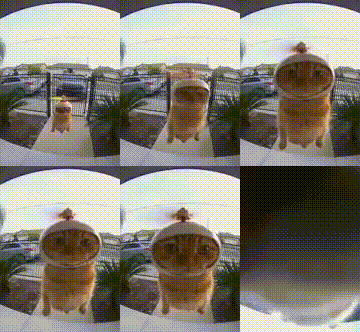
.gif 290 Helicat Sticker
.gif 611 Neru_Hits_Punches_HatsuneMiku Sticker
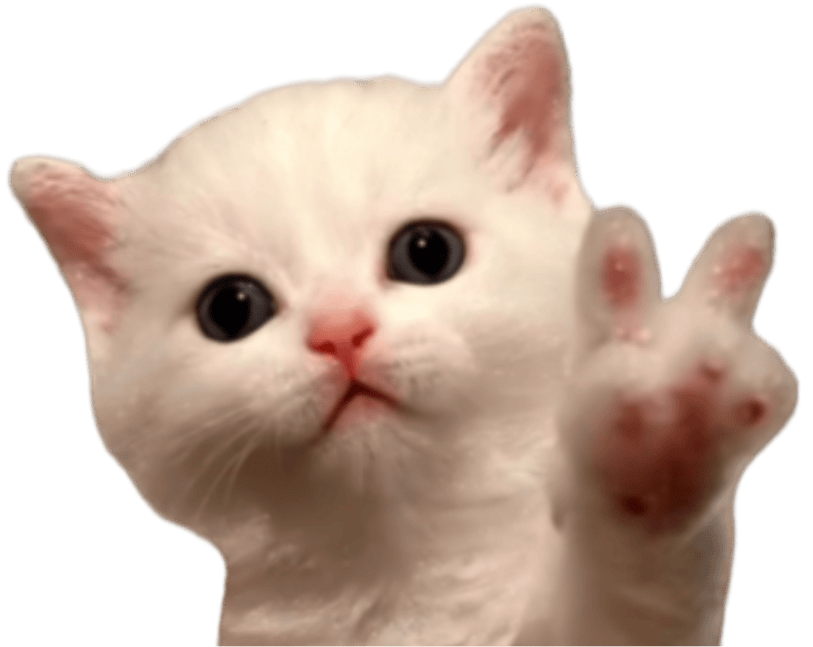
.png 1.3K kittenpeace Sticker
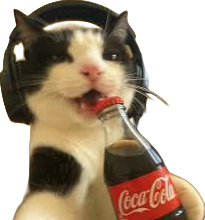
.png 800 gamerkitty Sticker
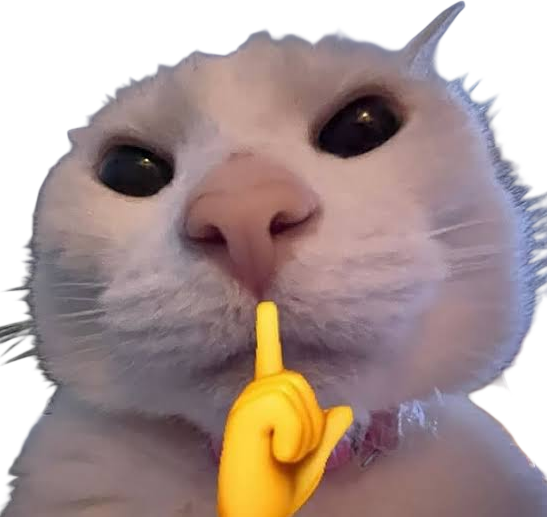
.png 1.8K shhhh Sticker
.gif 21 Kit Sticker
.gif 1.8K sneakycat Sticker
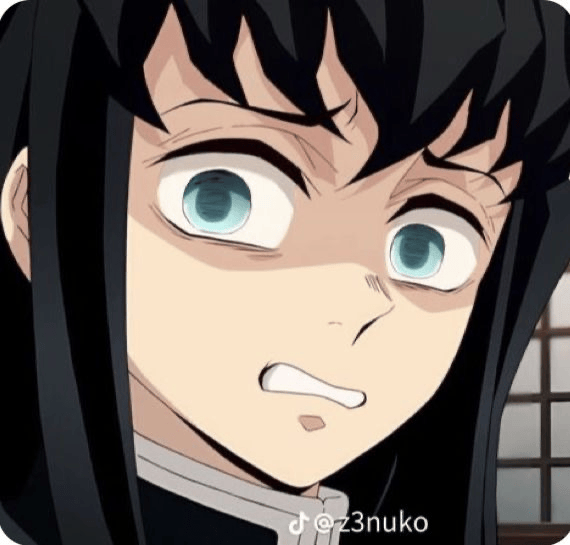
.png 113 judgingmuichiro Sticker
.png 11 Nya Sticker
.gif 406 StarringCat Sticker
.gif 53 kitty Sticker
.gif 166 kittylove Sticker
.png 1 mykitten Sticker
.png 29 Kitsune Sticker
.gif 645 kitty Sticker
.gif 912 clockit Sticker
.gif 627 Dancingkitty Sticker
.png 87 KITHGRUL Sticker
.png 20 ivantillkiss Sticker

Kit Discord stickers

Browse Kit stickers shared by the emoji.gg community. Open a favourite to preview it, check its details and download the image.

Building a set for your server? Save your favourites to a collection as you browse so you can find them again.

Add stickers to your Discord server

  1. Choose your favourites. Open a sticker and download its image.
  2. Open Server Settings. In Discord, select your server and go to the Stickers section.
  3. Upload and name it. Select the downloaded image, give it a name and save it for your community to use.

Get the Android app

Emoji.gg is better on the app. Download it from the Google Play store.

Get Emoji.gg on Google Play