Your Collection
Your collection items will appear here.

Interview Stickers

Find Interview custom stickers to use
on Discord, Telegram & Whatsapp

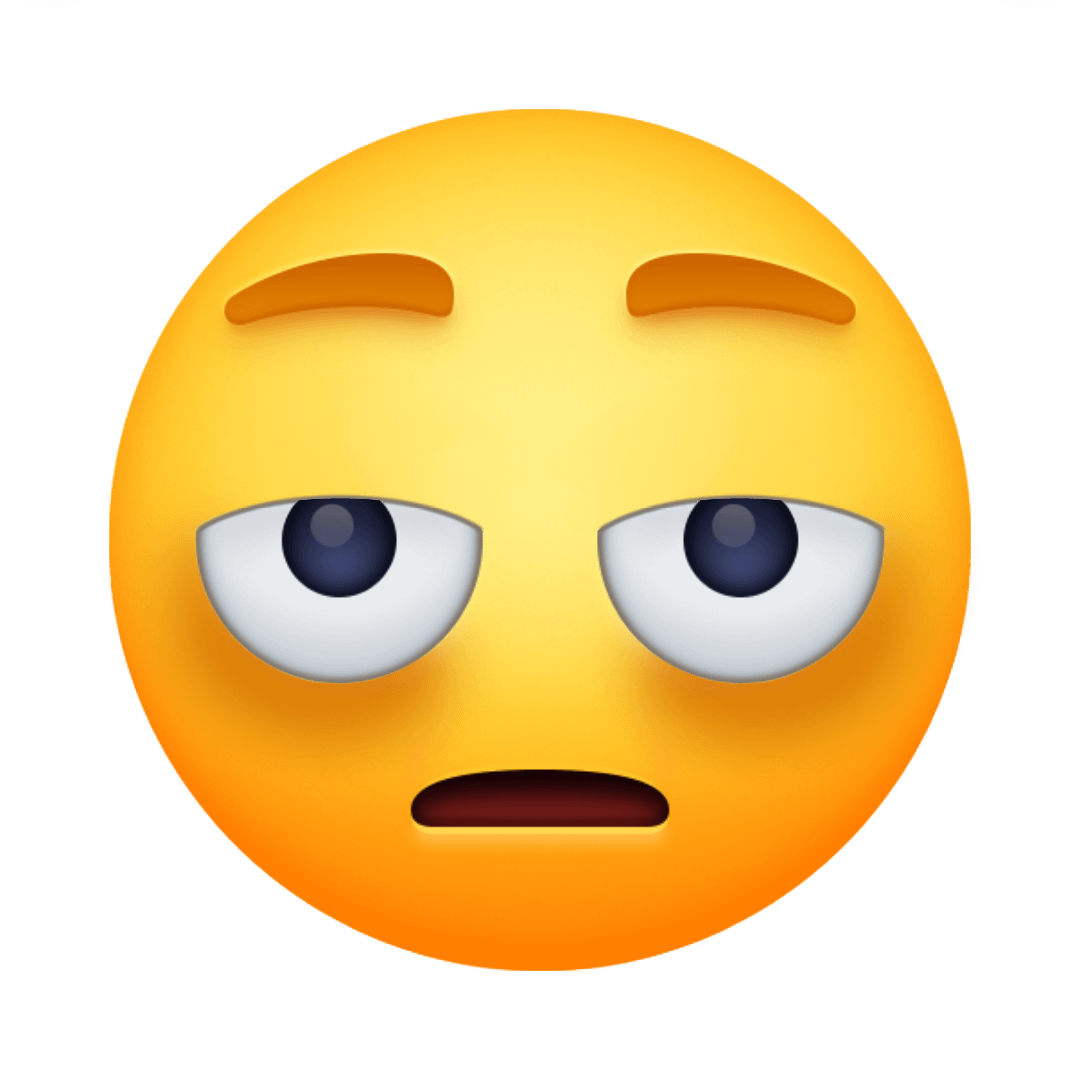
.png 269 Depressed Sticker
.png 109 Big Emoti Stage Depressed Sticker
.png 97 Viper Not Impressed Sticker
.png 13 depression Sticker
.png 126 Rover Goodjob Sticker
.png 63 Jobros Pointing Sticker
.png 4 alwaystanclaudia Sticker
.png 22 stanclaudia Sticker
.png 623 job Sticker
.png 129 Suicidio Sticker
.png 28 WistfulHomer Sticker
.png 508 notfunny Sticker
.png 237 holymoly Sticker
.png 652 depressedfishwindow Sticker
.png 131 Slaypink Sticker
.png 2 ionaily Sticker
.png 83 the_duke_the_what Sticker
.png 1.5K Ei_Fuck_You Sticker
.png 1.6K JOB_APPLICATION Sticker
.png 51 JobAPP Sticker
.png 36 Drained Sticker
.png 217 Drained_asf Sticker
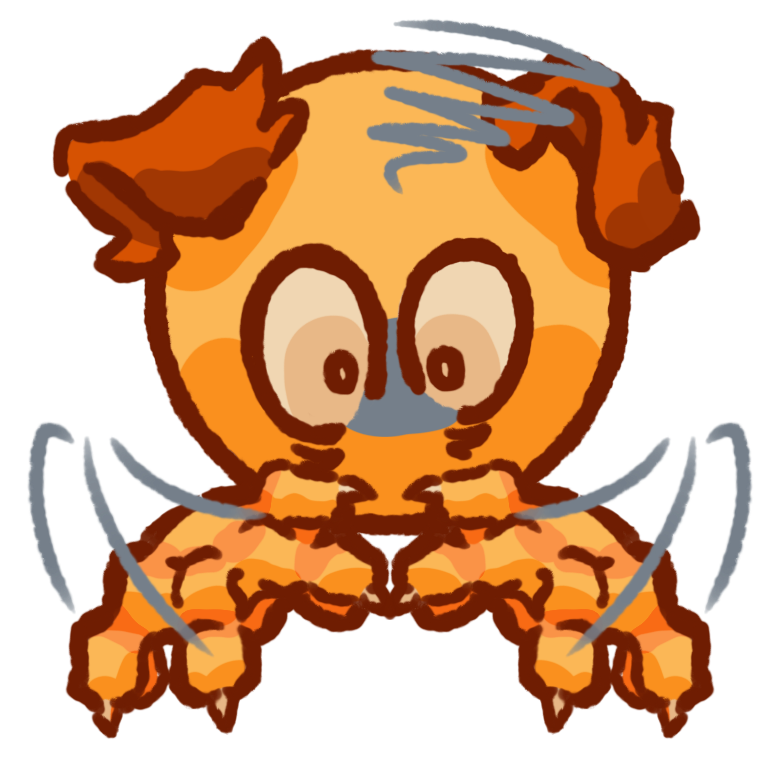
.png 78 clawing Sticker
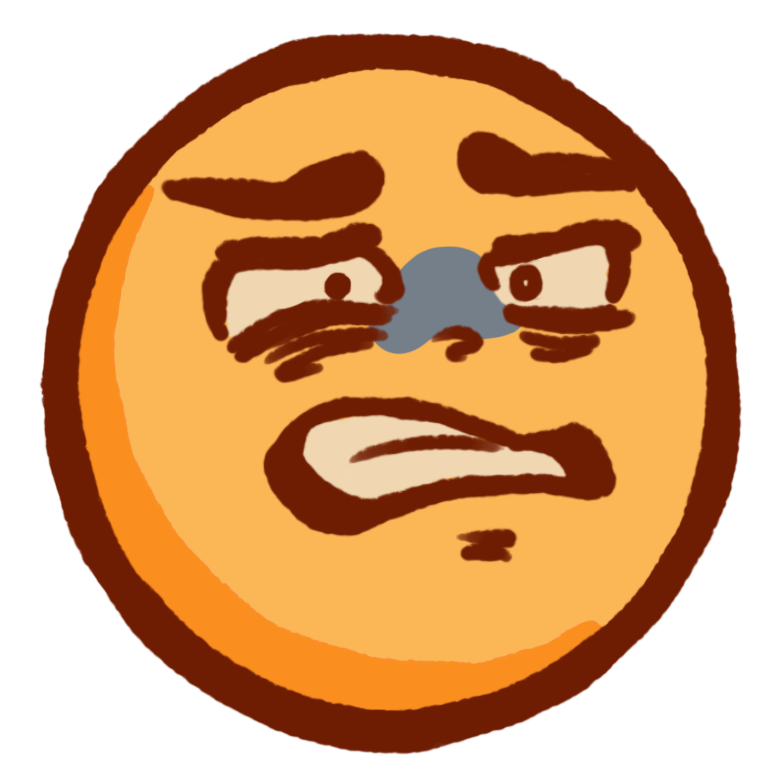
.png 33 disturbed Sticker

Interview Discord stickers

Browse Interview stickers shared by the emoji.gg community. Open a favourite to preview it, check its details and download the image.

Building a set for your server? Save your favourites to a collection as you browse so you can find them again.

Add stickers to your Discord server

  1. Choose your favourites. Open a sticker and download its image.
  2. Open Server Settings. In Discord, select your server and go to the Stickers section.
  3. Upload and name it. Select the downloaded image, give it a name and save it for your community to use.

Get the Android app

Emoji.gg is better on the app. Download it from the Google Play store.

Get Emoji.gg on Google Play