Your Collection
Your collection items will appear here.

Illustrate Stickers

Find Illustrate custom stickers to use
on Discord, Telegram & Whatsapp
.gif 75 Cat Sticker
.png 7 Gumi_Rose_Flower_Love Sticker
.gif 3 IDX_when_you_exist Sticker
.png 656 Drooling Sticker
.png 14 eunavigator Sticker
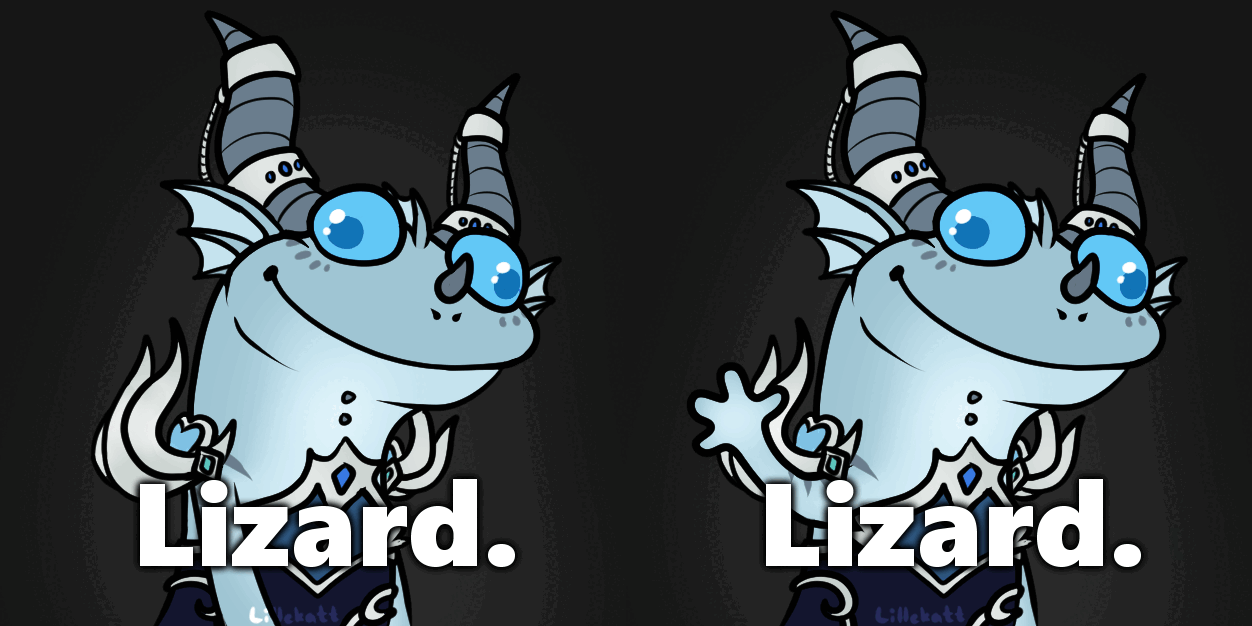
.gif 114 DracthyrLizard Sticker
.png 10 hanger Sticker
.png 424 catwarmth Sticker
.png 3 eve_xoxo Sticker
.png 323 Lick Sticker
.png 689 realistic_foreman_pig Sticker
.png 11 bakugou Sticker
.png 75 hmmm Sticker
.png 5 Aichacha Sticker
.png 14 chayanne Sticker
.png 204 Explaining the Kirby Lore Sticker
.png 131 KoyoriExplaining Sticker
.png 26 KoyoriExplaining Sticker

Illustrate Discord stickers

Browse Illustrate stickers shared by the emoji.gg community. Open a favourite to preview it, check its details and download the image.

Building a set for your server? Save your favourites to a collection as you browse so you can find them again.

Add stickers to your Discord server

  1. Choose your favourites. Open a sticker and download its image.
  2. Open Server Settings. In Discord, select your server and go to the Stickers section.
  3. Upload and name it. Select the downloaded image, give it a name and save it for your community to use.

Get the Android app

Emoji.gg is better on the app. Download it from the Google Play store.

Get Emoji.gg on Google Play