Your Collection
Your collection items will appear here.

Hoop Stickers

Find Hoop custom stickers to use
on Discord, Telegram & Whatsapp

.gif 95 Rebecca_with_gun Sticker
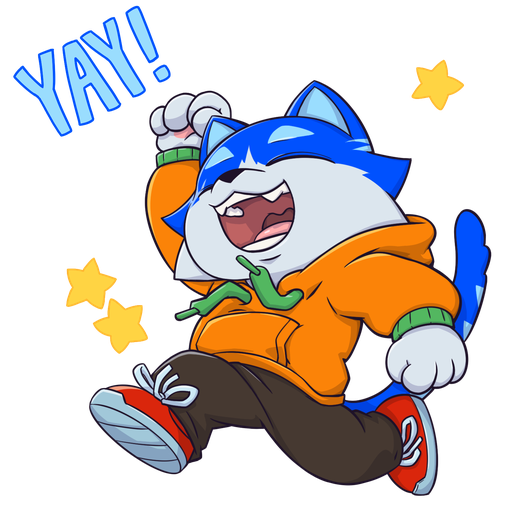
.png 43 toshi_yay Sticker
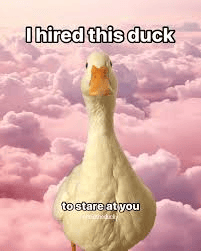
.png 37 Duckaquired Sticker
.png 689 moNOpoly Sticker
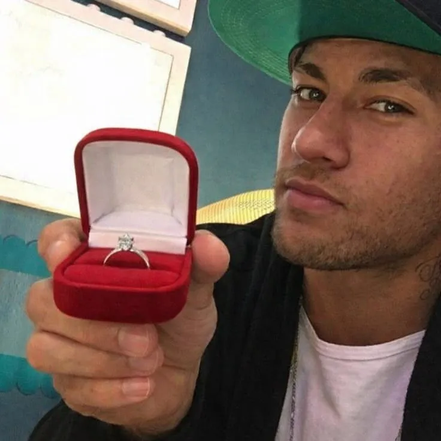
.png 416 neymar_ring Sticker
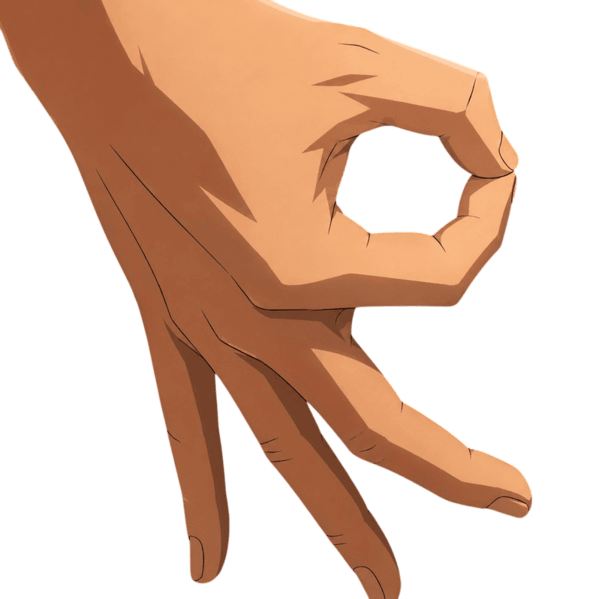
.png 345 Circle_Finger Sticker
.gif 723 Peach Sticker
.gif 468 Goma Sticker
.gif 37 PoserAlert Sticker
.gif 522 dogjump Sticker
.gif 54 GetOverHere Sticker
.gif 7 IDX_dribbling_002 Sticker
.png 7 Umm Sticker
.png 124 neckbob Sticker
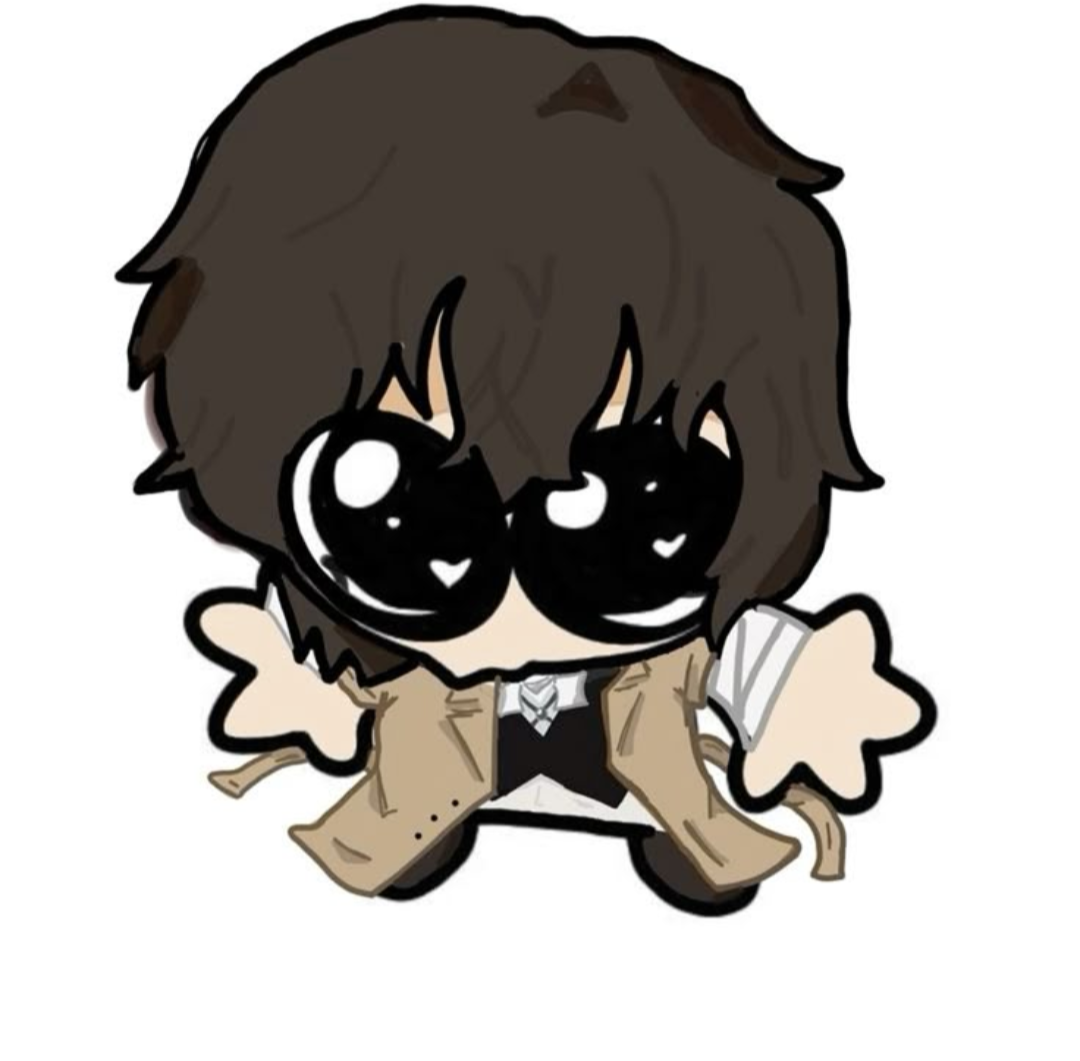
.png 130 Dazai_internalsuffering Sticker
.png 1.1K skillissue Sticker
.gif 406 StarringCat Sticker
.png 353 Dazai_buffer Sticker
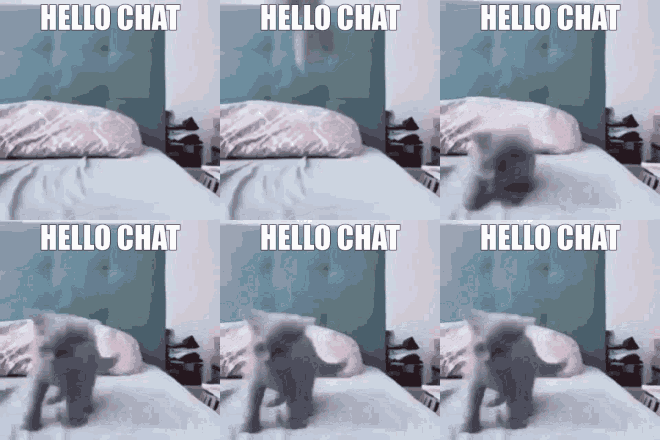
.gif 946 hello_chat Sticker
.gif 30 Its_Easter_2025_Bearish Sticker
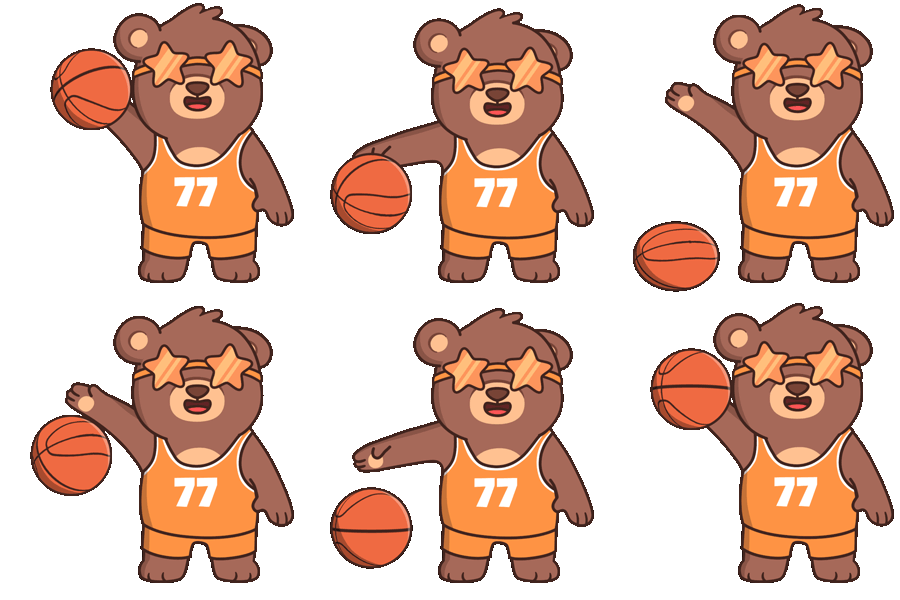
.gif 4 dribble_basketball_bearish Sticker
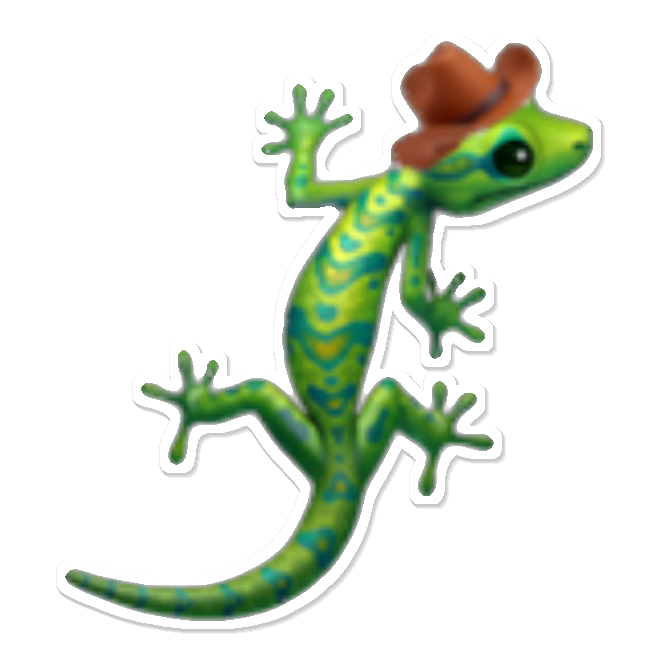
.png 13 Cowboy_Lizard Sticker
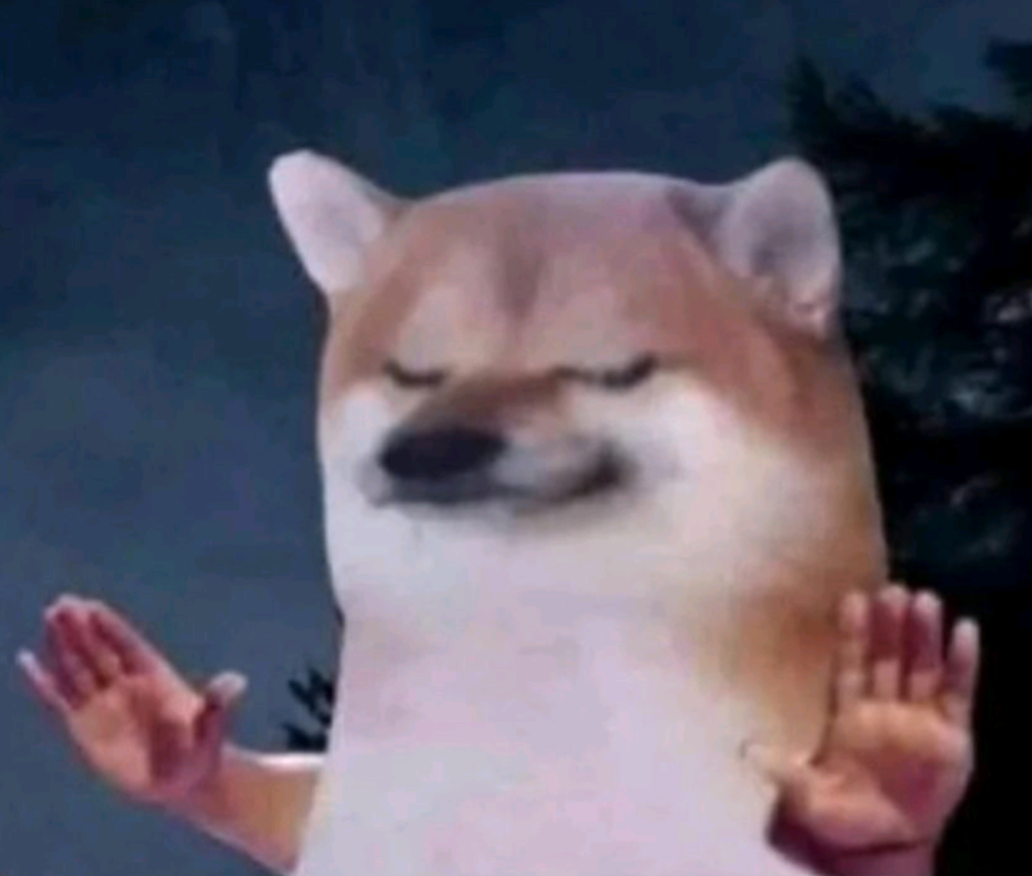
.png 752 Doge_wait Sticker
.png 74 Dazai_adore Sticker
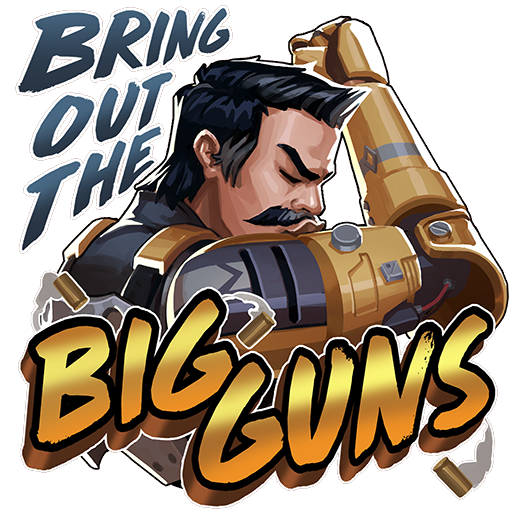
.png 2 BringOutTheBigGuns Sticker

Hoop Discord stickers

Browse Hoop stickers shared by the emoji.gg community. Open a favourite to preview it, check its details and download the image.

Building a set for your server? Save your favourites to a collection as you browse so you can find them again.

Add stickers to your Discord server

  1. Choose your favourites. Open a sticker and download its image.
  2. Open Server Settings. In Discord, select your server and go to the Stickers section.
  3. Upload and name it. Select the downloaded image, give it a name and save it for your community to use.

Get the Android app

Emoji.gg is better on the app. Download it from the Google Play store.

Get Emoji.gg on Google Play