Your Collection
Your collection items will appear here.

Heyyo Stickers

Find Heyyo custom stickers to use
on Discord, Telegram & Whatsapp
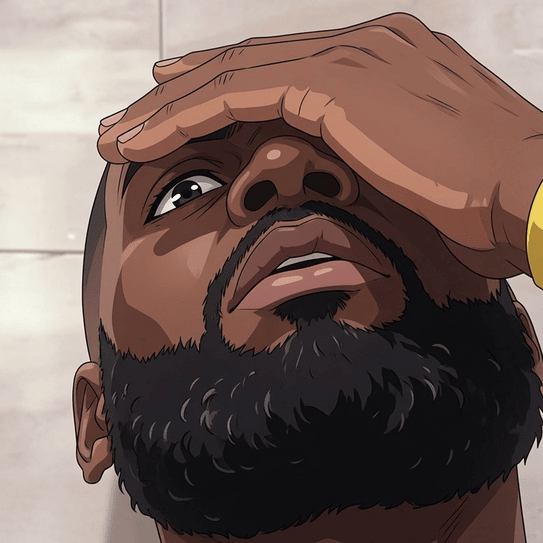
.png 219 Did_they_fall_for_it Sticker
.png 0 Lushengtellsfortune Sticker
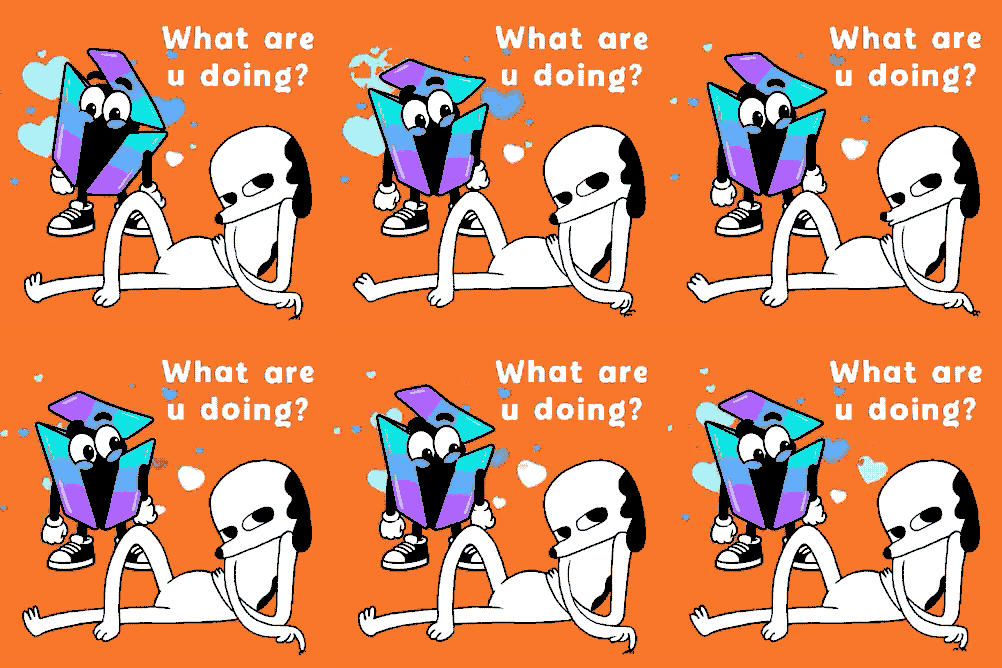
.gif 17 IDX_what_are_you_doing_1002 Sticker
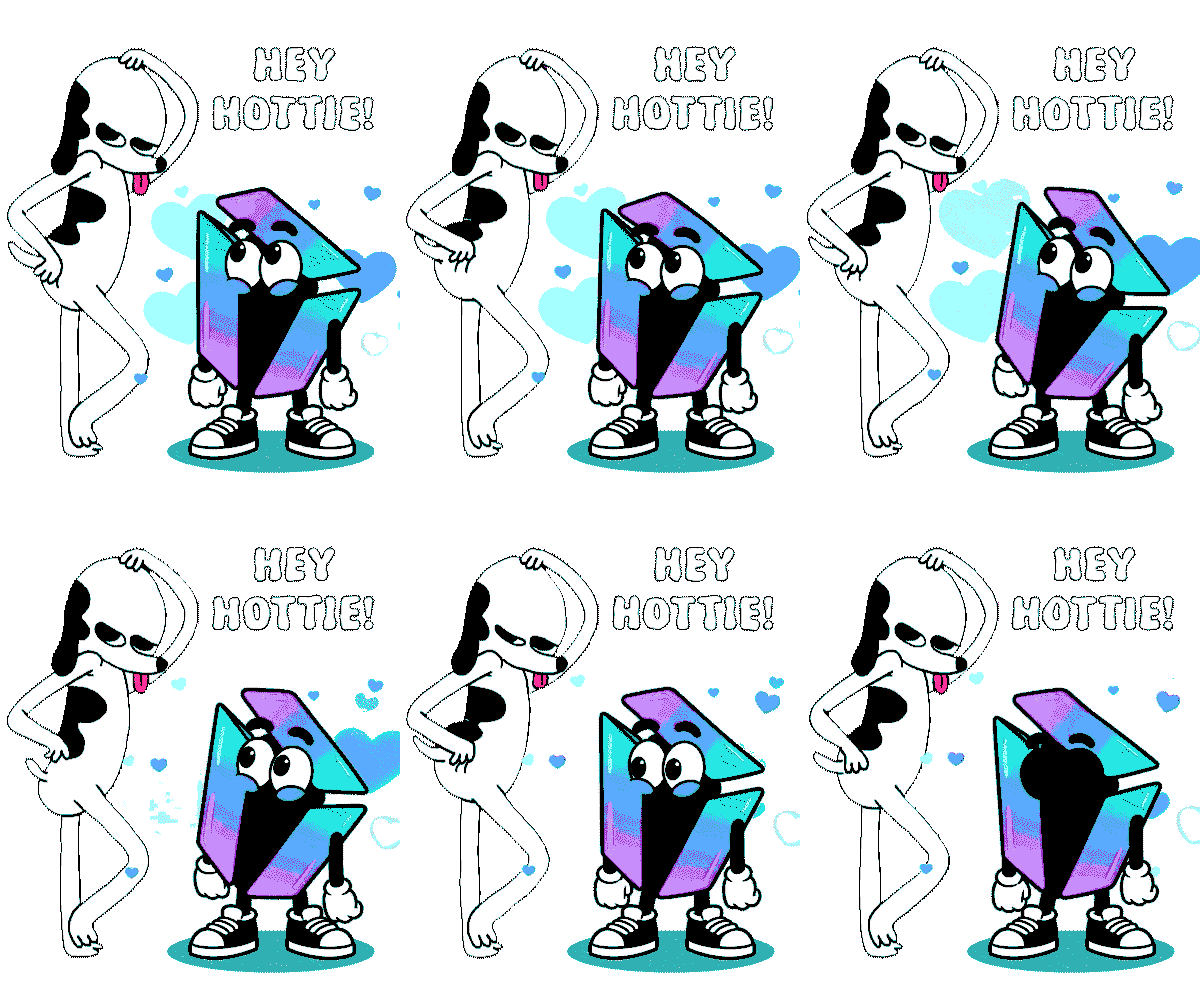
.gif 12 IDX_hey_hottie_compliment Sticker
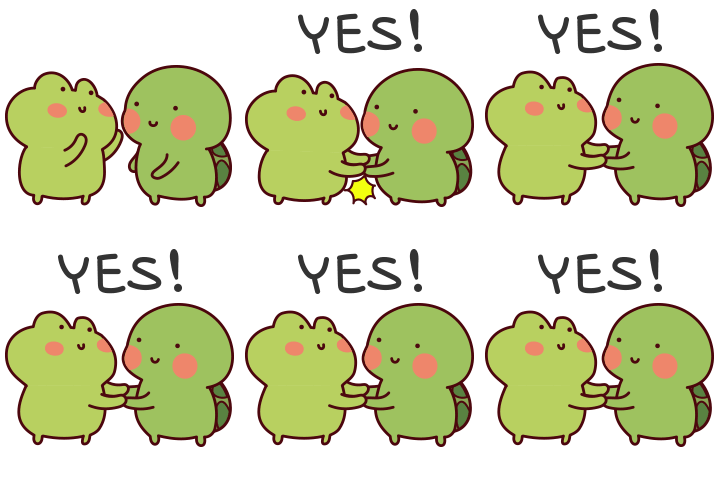
.gif 109 frogandturtleyes Sticker
.png 13 hey_hey_hey Sticker
.png 50 storytime1 Sticker
.gif 143 love_you_like_I_love_you Sticker
.png 37 tillrunningfromivan Sticker
.png 21 eve_hey Sticker
.png 42 Welcomee Sticker
.png 2.0K Mod_Abuse Sticker
.png 675 HeyNeighbor Sticker
.png 1.6K hEy Sticker
.png 99 Hey_Wumpus Sticker
.png 847 BanThem_MM Sticker
.png 65 Boosters Sticker
.png 73 alex Sticker
.png 55 TheydontloveyoulikeIloveyou Sticker
.png 142 Hey wtf is that Sticker
.png 97 frustrating Sticker
.png 815 Nah_id_win Sticker
.png 119 Heygirlimeanthey Sticker
.png 172 pepe_support_agent_call Sticker
.png 360 they walk Sticker

Heyyo Discord stickers

Browse Heyyo stickers shared by the emoji.gg community. Open a favourite to preview it, check its details and download the image.

Building a set for your server? Save your favourites to a collection as you browse so you can find them again.

Add stickers to your Discord server

  1. Choose your favourites. Open a sticker and download its image.
  2. Open Server Settings. In Discord, select your server and go to the Stickers section.
  3. Upload and name it. Select the downloaded image, give it a name and save it for your community to use.

Get the Android app

Emoji.gg is better on the app. Download it from the Google Play store.

Get Emoji.gg on Google Play