Your Collection
Your collection items will appear here.

Gin Stickers

Find Gin custom stickers to use
on Discord, Telegram & Whatsapp
.gif 319 Catstrokingit Sticker
.png 54 toshi_care Sticker
.png 1.4K beggingman Sticker
.gif 723 Peach Sticker
.gif 468 Goma Sticker
.gif 13 IDX_hug_day_3006 Sticker
.gif 3 IDX_hug_day_3003 Sticker
.gif 394 shrug Sticker
.png 113 judgingmuichiro Sticker
.png 33 disturbed Sticker
.gif 263 BearHug Sticker
.png 44 itsFine Sticker
.gif 8 carlo_original_bearish Sticker
.png 4 LL_Doritos Sticker
.gif 18 rockin_Tbearish Sticker
.png 5 eve_imagination Sticker
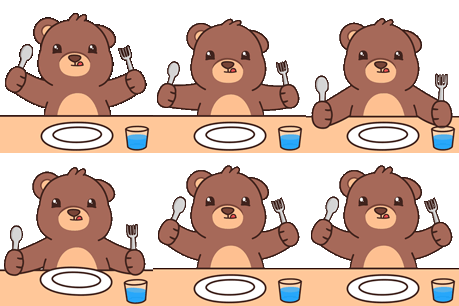
.gif 35 hungryTbearish Sticker
.gif 30 hungry_plate_feedmeTbearish Sticker
.gif 27 hungry_plate_Tbearish Sticker
.png 323 Lick Sticker
.png 30 Valentino_said_gimme17_ Sticker
.png 265 HANGINGGRUL Sticker
.png 30 UPSIDEDOWNGRUL Sticker
.png 469 hugs4u Sticker

Gin Discord stickers

Browse Gin stickers shared by the emoji.gg community. Open a favourite to preview it, check its details and download the image.

Building a set for your server? Save your favourites to a collection as you browse so you can find them again.

Add stickers to your Discord server

  1. Choose your favourites. Open a sticker and download its image.
  2. Open Server Settings. In Discord, select your server and go to the Stickers section.
  3. Upload and name it. Select the downloaded image, give it a name and save it for your community to use.

Get the Android app

Emoji.gg is better on the app. Download it from the Google Play store.

Get Emoji.gg on Google Play