Your Collection
Your collection items will appear here.

Gg Stickers

Find Gg custom stickers to use
on Discord, Telegram & Whatsapp

.gif 381 Doggo Sticker
.gif 327 Catstrokingit Sticker
.gif 111 gagi Sticker
.png 6 gg Sticker
.png 0 jenipyePEGGY Sticker
.png 54 toshi_care Sticker
.png 1.4K beggingman Sticker
.png 223 exhausted_ciggy Sticker
.png 139 hug Sticker
.png 343 Frieren Sticker
.png 229 what Sticker
.gif 122 doggy Sticker
.png 6 huggie Sticker
.png 1.1K pepedoaks Sticker
.png 244 emspeed Sticker
.png 118 emslowdown Sticker
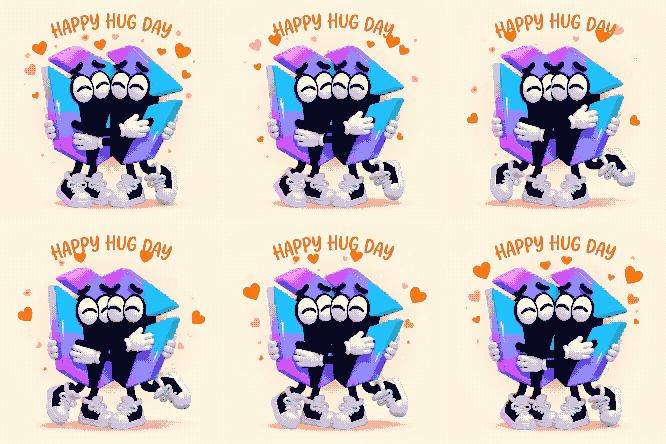
.gif 13 IDX_hug_day_3006 Sticker
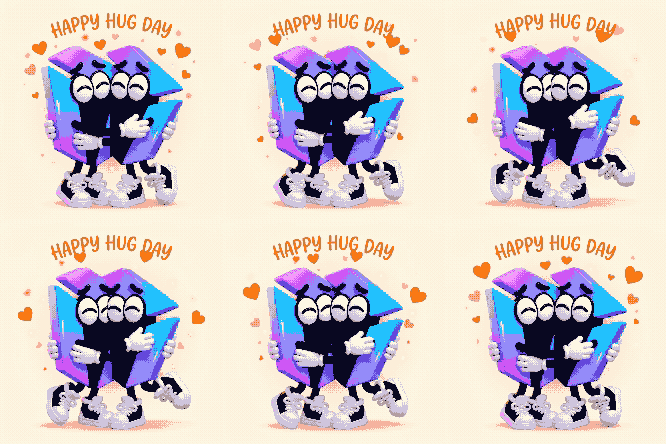
.gif 3 IDX_hug_day_3003 Sticker
.gif 111 PuffnChu Sticker
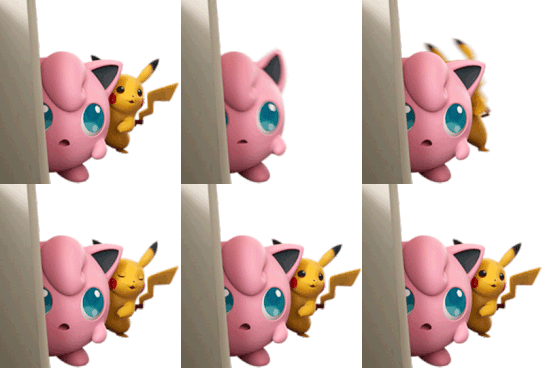
.gif 23 Pika_and_Puff Sticker
.png 43 SleepyPuffDaddy Sticker
.png 53 PuffDaddyPuff Sticker
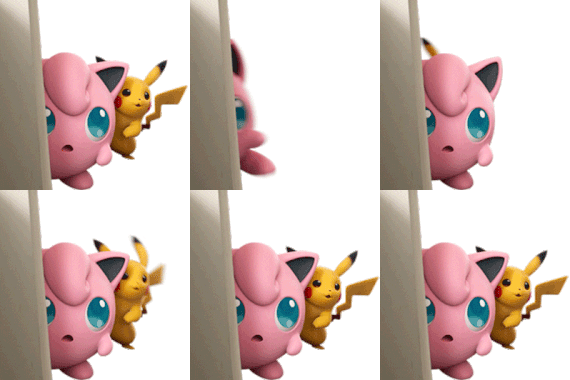
.gif 54 Jigglypuff_bang Sticker
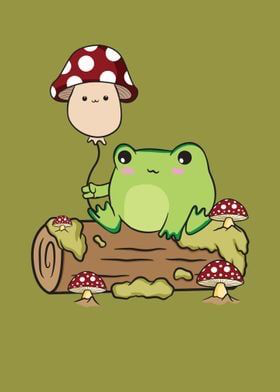
.png 14 Froggy Sticker
.gif 394 shrug Sticker

Gg Discord stickers

Browse Gg stickers shared by the emoji.gg community. Open a favourite to preview it, check its details and download the image.

Building a set for your server? Save your favourites to a collection as you browse so you can find them again.

Add stickers to your Discord server

  1. Choose your favourites. Open a sticker and download its image.
  2. Open Server Settings. In Discord, select your server and go to the Stickers section.
  3. Upload and name it. Select the downloaded image, give it a name and save it for your community to use.

Get the Android app

Emoji.gg is better on the app. Download it from the Google Play store.

Get Emoji.gg on Google Play