Your Collection
Your collection items will appear here.

Do Stickers

Find Do custom stickers to use
on Discord, Telegram & Whatsapp

.gif 61 Woah_woah_woah_shrek Sticker
.gif 95 Rebecca_with_gun Sticker
.gif 17 Meeses_With_Gun Sticker
.gif 36 Tuxedo_Boy_Shocked Sticker
.gif 19 Karen_Driving Sticker
.gif 381 Doggo Sticker
.gif 2.6K Sad Sticker
.png 114 Angel Sticker
.png 75 AresLove Sticker
.gif 1.2K Gatoescribiendo Sticker
.png 125 dolatre Sticker
.png 63 toshi_cry Sticker
.png 0 Barotseland Sticker
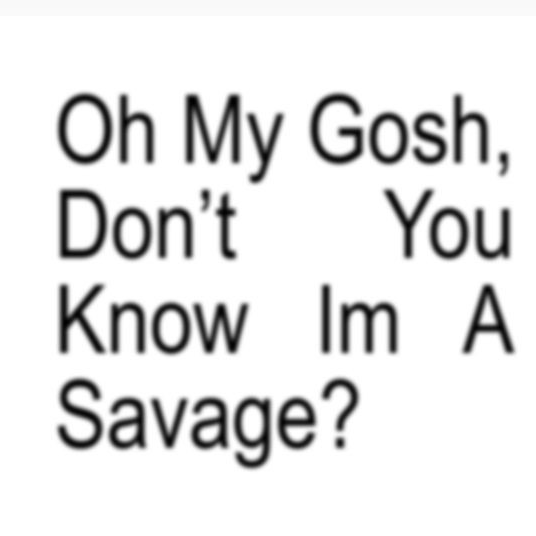
.png 160 Dontyouknowimasavage Sticker
.gif 1.2K glowdance Sticker
.png 44 thumbs_down_bee Sticker
.png 20 Weird Sticker
.png 258 Babyyyyy Sticker
.png 3 shidou Sticker
.png 486 likewhattt Sticker
.png 59 bftornado Sticker
.png 0 WINDOWS Sticker
.png 30 Done_Ben_Affleck Sticker
.png 215 ban Sticker
.gif 34 Countdown Sticker

Do Discord stickers

Browse Do stickers shared by the emoji.gg community. Open a favourite to preview it, check its details and download the image.

Building a set for your server? Save your favourites to a collection as you browse so you can find them again.

Add stickers to your Discord server

  1. Choose your favourites. Open a sticker and download its image.
  2. Open Server Settings. In Discord, select your server and go to the Stickers section.
  3. Upload and name it. Select the downloaded image, give it a name and save it for your community to use.

Get the Android app

Emoji.gg is better on the app. Download it from the Google Play store.

Get Emoji.gg on Google Play