Your Collection
Your collection items will appear here.

Array Stickers

Find Array custom stickers to use
on Discord, Telegram & Whatsapp

.png 1.9K ThrowShoeCardi Sticker
.png 1.3K kittenpeace Sticker
.png 792 royal_vibes Sticker
.png 771 BrimEyebrowRaise Sticker
.png 650 Purple_Crown Sticker
.png 630 ElonHeartGoesOut Sticker
.png 284 tomorrow Sticker
.png 244 cinna frown stressed Sticker
.png 238 Trash Sticker
.png 215 Pridethrower Sticker
.png 179 frown.. cringe compilation Sticker
.gif 164 crown Sticker
.png 140 cinna frown stressed Sticker
.png 139 SKEPTICALGRUL Sticker
.gif 136 lick_brown_bearish Sticker
.png 117 mrrroww Sticker
.png 102 PopukoUnderstands Sticker
.gif 101 uwu_brown_bearish Sticker
.png 101 KroniiEyebrows Sticker
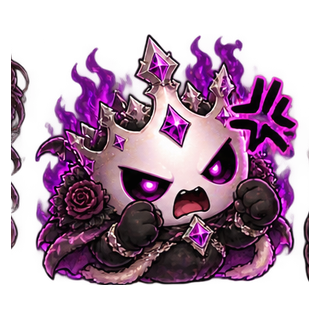
.png 99 CrownRage Sticker
.gif 85 Breathing Sticker
.gif 56 greenarrowbearish Sticker
.gif 46 Throw Sticker

Array Discord stickers

Browse Array stickers shared by the emoji.gg community. Open a favourite to preview it, check its details and download the image.

Building a set for your server? Save your favourites to a collection as you browse so you can find them again.

Add stickers to your Discord server

  1. Choose your favourites. Open a sticker and download its image.
  2. Open Server Settings. In Discord, select your server and go to the Stickers section.
  3. Upload and name it. Select the downloaded image, give it a name and save it for your community to use.

Get the Android app

Emoji.gg is better on the app. Download it from the Google Play store.

Get Emoji.gg on Google Play