Your Collection
Your collection items will appear here.

Absence Stickers

Find Absence custom stickers to use
on Discord, Telegram & Whatsapp

.png 52 Arrogante Sticker
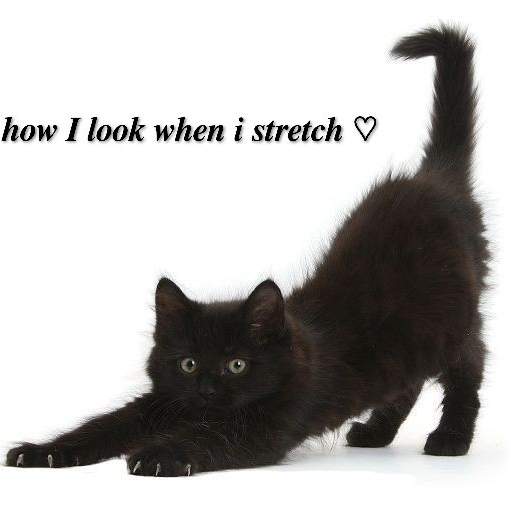
.png 152 Howilookwhenistretch Sticker
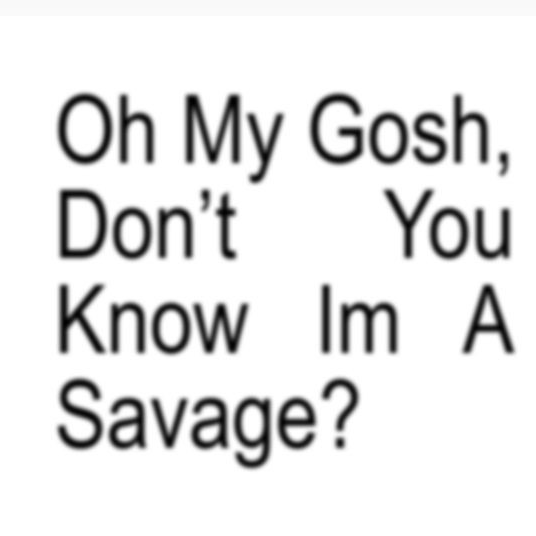
.png 160 Dontyouknowimasavage Sticker
.png 200 nothing Sticker
.gif 1 Wakanda_Forever_67 Sticker
.gif 67 oyewe Sticker
.gif 19 we Sticker
.png 129 Lawliet Sticker
.png 57 Huh Sticker
.png 9 discord_wordmark_black Sticker
.png 10 discord_logo_black Sticker
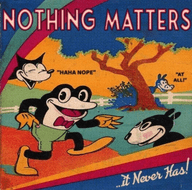
.png 11 nothingmatters Sticker
.gif 59 Noli Sticker
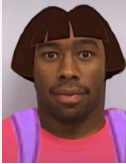
.png 344 Dora Sticker
.gif 312 Jenniewink Sticker
.gif 20 tina_dance_T_bearish Sticker
.gif 365 Black_Drip_Heart_2 Sticker
.png 414 Clueless Sticker
.png 52 Jatin Sticker
.png 425 Imtellingdad Sticker
.png 45 Web Sticker
.png 79 Gothbarbie Sticker
.png 330 EducateYourself_MM Sticker
.png 110 Yanlan Sticker

Absence Discord stickers

Browse Absence stickers shared by the emoji.gg community. Open a favourite to preview it, check its details and download the image.

Building a set for your server? Save your favourites to a collection as you browse so you can find them again.

Add stickers to your Discord server

  1. Choose your favourites. Open a sticker and download its image.
  2. Open Server Settings. In Discord, select your server and go to the Stickers section.
  3. Upload and name it. Select the downloaded image, give it a name and save it for your community to use.

Get the Android app

Emoji.gg is better on the app. Download it from the Google Play store.

Get Emoji.gg on Google Play