Emoji.gg logo emoji.gg
Your collections

Keep your favourite assets together

Xqc Stickers

Find Xqc custom stickers to use
on Discord, Telegram & Whatsapp

.gif 15 Barbie_Coffee Sticker
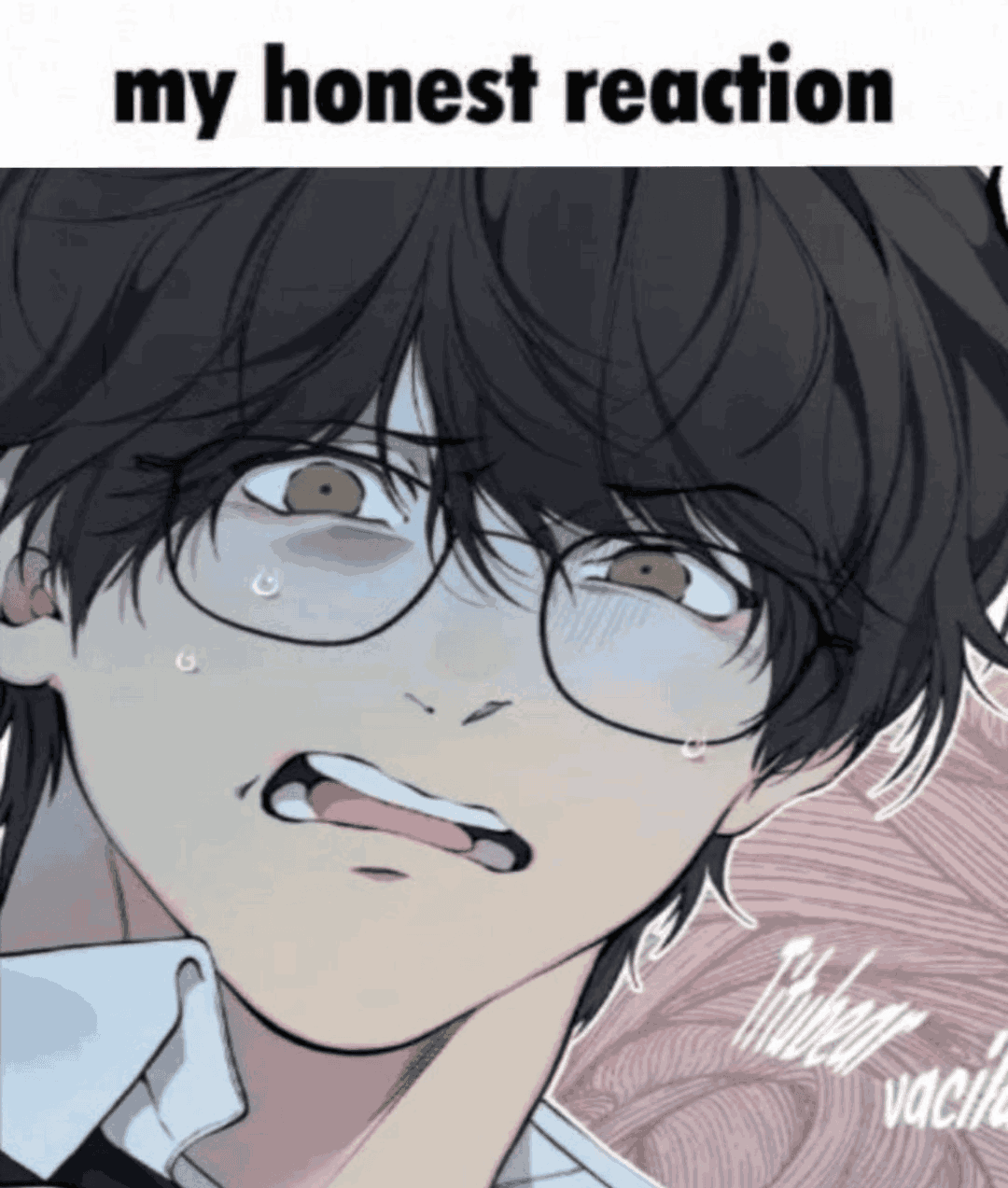
.gif 51 Tuxedo_Boy_Shocked Sticker
.gif 214 SpeedEdit3 Sticker
.gif 183 PeterTwitching Sticker
.png 7 runescape Sticker
.gif 2.5K hamster_shock Sticker
.png 81 twitch Sticker
.gif 1.4K LowIQorBait Sticker
.png 872 tomhollandreaction Sticker
.gif 45 TenkinxThumbsUp Sticker
.gif 723 Peach Sticker
.gif 468 Goma Sticker
.gif 55 eyes_roll_ahjin Sticker
.gif 103 ba_reum_laugh Sticker
.gif 188 gi_hun_scream Sticker
.png 551 mechatnic Sticker
.gif 611 Neru_Hits_Punches_HatsuneMiku Sticker
.gif 204 KasaneTeto_false_fake_bs Sticker
.png 730 KasaneTeto_Sybau Sticker
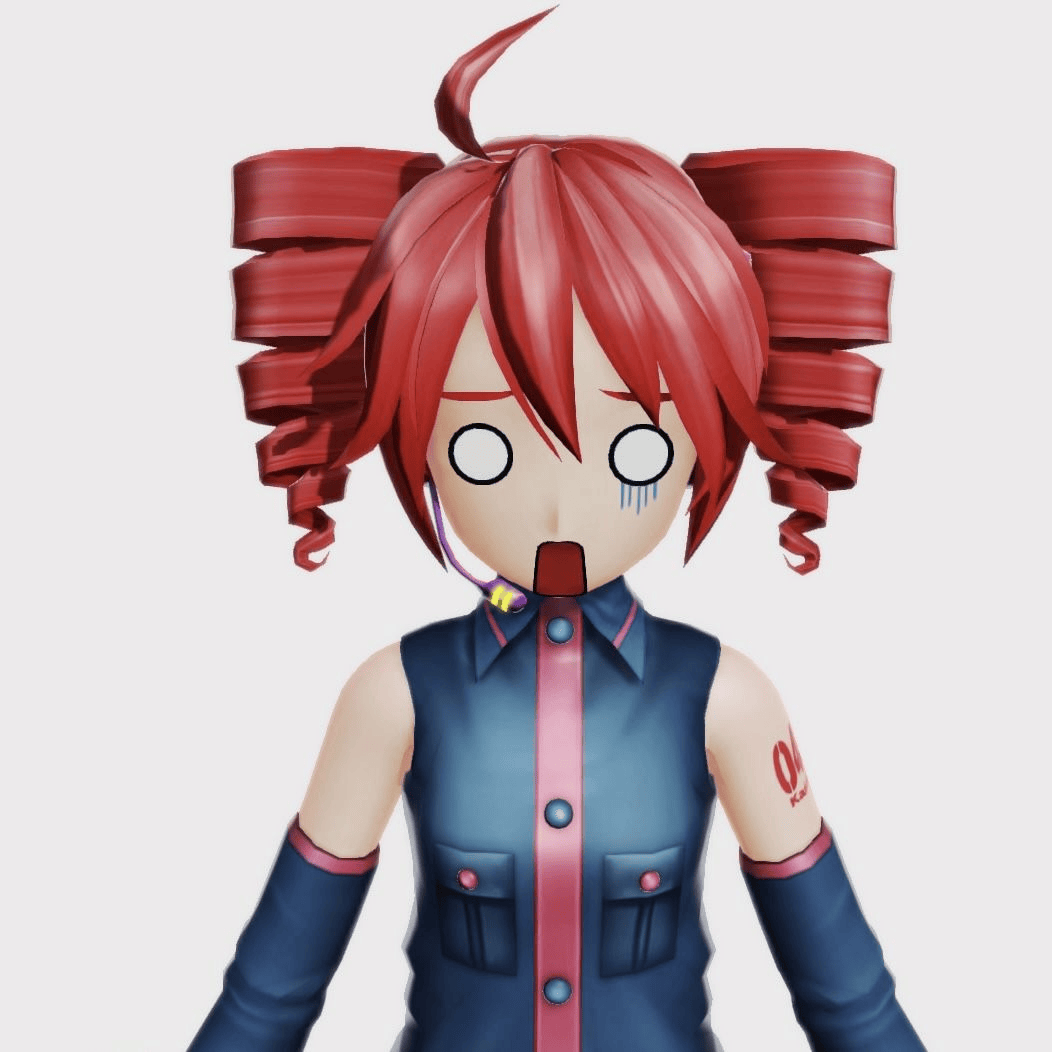
.png 207 KasaneTeto_ShockedScared Sticker
.png 350 Frieren Sticker
.gif 111 Gir_Night Sticker
.png 827 gamerkitty Sticker
.png 13 ick Sticker

Xqc Discord stickers

Browse Xqc stickers shared by the emoji.gg community. Open a favourite to preview it, check its details and download the image.

Building a set for your server? Save your favourites to a collection as you browse so you can find them again.

Add stickers to your Discord server

  1. Choose your favourites. Open a sticker and download its image.
  2. Open Server Settings. In Discord, select your server and go to the Stickers section.
  3. Upload and name it. Select the downloaded image, give it a name and save it for your community to use.

Get the Android app

Emoji.gg is better on the app. Download it from the Google Play store.

Get Emoji.gg on Google Play