Your Collection
Your collection items will appear here.

Win Stickers

Find Win custom stickers to use
on Discord, Telegram & Whatsapp

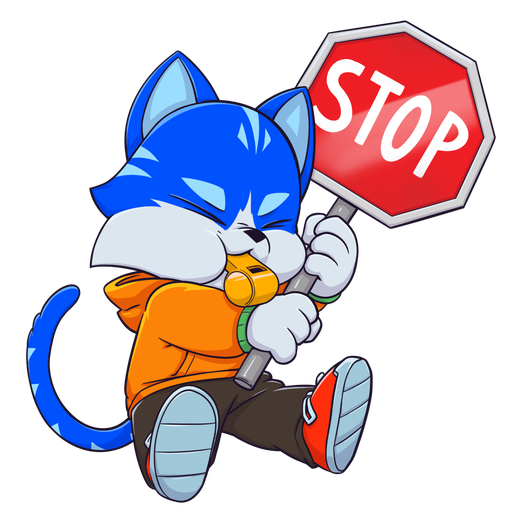
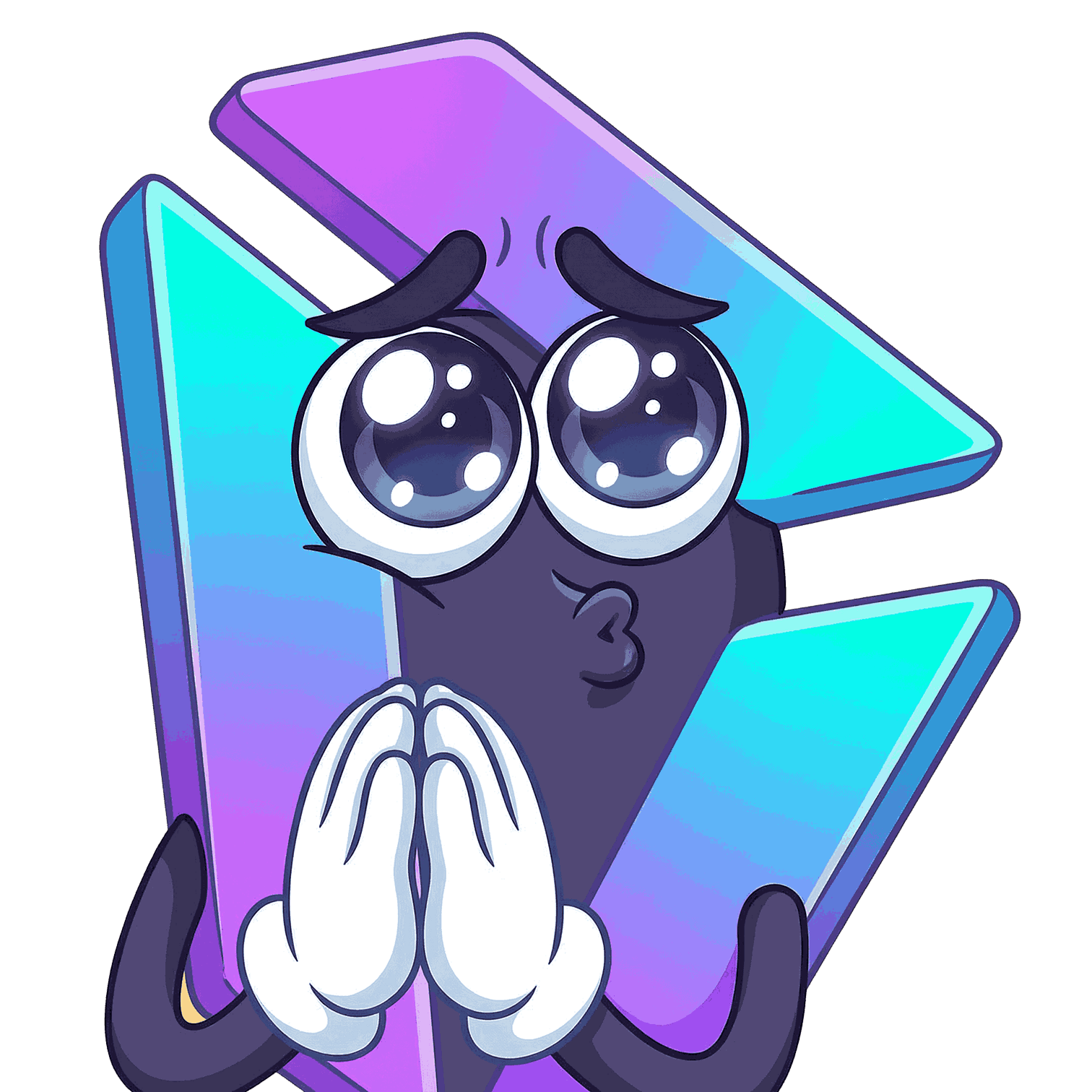
.png 220 toshi_stop Sticker
.png 0 WINDOWS Sticker
.png 7 Gumi_Rose_Flower_Love Sticker
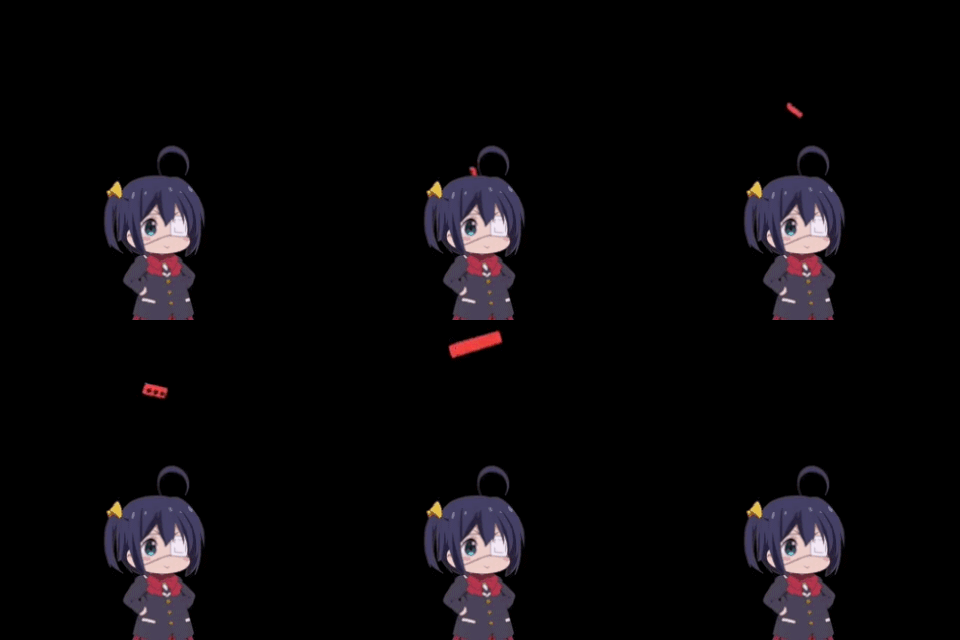
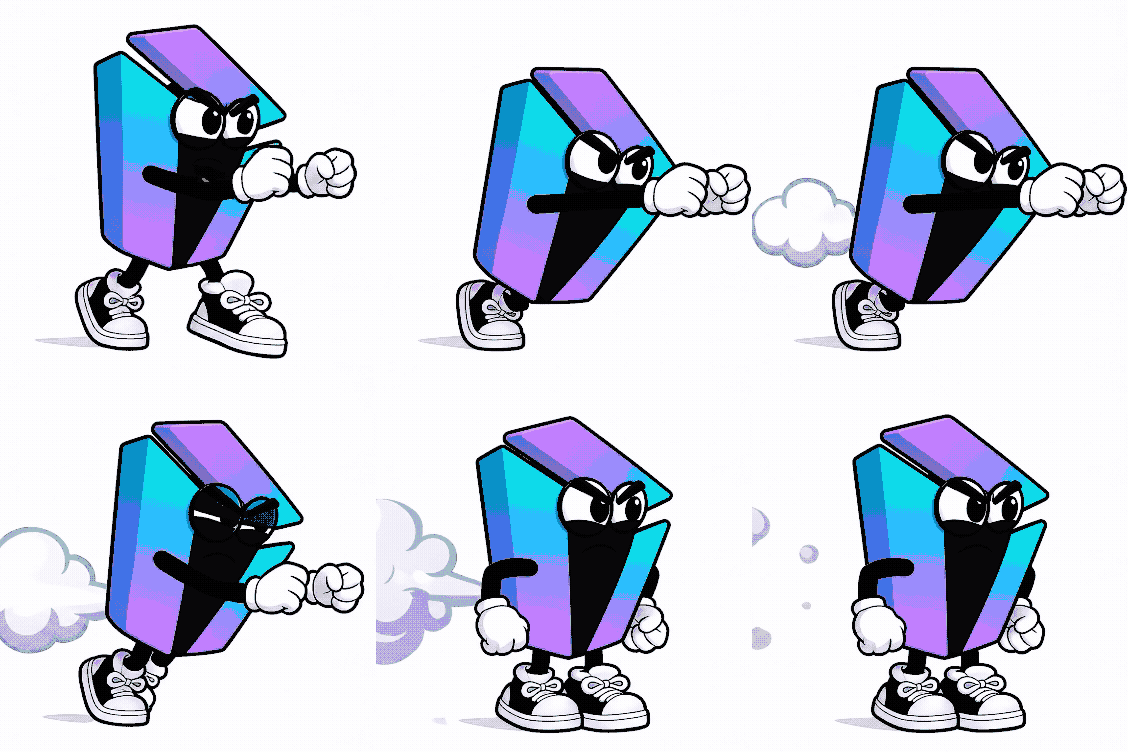
.gif 3 throwbrick_rikka Sticker
.gif 34 ArinBlowKiss Sticker
.png 1 IDX_cute_2004 Sticker
.png 2 IDX_cute_1003 Sticker
.gif 0 IDX_cute_emoji_001 Sticker
.gif 34 IDX_make_it_rain_2001 Sticker
.png 1.3K kittenpeace Sticker
.gif 30 IDX_fart_1022 Sticker
.gif 1 GoingUpEveryday Sticker
.png 24 MorrowindBob Sticker
.gif 16 IDX_you_look_beautiful Sticker
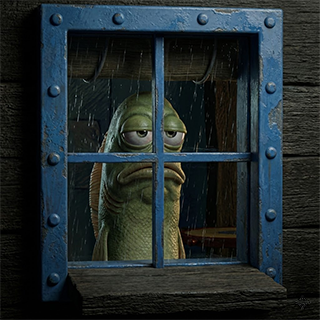
.png 80 DepressedFishHd Sticker
.gif 45 Rin Sticker
.png 130 Dazai_internalsuffering Sticker
.png 87 Dawg Sticker
.png 1.3K SquidwardDriveThru Sticker
.gif 30 frogandturtlethrow Sticker
.png 185 lord_give_me_strength Sticker
.png 78 clawing Sticker
.png 13 WIN Sticker
.gif 97 Green_Drac_Heart Sticker
.gif 250 annoyingfuck Sticker

Win Discord stickers

Browse Win stickers shared by the emoji.gg community. Open a favourite to preview it, check its details and download the image.

Building a set for your server? Save your favourites to a collection as you browse so you can find them again.

Add stickers to your Discord server

  1. Choose your favourites. Open a sticker and download its image.
  2. Open Server Settings. In Discord, select your server and go to the Stickers section.
  3. Upload and name it. Select the downloaded image, give it a name and save it for your community to use.

Get the Android app

Emoji.gg is better on the app. Download it from the Google Play store.

Get Emoji.gg on Google Play