Your Collection
Your collection items will appear here.

Thee Stickers

Find Thee custom stickers to use
on Discord, Telegram & Whatsapp

.gif 95 Rebecca_with_gun Sticker
.gif 36 Tuxedo_Boy_Shocked Sticker
.gif 12 Karen_Driving Sticker
.png 110 MinionsPapoi Sticker
.png 52 Arrogante Sticker
.png 15 ineedyou Sticker
.gif 882 Kickyourass Sticker
.png 37 Duckaquired Sticker
.png 34 Messwithhonk Sticker
.gif 383 Zerytioub Sticker
.png 73 Youareschizophrenic Sticker
.png 160 Dontyouknowimasavage Sticker
.png 689 moNOpoly Sticker
.png 97 But_did_you Sticker
.png 18 YouTube Sticker
.png 7 Gumi_Rose_Flower_Love Sticker
.png 123 Puff_games_on_your_phone Sticker
.gif 54 GetOverHere Sticker
.png 682 ShutUp Sticker
.png 8 HRU Sticker
.gif 2 IDX_valentine_day_2004 Sticker
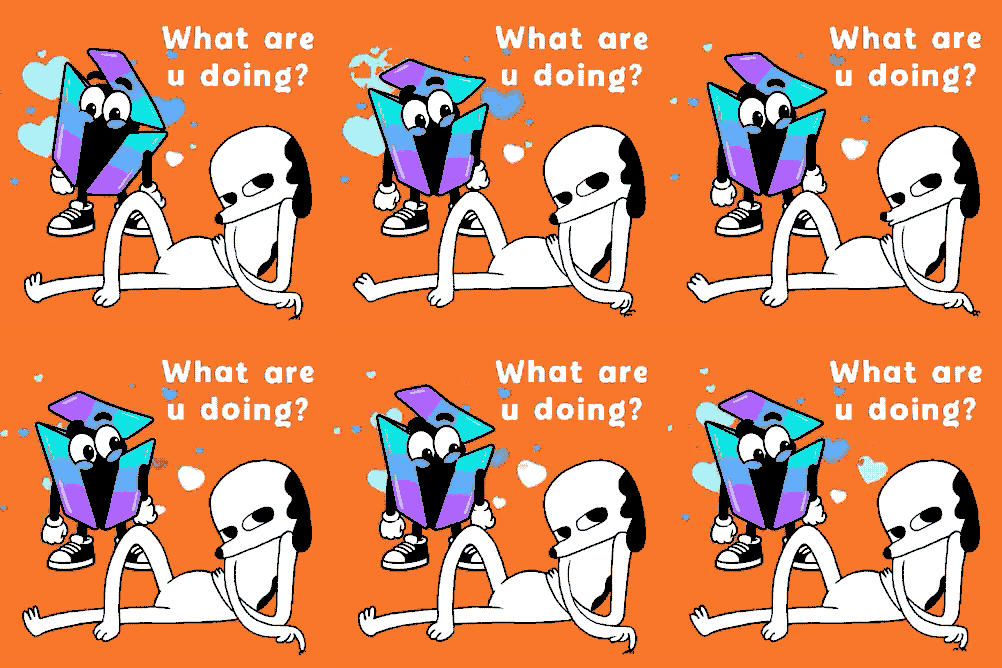
.gif 17 IDX_what_are_you_doing_1002 Sticker
.gif 16 IDX_propose_day_3010 Sticker
.gif 1 IDX_propose_day_3009 Sticker
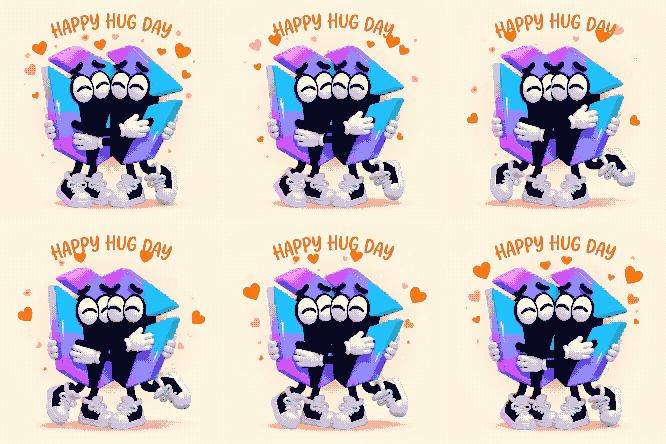
.gif 13 IDX_hug_day_3006 Sticker

Thee Discord stickers

Browse Thee stickers shared by the emoji.gg community. Open a favourite to preview it, check its details and download the image.

Building a set for your server? Save your favourites to a collection as you browse so you can find them again.

Add stickers to your Discord server

  1. Choose your favourites. Open a sticker and download its image.
  2. Open Server Settings. In Discord, select your server and go to the Stickers section.
  3. Upload and name it. Select the downloaded image, give it a name and save it for your community to use.

Get the Android app

Emoji.gg is better on the app. Download it from the Google Play store.

Get Emoji.gg on Google Play