Your Collection
Your collection items will appear here.

Texting Stickers

Find Texting custom stickers to use
on Discord, Telegram & Whatsapp

.gif 12 Karen_Driving Sticker
.gif 1.0K Kasane_teto_rahh Sticker
.gif 116 whatdoin Sticker
.png 308 GoodBye Sticker
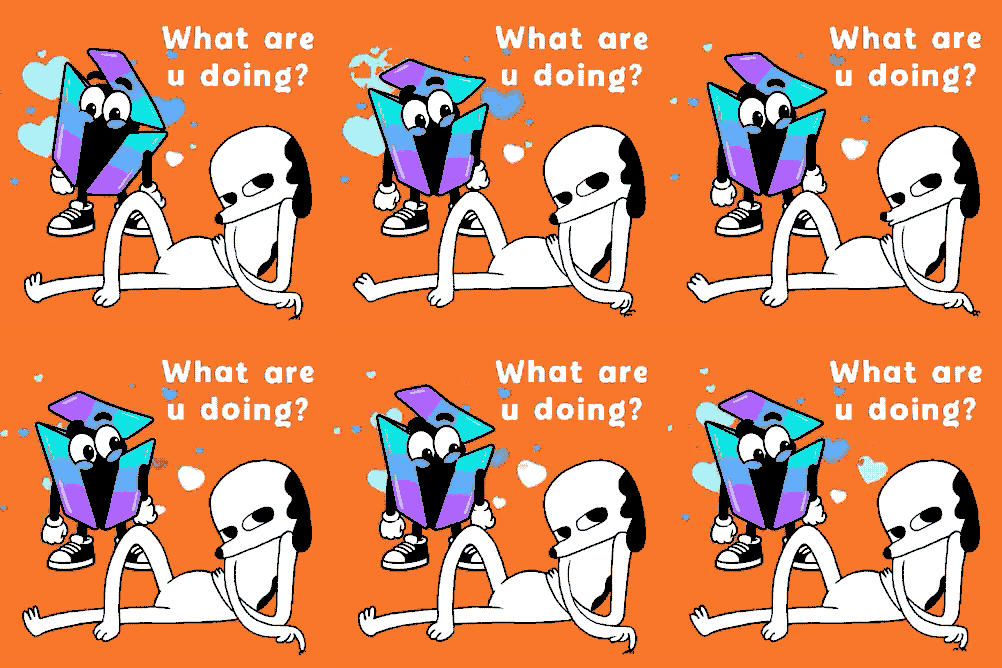
.gif 17 IDX_what_are_you_doing_1002 Sticker
.png 18 pikabye Sticker
.png 166 RintaroBye Sticker
.png 2 FancyACuppa Sticker
.gif 71 yoga Sticker
.gif 659 guess_its_time Sticker
.png 171 Zoro_ThumbsDown Sticker
.gif 10 bearish_x_jarritos_cheers Sticker
.gif 90 bye_car_bearish Sticker
.gif 19 Push_Up_Tbearish Sticker
.gif 20 easterdancebearish Sticker
.png 42 Welcomee Sticker
.png 13 Bye Sticker
.png 745 JotaroBMX Sticker
.png 9 Byepeach Sticker
.png 50 Bruh_Millie Sticker
.png 178 Stella Sticker
.png 5.1K Goodbye Chat Sticker
.png 55 ElderFaerie_Bye Sticker
.png 58 Mandy_invasion_ref Sticker
.png 2.1K Doing_hard_drugs Sticker

Texting Discord stickers

Browse Texting stickers shared by the emoji.gg community. Open a favourite to preview it, check its details and download the image.

Building a set for your server? Save your favourites to a collection as you browse so you can find them again.

Add stickers to your Discord server

  1. Choose your favourites. Open a sticker and download its image.
  2. Open Server Settings. In Discord, select your server and go to the Stickers section.
  3. Upload and name it. Select the downloaded image, give it a name and save it for your community to use.

Get the Android app

Emoji.gg is better on the app. Download it from the Google Play store.

Get Emoji.gg on Google Play