Your Collection
Your collection items will appear here.

Struck Stickers

Find Struck custom stickers to use
on Discord, Telegram & Whatsapp

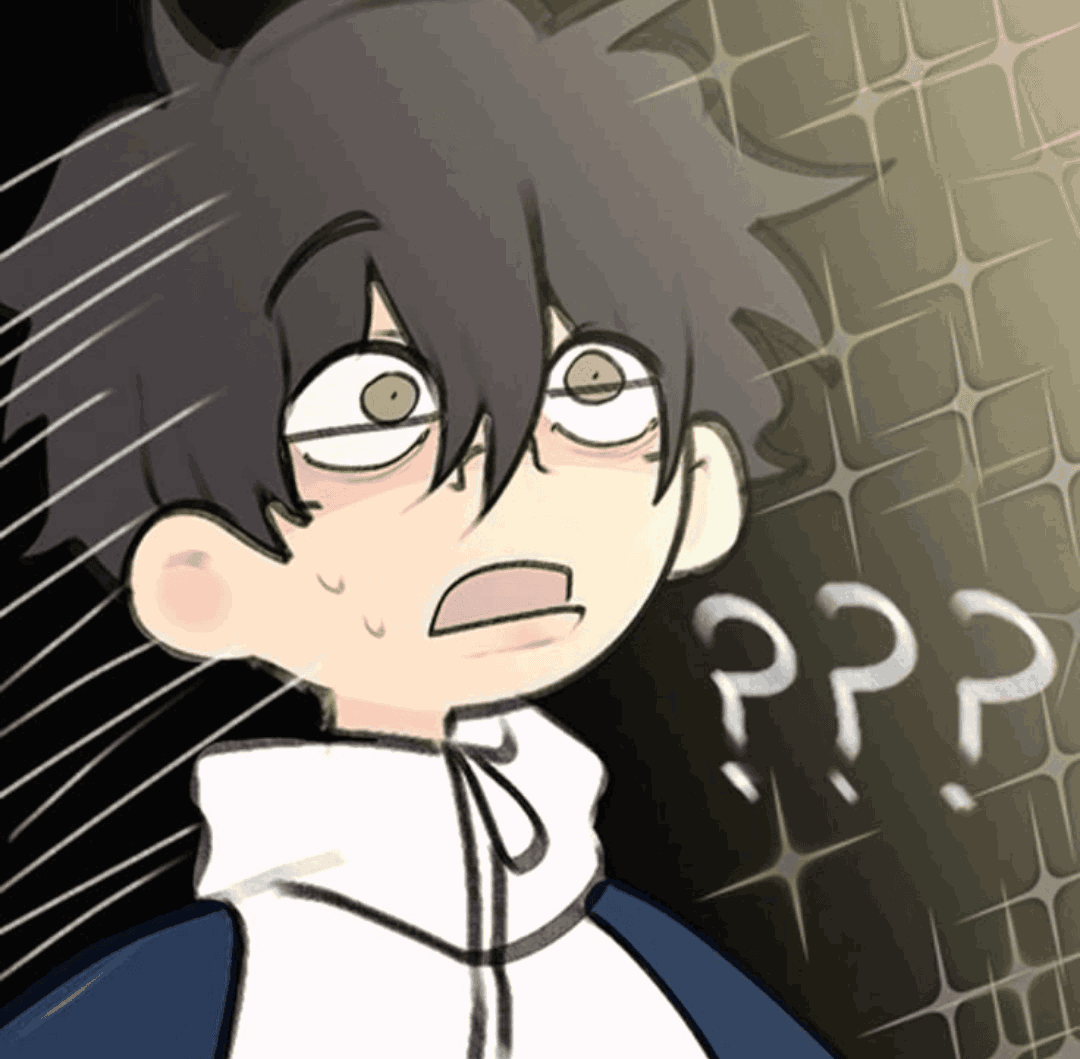
.gif 36 Tuxedo_Boy_Shocked Sticker
.gif 12 Karen_Driving Sticker
.gif 14 Dandy Sticker
.gif 119 PeterTwitching Sticker
.png 19 Arrogante Sticker
.png 18 white_toes Sticker
.gif 2.5K hamster_shock Sticker
.png 73 Youareschizophrenic Sticker
.png 160 Dontyouknowimasavage Sticker
.png 433 oh_god Sticker
.png 1.5K SHOCKED_TURTLE Sticker
.png 196 march_hsr Sticker
.png 133 WhiteKnight Sticker
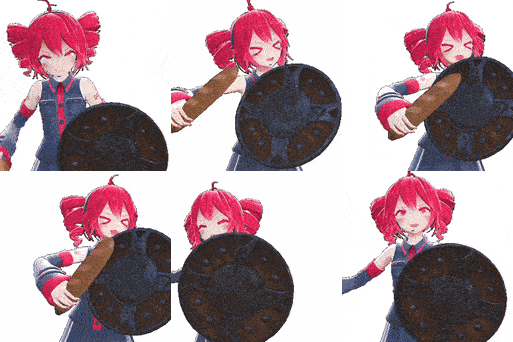
.gif 611 Neru_Hits_Punches_HatsuneMiku Sticker
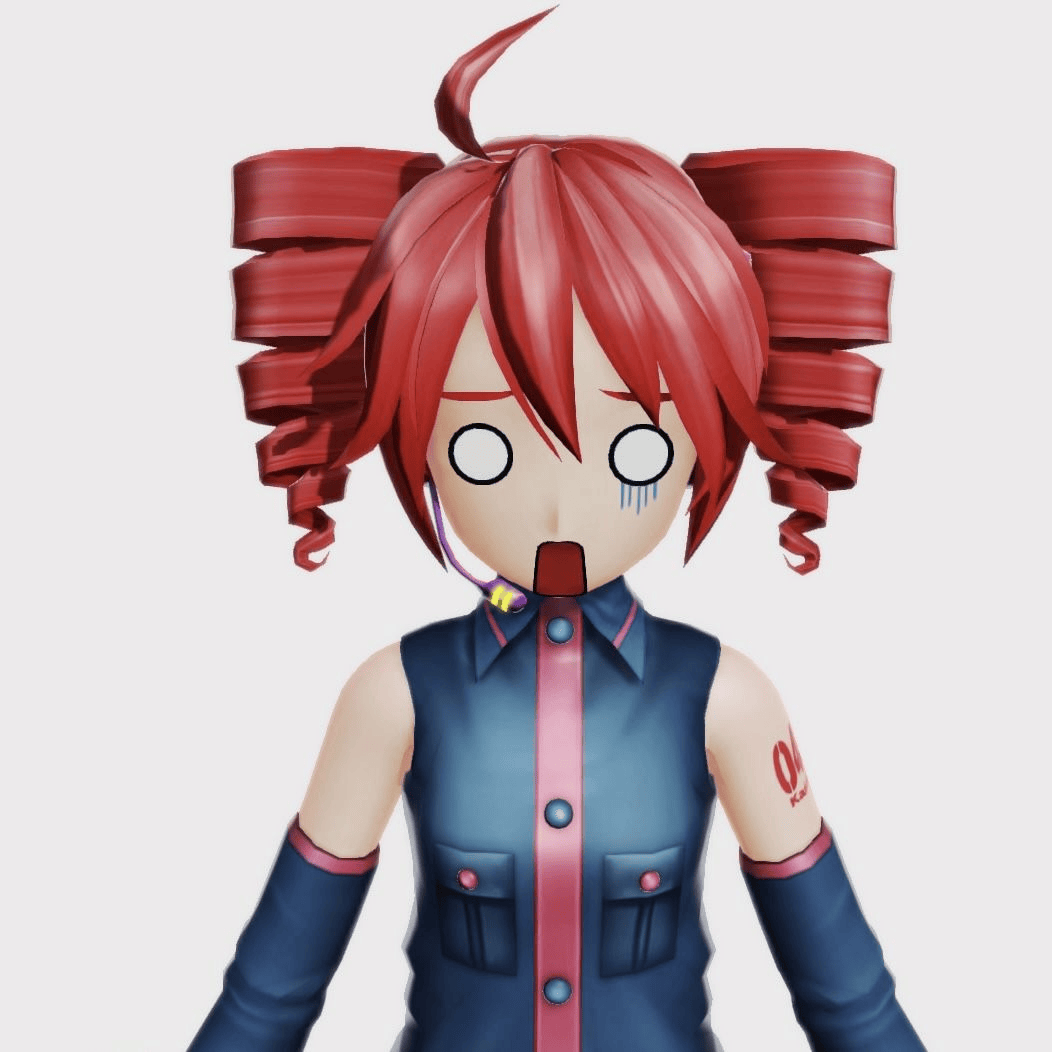
.png 207 KasaneTeto_ShockedScared Sticker
.gif 1.0K Kasane_teto_rahh Sticker
.png 103 Skylar_shock Sticker
.gif 54 IDX_damn_its_you Sticker
.png 57 Huh Sticker
.png 56 Whiteflower Sticker
.gif 535 Dexter Sticker
.png 99 Sparklywhitebear Sticker
.png 70 pearhuh Sticker
.png 11 discord_wordmark_white Sticker
.png 49 discord_logo_white Sticker

Struck Discord stickers

Browse Struck stickers shared by the emoji.gg community. Open a favourite to preview it, check its details and download the image.

Building a set for your server? Save your favourites to a collection as you browse so you can find them again.

Add stickers to your Discord server

  1. Choose your favourites. Open a sticker and download its image.
  2. Open Server Settings. In Discord, select your server and go to the Stickers section.
  3. Upload and name it. Select the downloaded image, give it a name and save it for your community to use.

Get the Android app

Emoji.gg is better on the app. Download it from the Google Play store.

Get Emoji.gg on Google Play