Emoji.gg logo emoji.gg
Your collections

Keep your favourite assets together

Stickersheet Stickers

Find Stickersheet custom stickers to use
on Discord, Telegram & Whatsapp

.png 192 MinionsPapoi Sticker
.png 192 ClockRabbit Sticker
.png 59 Arrogante Sticker
.png 101 congrats Sticker
.gif 2.5K hamster_shock Sticker
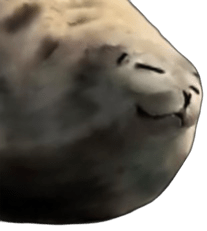
.png 131 SealHappyStickers Sticker
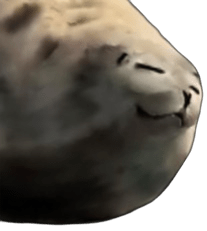
.png 154 SealCutieStickers Sticker
.gif 723 Peach Sticker
.gif 468 Goma Sticker
.png 0 CustomStickers Sticker
.png 10 Rainbow Sticker
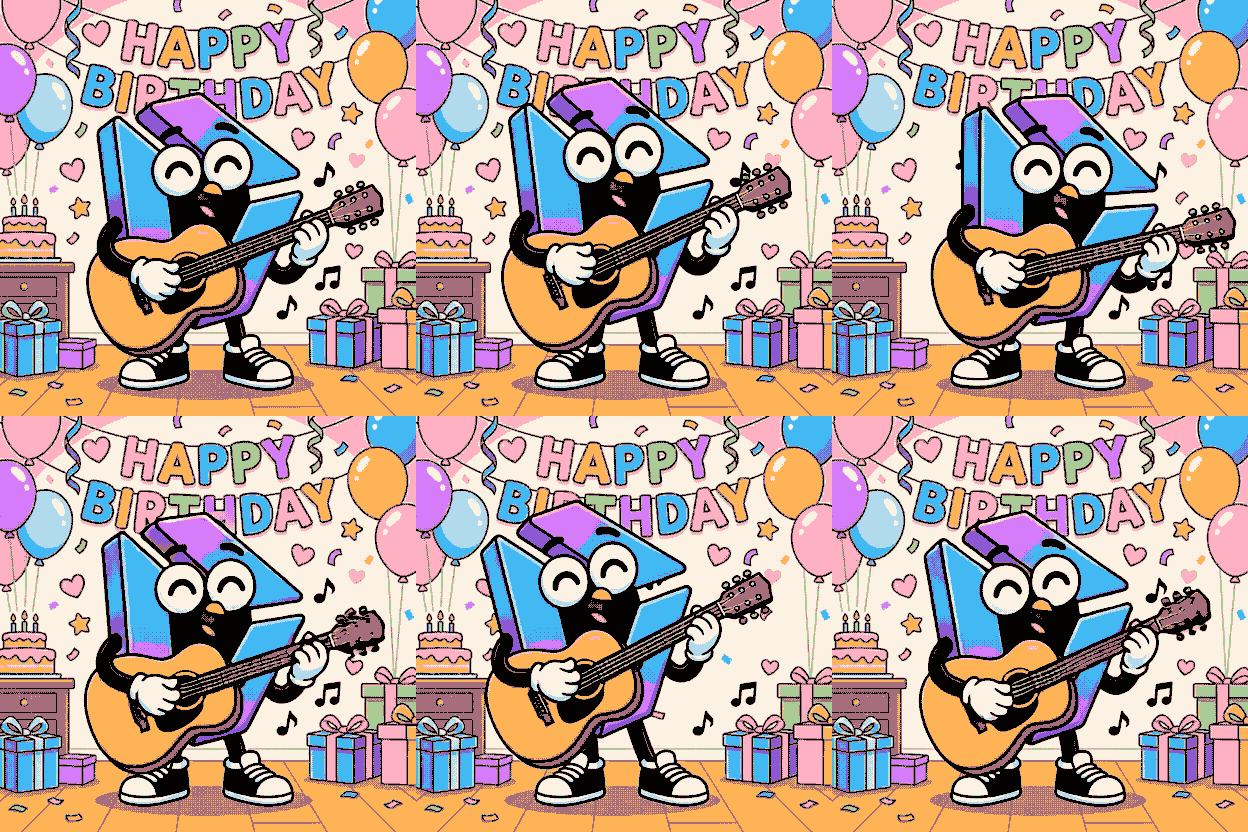
.gif 102 IDX_Happy_Birthday_1002 Sticker
.gif 343 Thinkingagain Sticker
.png 3 iwilldestroybacons9_stickersp Sticker
.png 378 Poppink Sticker
.png 19 Sugar Sticker
.png 37 SimpleSmileboy Sticker
.png 9 Dezy Sticker
.png 487 chrisdidntthinktwice Sticker
.png 436 PGSpray Sticker
.png 453 Diddy_diddy_go_away Sticker
.png 8 Pvp Sticker
.png 55 TheydontloveyoulikeIloveyou Sticker

Stickersheet Discord stickers

Browse Stickersheet stickers shared by the emoji.gg community. Open a favourite to preview it, check its details and download the image.

Building a set for your server? Save your favourites to a collection as you browse so you can find them again.

Add stickers to your Discord server

  1. Choose your favourites. Open a sticker and download its image.
  2. Open Server Settings. In Discord, select your server and go to the Stickers section.
  3. Upload and name it. Select the downloaded image, give it a name and save it for your community to use.

Get the Android app

Emoji.gg is better on the app. Download it from the Google Play store.

Get Emoji.gg on Google Play