Your Collection
Your collection items will appear here.

Squint Stickers

Find Squint custom stickers to use
on Discord, Telegram & Whatsapp

.gif 12 Karen_Driving Sticker
.png 297 CHIIBIGEYES Sticker
.gif 555 lookaround Sticker
.gif 2.6K Sad Sticker
.png 436 WutDuckie Sticker
.png 152 Howilookwhenistretch Sticker
.gif 1.2K glowdance Sticker
.png 44 thumbs_down_bee Sticker
.png 465 likewhattt Sticker
.png 219 Did_they_fall_for_it Sticker
.png 97 But_did_you Sticker
.png 30 Done_Ben_Affleck Sticker
.gif 55 eyes_roll_ahjin Sticker
.png 7 Gumi_Rose_Flower_Love Sticker
.gif 333 Looking Sticker
.png 1.1K pepedoaks Sticker
.gif 16 StoneEyes Sticker
.gif 16 IDX_you_look_beautiful Sticker
.gif 36 IDX_look_at_u Sticker
.png 37 WandaUnimpressed Sticker
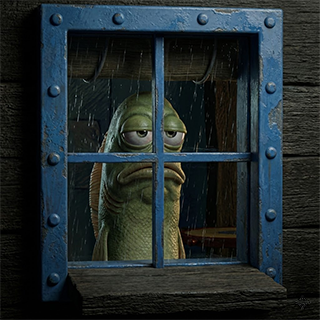
.png 80 DepressedFishHd Sticker
.gif 292 Catglance Sticker
.png 31 KaguraHeartEyes Sticker
.png 11 discord_wordmark_white Sticker
.png 9 discord_wordmark_black Sticker

Squint Discord stickers

Browse Squint stickers shared by the emoji.gg community. Open a favourite to preview it, check its details and download the image.

Building a set for your server? Save your favourites to a collection as you browse so you can find them again.

Add stickers to your Discord server

  1. Choose your favourites. Open a sticker and download its image.
  2. Open Server Settings. In Discord, select your server and go to the Stickers section.
  3. Upload and name it. Select the downloaded image, give it a name and save it for your community to use.

Get the Android app

Emoji.gg is better on the app. Download it from the Google Play store.

Get Emoji.gg on Google Play