Your Collection
Your collection items will appear here.

Some Stickers

Find Some custom stickers to use
on Discord, Telegram & Whatsapp

.gif 73 Rebecca_with_gun Sticker
.gif 36 Tuxedo_Boy_Shocked Sticker
.gif 12 Karen_Driving Sticker
.png 0 Lushengtellsfortune Sticker
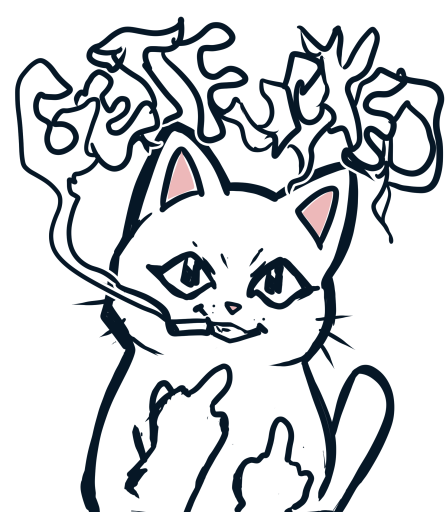
.png 123 GetFkd Sticker
.png 271 autismannouncement Sticker
.png 553 autism Sticker
.gif 7 IDX_typing_1004 Sticker
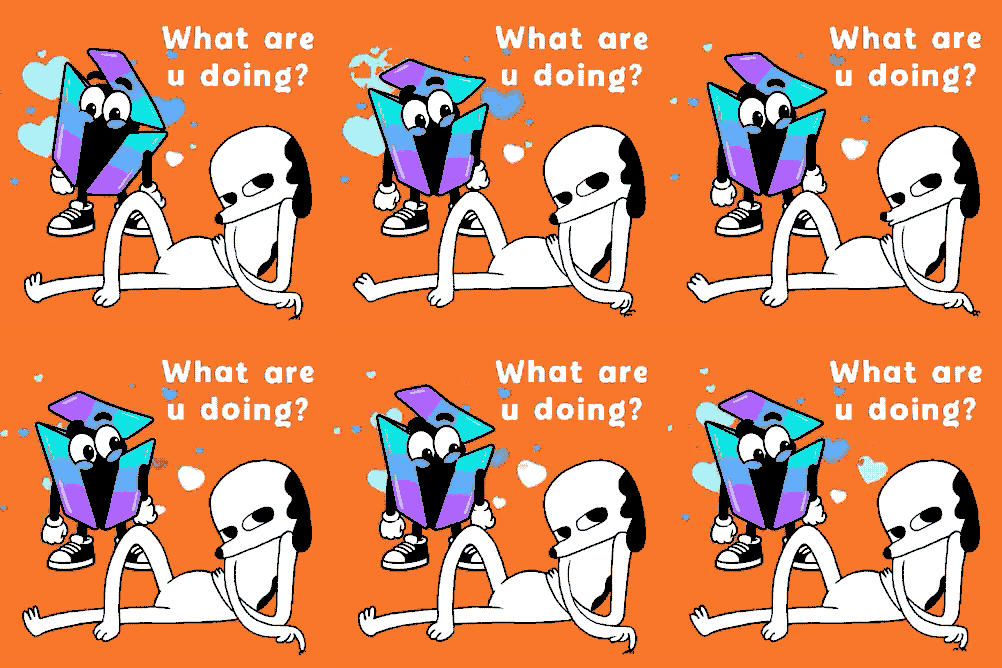
.gif 17 IDX_what_are_you_doing_1002 Sticker
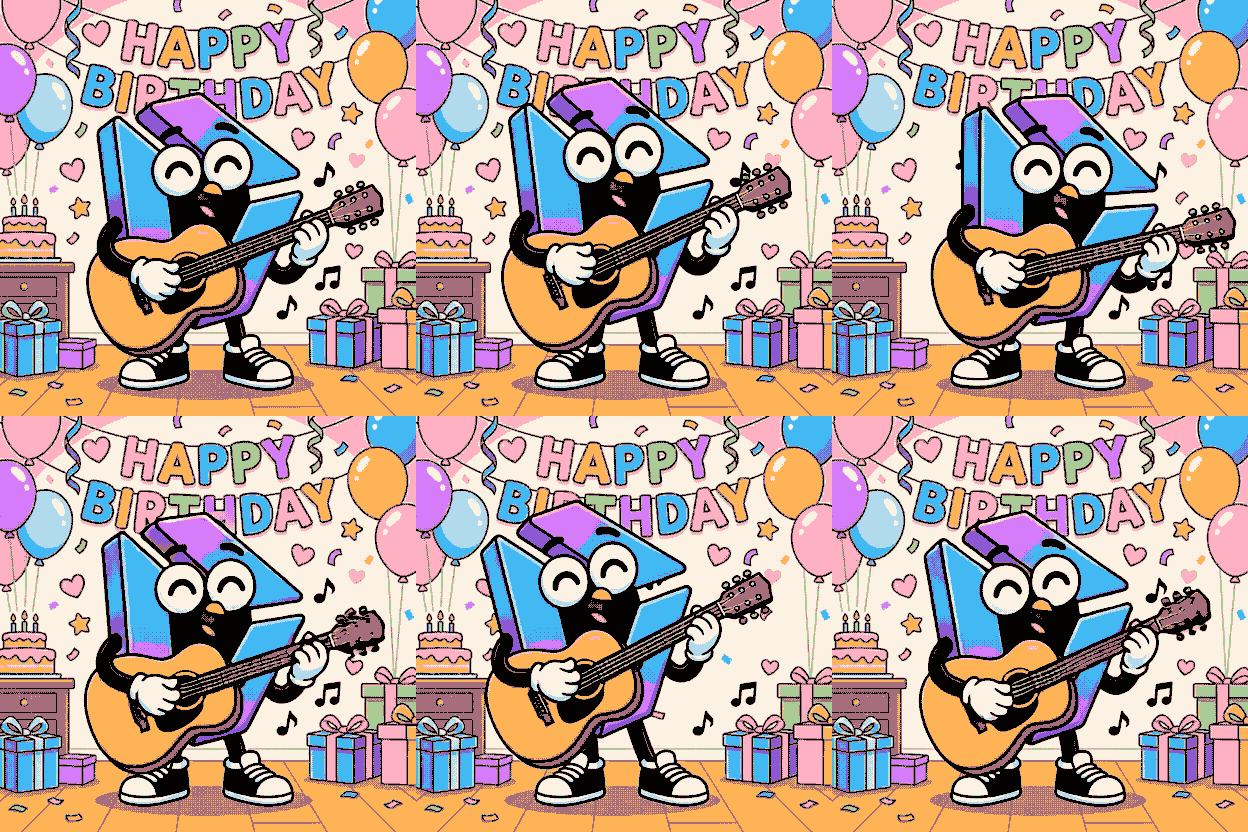
.gif 102 IDX_Happy_Birthday_1002 Sticker
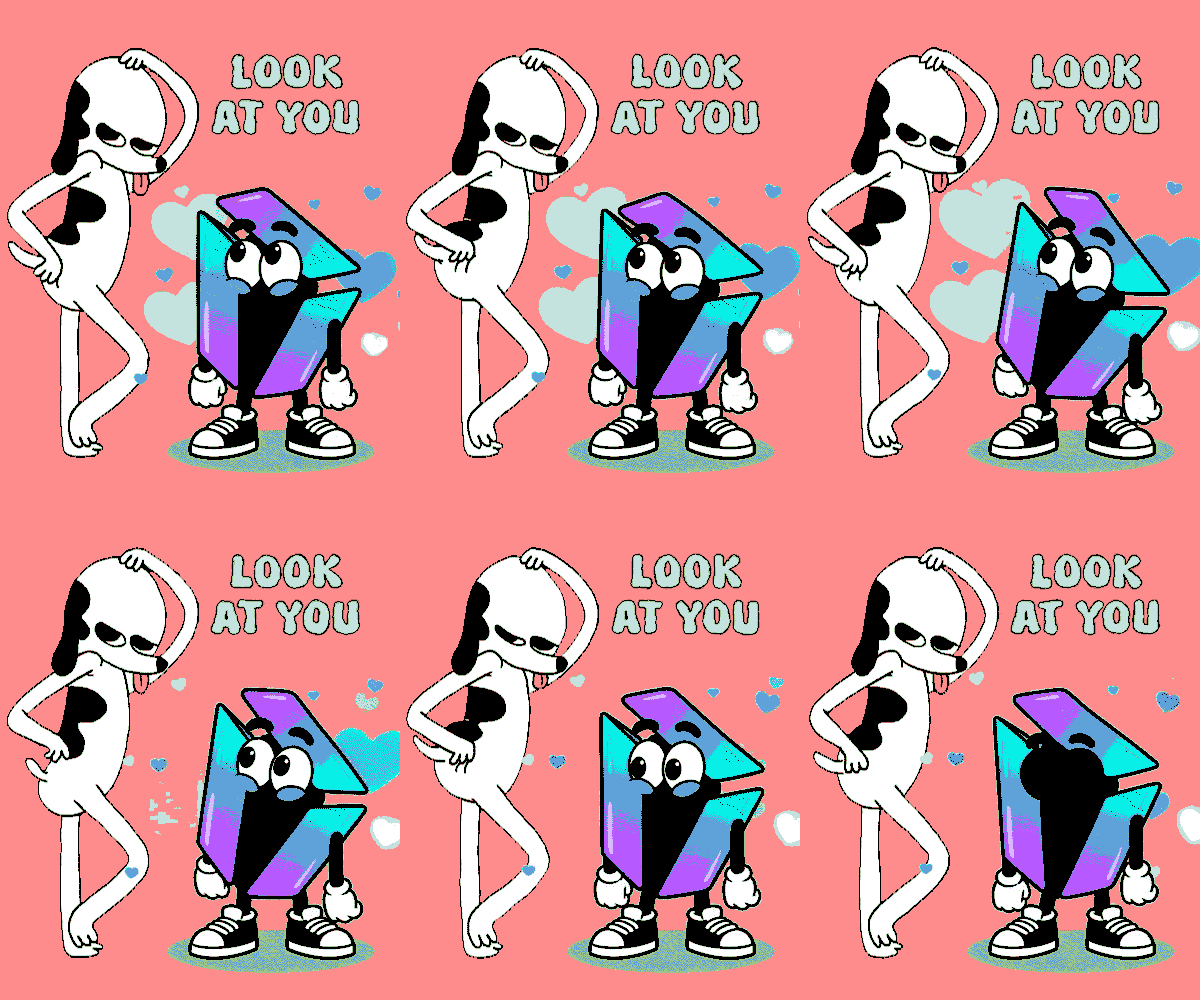
.gif 36 IDX_look_at_u Sticker
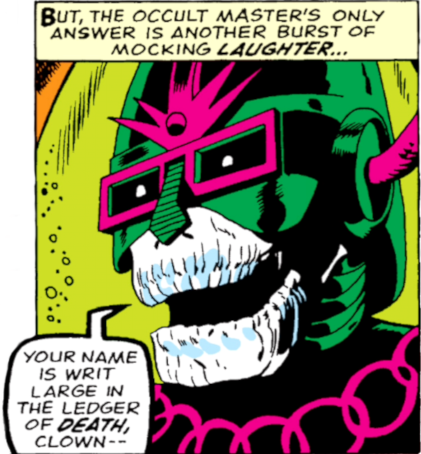
.png 47 StrangeClown Sticker
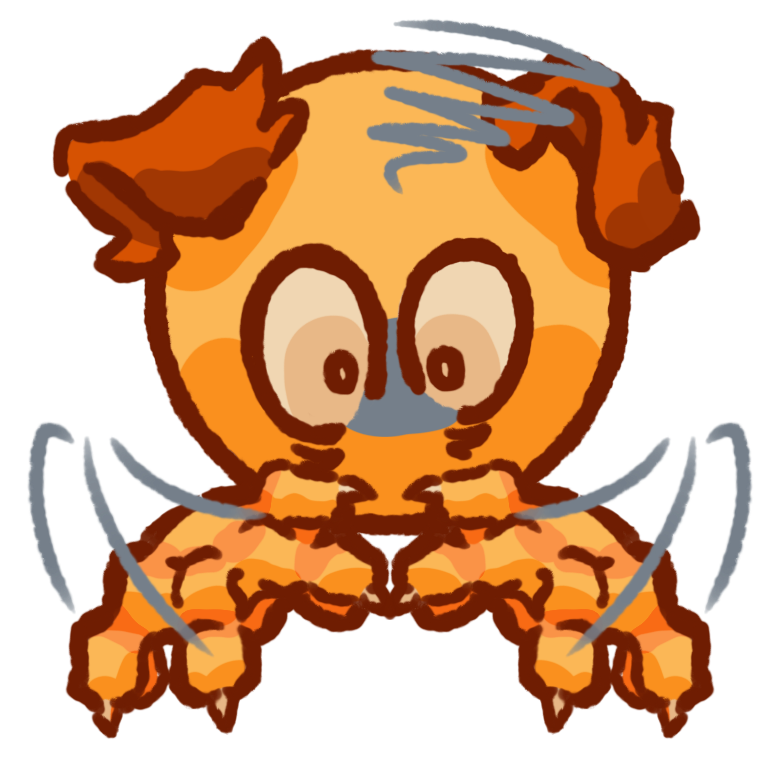
.png 78 clawing Sticker
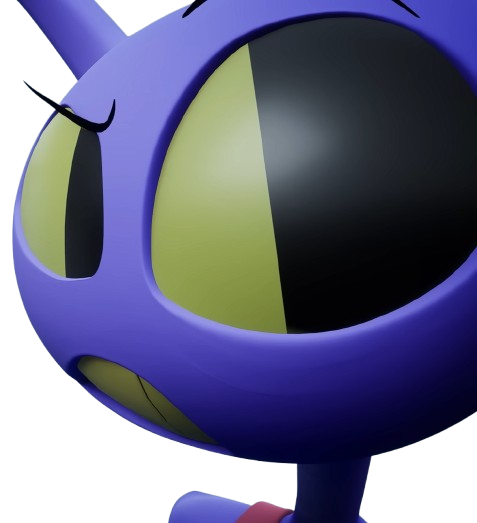
.png 243 Jax_Looking_Sus Sticker
.png 3 Marina_Kirarazaka Sticker
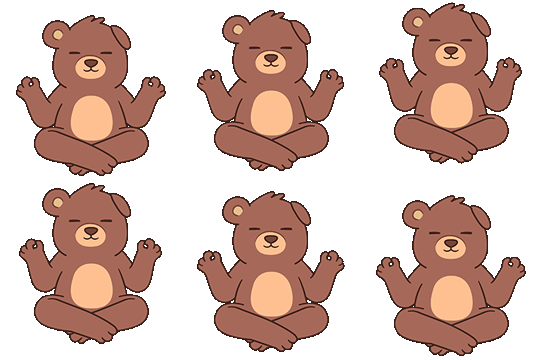
.gif 71 yoga Sticker
.png 38 Oh_yeah Sticker
.gif 502 Y2KSlop Sticker
.gif 68 Nice_T_bearish Sticker
.gif 775 djbearish Sticker
.png 189 No_way_bro_NWB Sticker
.png 1.2K BanHammer Sticker
.png 83 the_duke_the_what Sticker
.png 108 PRPRETTYGRUL Sticker
.png 1.5K nobitches Sticker

Some Discord stickers

Browse Some stickers shared by the emoji.gg community. Open a favourite to preview it, check its details and download the image.

Building a set for your server? Save your favourites to a collection as you browse so you can find them again.

Add stickers to your Discord server

  1. Choose your favourites. Open a sticker and download its image.
  2. Open Server Settings. In Discord, select your server and go to the Stickers section.
  3. Upload and name it. Select the downloaded image, give it a name and save it for your community to use.

Get the Android app

Emoji.gg is better on the app. Download it from the Google Play store.

Get Emoji.gg on Google Play