Your Collection
Your collection items will appear here.

Sidekick Stickers

Find Sidekick custom stickers to use
on Discord, Telegram & Whatsapp

.png 92 MinionsPapoi Sticker
.gif 1.4K LowIQorBait Sticker
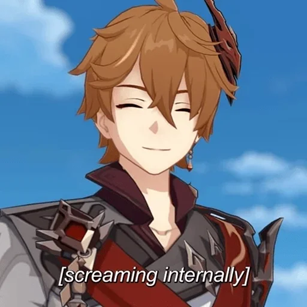
.png 1 Tartaglia_Screaming_internally Sticker
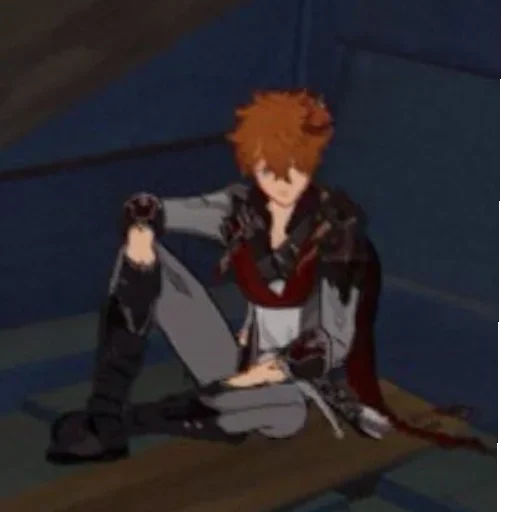
.png 3 Tartaglia_Mentally_Wouned Sticker
.gif 723 Peach Sticker
.gif 468 Goma Sticker
.png 7 Gumi_Rose_Flower_Love Sticker
.gif 11 bearish_x_fugz Sticker
.png 44 itsFine Sticker
.png 1.2K Erm_achuallyyy Sticker
.png 9 LIVE Sticker
.png 7 calm_note Sticker
.png 3.5K NERD Sticker
.png 41 EWOGRUL Sticker
.png 164 GetALoadaThisGuy Sticker
.png 4.8K Minion Sticker
.png 185 Hear_me_out Sticker
.png 149 trashcan Sticker
.png 86 AkshuallyPengu Sticker
.png 24 Nah_id_win_yumeko Sticker
.png 630 ElonHeartGoesOut Sticker
.png 42 waaa Sticker
.png 357 Yippee Sticker
.png 72 trafish_scott Sticker

Sidekick Discord stickers

Browse Sidekick stickers shared by the emoji.gg community. Open a favourite to preview it, check its details and download the image.

Building a set for your server? Save your favourites to a collection as you browse so you can find them again.

Add stickers to your Discord server

  1. Choose your favourites. Open a sticker and download its image.
  2. Open Server Settings. In Discord, select your server and go to the Stickers section.
  3. Upload and name it. Select the downloaded image, give it a name and save it for your community to use.

Get the Android app

Emoji.gg is better on the app. Download it from the Google Play store.

Get Emoji.gg on Google Play