Emoji.gg logo emoji.gg
Your collections

Keep your favourite assets together

Side Stickers

Find Side custom stickers to use
on Discord, Telegram & Whatsapp

.png 1.0K Dead inside  Sticker
.png 629 02deadinside Sticker
.png 8.5K SIDE EYE Sticker
.png 50 BombasticSideEye Sticker
.png 298 DogSideEye Sticker
.png 128 bombastic side eye Sticker
.png 151 Xiao_DeadInside Sticker
.png 56 novasideeye Sticker
.png 459 eepypuppy Sticker
.png 163 SPONGBOBB Sticker
.png 30 UPSIDEDOWNGRUL Sticker
.png 114 HIBBYGRUL Sticker
.png 173 SIDEEYEGRUL Sticker
.png 126 TiKoLiangLike Sticker
.gif 216 glancedbearbearish Sticker
.gif 43 peek_bearish Sticker
.gif 176 Tessia Sticker
.gif 158 Tessia_Side_eye Sticker
.png 25 sealsideeye Sticker
.gif 4 sideeye Sticker
.png 4 SideQuestQueen Sticker
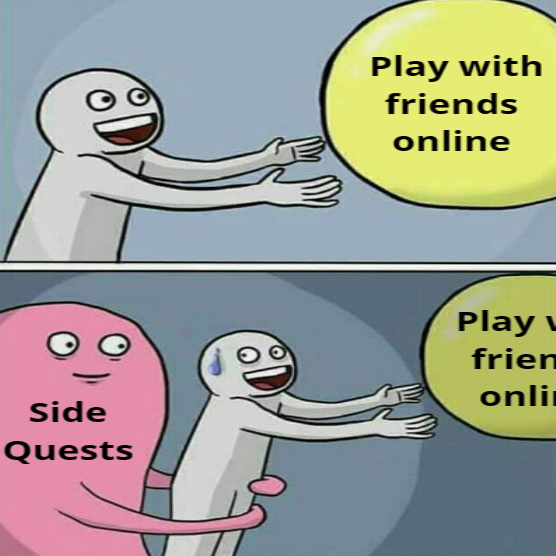
.png 22 SideQuests Sticker
.gif 10 Easter_2025_Chacs_Bearish Sticker
.png 175 cashmeousside Sticker
.png 75 WaguriDomain Sticker

Side Discord stickers

Browse Side stickers shared by the emoji.gg community. Open a favourite to preview it, check its details and download the image.

Building a set for your server? Save your favourites to a collection as you browse so you can find them again.

Add stickers to your Discord server

  1. Choose your favourites. Open a sticker and download its image.
  2. Open Server Settings. In Discord, select your server and go to the Stickers section.
  3. Upload and name it. Select the downloaded image, give it a name and save it for your community to use.

Get the Android app

Emoji.gg is better on the app. Download it from the Google Play store.

Get Emoji.gg on Google Play