Your Collection
Your collection items will appear here.

Rum Stickers

Find Rum custom stickers to use
on Discord, Telegram & Whatsapp
.png 22 sendenricaediyorum Sticker
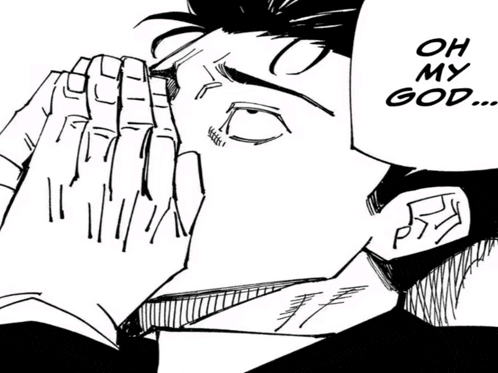
.gif 405 Higuruma Sticker
.gif 695 jjkomg Sticker
.gif 60 kurumi Sticker
.gif 0 IDX_lost_argument Sticker
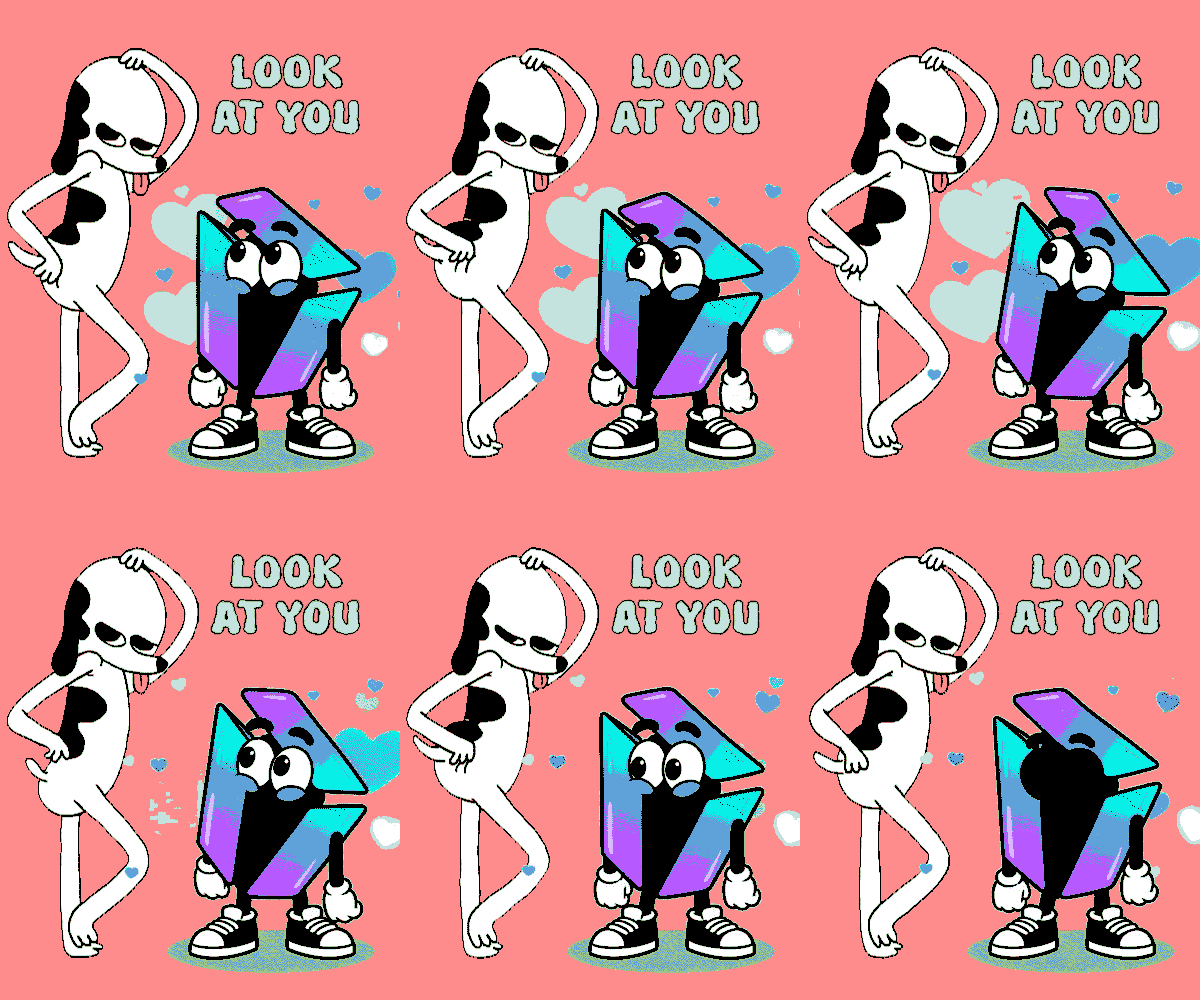
.gif 36 IDX_look_at_u Sticker
.png 166 neurospicy_nd Sticker
.png 22 grumpygran1958 Sticker
.png 9 RumorPengu Sticker
.png 72 PicklesBringMommyHisScotch Sticker
.png 86 DonaldTrumpWojak Sticker
.png 14 vrumcee Sticker
.png 83 Trumpet Sticker
.png 495 Drums Sticker
.png 52 NoelleCrumbs Sticker
.png 120 Forums Sticker
.png 209 Big Emoti Drums Sticker

Rum Discord stickers

Browse Rum stickers shared by the emoji.gg community. Open a favourite to preview it, check its details and download the image.

Building a set for your server? Save your favourites to a collection as you browse so you can find them again.

Add stickers to your Discord server

  1. Choose your favourites. Open a sticker and download its image.
  2. Open Server Settings. In Discord, select your server and go to the Stickers section.
  3. Upload and name it. Select the downloaded image, give it a name and save it for your community to use.

Get the Android app

Emoji.gg is better on the app. Download it from the Google Play store.

Get Emoji.gg on Google Play