Your Collection
Your collection items will appear here.

Queue Stickers

Find Queue custom stickers to use
on Discord, Telegram & Whatsapp

.png 261 Line too long Sticker
.png 48 Soline Run Sticker
.png 5 silkroad Sticker
.png 408 billjensenthumb Sticker
.png 1.2K BanHammer Sticker
.png 477 LOLLipOP Sticker
.gif 326 Monkeycalling Sticker
.gif 120 Bark_All_Day Sticker
.png 4 what_tf Sticker
.png 19 Dazai_discipline Sticker
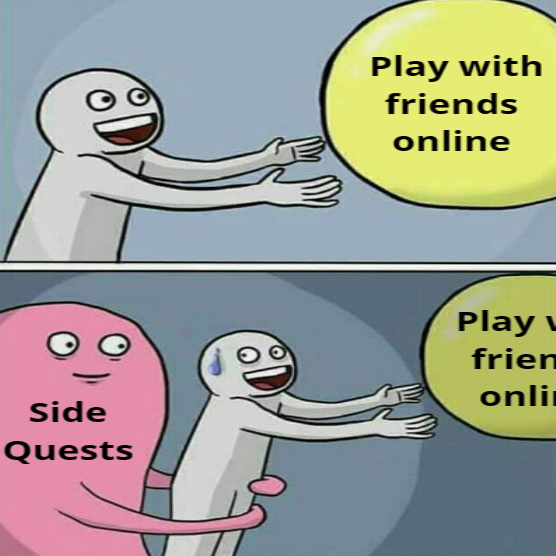
.png 22 SideQuests Sticker
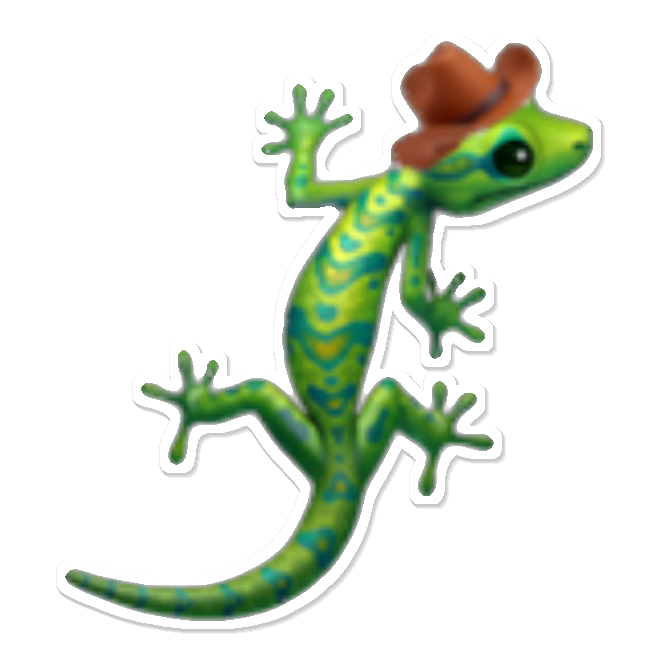
.png 13 Cowboy_Lizard Sticker
.gif 1.0K Waiting_Room_10 Sticker
.gif 468 Goma Sticker
.gif 723 Peach Sticker
.png 2 Tartaglia_Waiting Sticker
.gif 244 Catstrokingit Sticker

Queue Discord stickers

Browse Queue stickers shared by the emoji.gg community. Open a favourite to preview it, check its details and download the image.

Building a set for your server? Save your favourites to a collection as you browse so you can find them again.

Add stickers to your Discord server

  1. Choose your favourites. Open a sticker and download its image.
  2. Open Server Settings. In Discord, select your server and go to the Stickers section.
  3. Upload and name it. Select the downloaded image, give it a name and save it for your community to use.

Get the Android app

Emoji.gg is better on the app. Download it from the Google Play store.

Get Emoji.gg on Google Play