Your Collection
Your collection items will appear here.

Quarry Stickers

Find Quarry custom stickers to use
on Discord, Telegram & Whatsapp
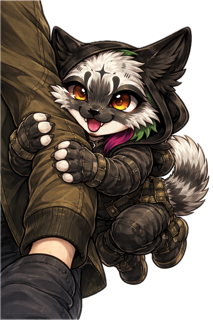
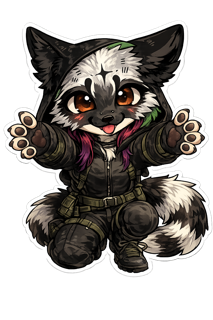
.png 5 latch Sticker
.png 6 huggie Sticker
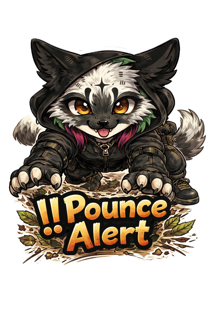
.png 4 pounce Sticker
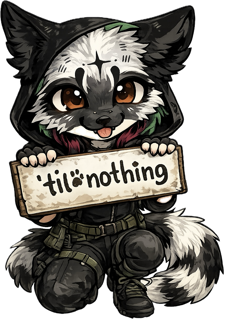
.png 4 tilnothin Sticker
.png 244 emspeed Sticker
.png 118 emslowdown Sticker
.gif 9 StoneBald Sticker
.gif 16 StoneEyes Sticker
.gif 6 Stonehoh Sticker
.png 87 Dawg Sticker
.png 11 Nya Sticker
.png 11 nothingmatters Sticker
.png 129 yeah Sticker
.png 134 myparakeet Sticker
.png 27 Sneetches Sticker
.png 26 storytime3 Sticker
.png 50 storytime1 Sticker
.png 128 skullandroses Sticker
.png 196 humble Sticker
.png 15 donkeykong Sticker
.png 46 bust Sticker
.png 92 burningskull Sticker
.png 52 baroque Sticker
.gif 41 Were_Enemies_Now Sticker
.gif 23 Devotion Sticker

Quarry Discord stickers

Browse Quarry stickers shared by the emoji.gg community. Open a favourite to preview it, check its details and download the image.

Building a set for your server? Save your favourites to a collection as you browse so you can find them again.

Add stickers to your Discord server

  1. Choose your favourites. Open a sticker and download its image.
  2. Open Server Settings. In Discord, select your server and go to the Stickers section.
  3. Upload and name it. Select the downloaded image, give it a name and save it for your community to use.

Get the Android app

Emoji.gg is better on the app. Download it from the Google Play store.

Get Emoji.gg on Google Play