Your Collection
Your collection items will appear here.

Prefer Stickers

Find Prefer custom stickers to use
on Discord, Telegram & Whatsapp

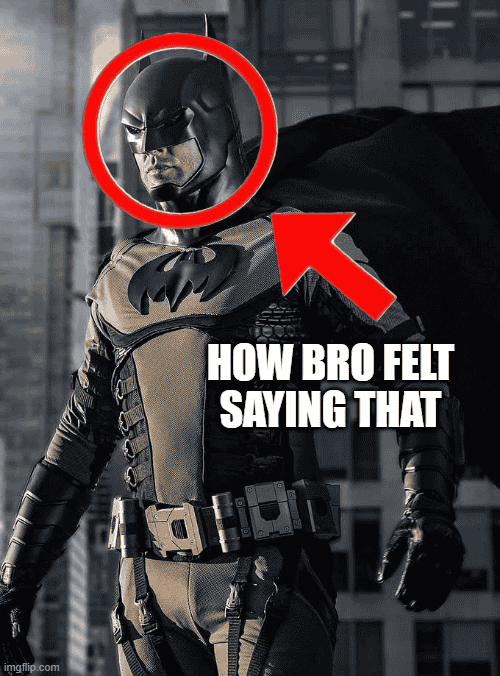
.png 432 Whoisbrofeelinglike Sticker
.png 465 likewhattt Sticker
.gif 723 Peach Sticker
.gif 468 Goma Sticker
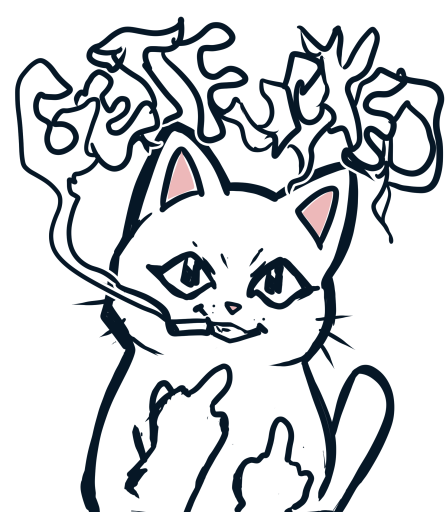
.png 123 GetFkd Sticker
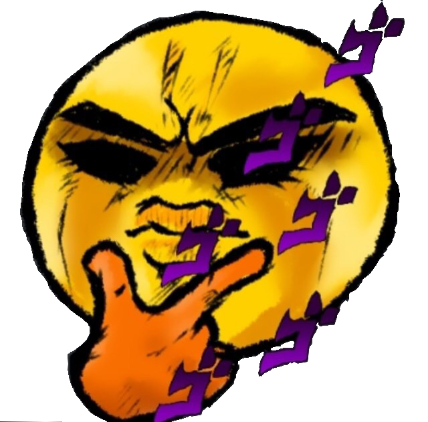
.png 193 jojoisbizzare Sticker
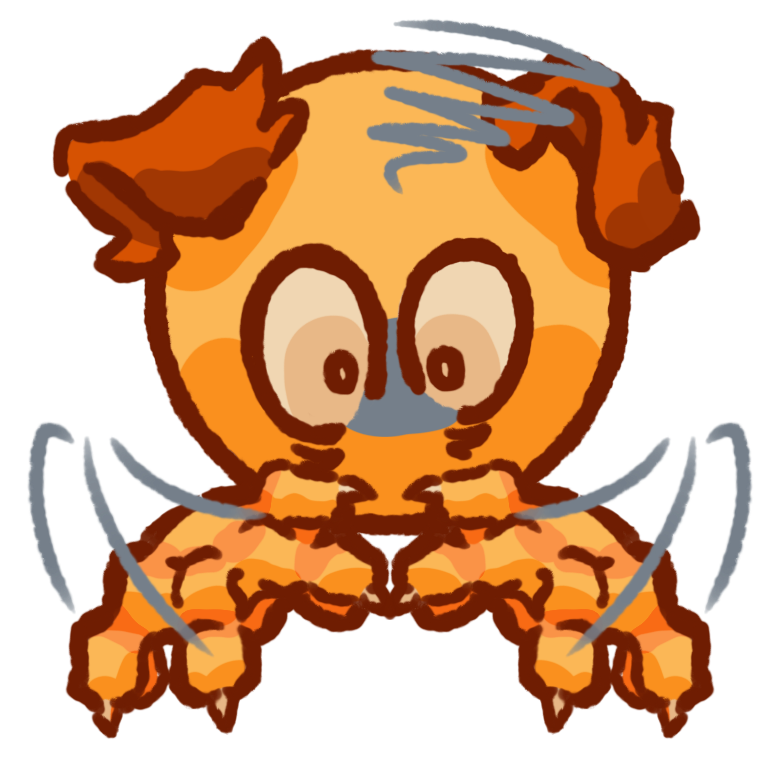
.png 78 clawing Sticker
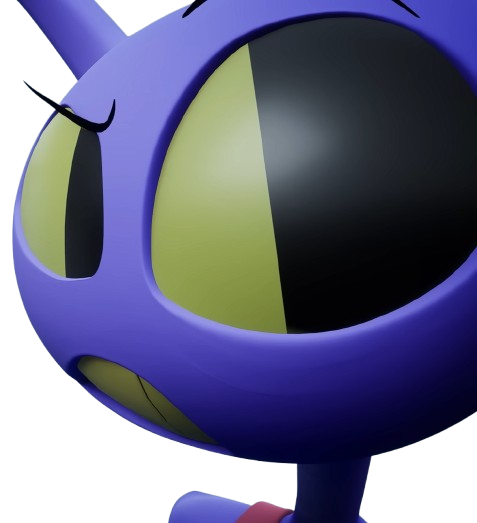
.png 243 Jax_Looking_Sus Sticker
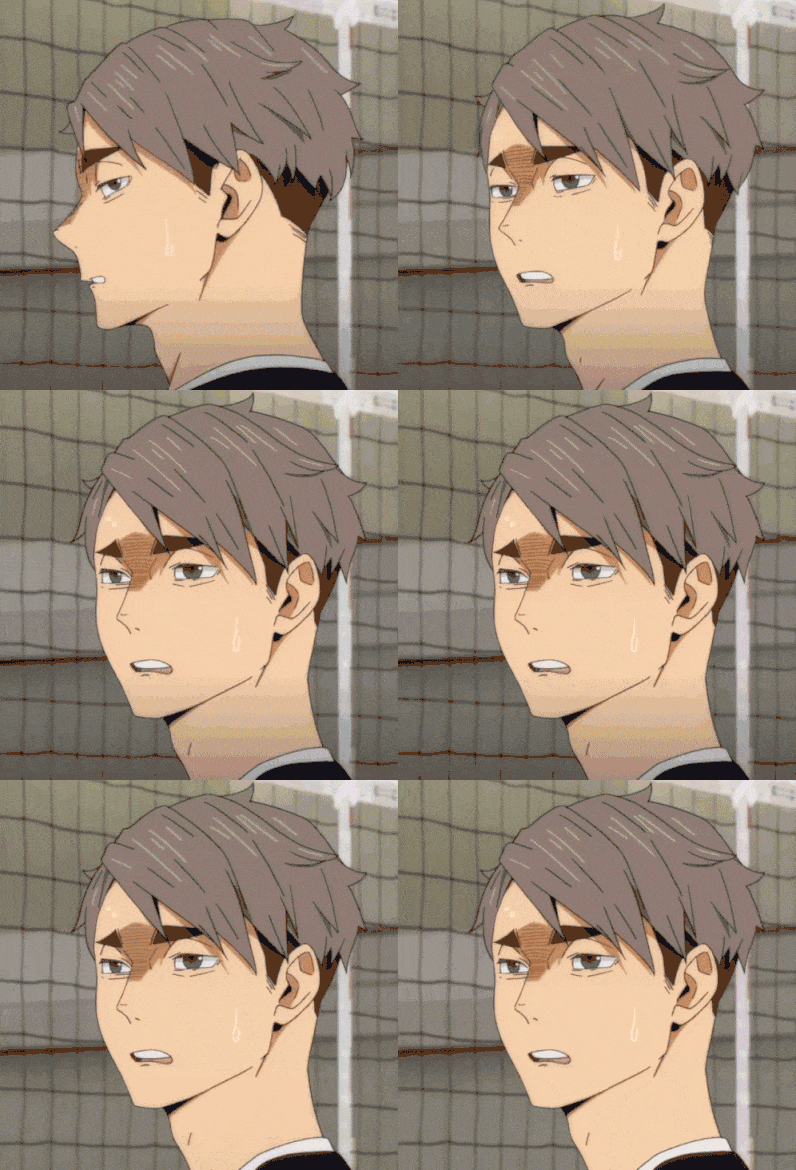
.gif 99 Osamuhuh Sticker
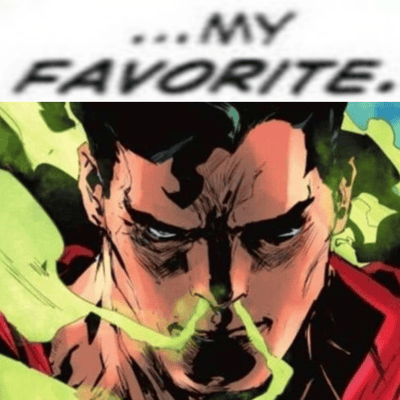
.png 39 SupermansFavorite Sticker
.png 11 SupermansFavorite Sticker
.png 3 Marina_Kirarazaka Sticker
.png 7 SmellsLikeVictory Sticker
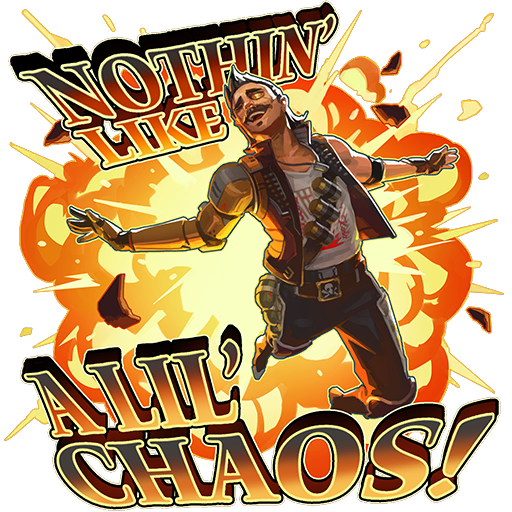
.png 2 NothinLikeALilChaos Sticker
.png 484 TEEHEE Sticker
.png 171 Zoro_ThumbsDown Sticker
.gif 143 love_you_like_I_love_you Sticker
.gif 8 bbq_grill_master_bearish Sticker
.gif 54 taptap_love_love_it_bearish Sticker
.png 5 eve_imagination Sticker
.png 189 No_way_bro_NWB Sticker
.png 126 TiKoLiangLike Sticker
.png 176 MONSTERGRUL Sticker
.png 89 EXPLODEGRUL Sticker
.png 16 SOCREMY Sticker

Prefer Discord stickers

Browse Prefer stickers shared by the emoji.gg community. Open a favourite to preview it, check its details and download the image.

Building a set for your server? Save your favourites to a collection as you browse so you can find them again.

Add stickers to your Discord server

  1. Choose your favourites. Open a sticker and download its image.
  2. Open Server Settings. In Discord, select your server and go to the Stickers section.
  3. Upload and name it. Select the downloaded image, give it a name and save it for your community to use.

Get the Android app

Emoji.gg is better on the app. Download it from the Google Play store.

Get Emoji.gg on Google Play