Your Collection
Your collection items will appear here.

Out Stickers

Find Out custom stickers to use
on Discord, Telegram & Whatsapp

.gif 12 Karen_Driving Sticker
.gif 134 PeterTwitching Sticker
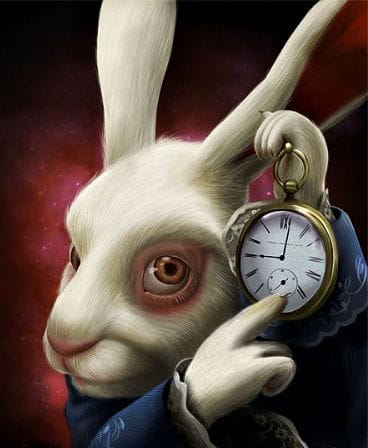
.png 163 ClockRabbit Sticker
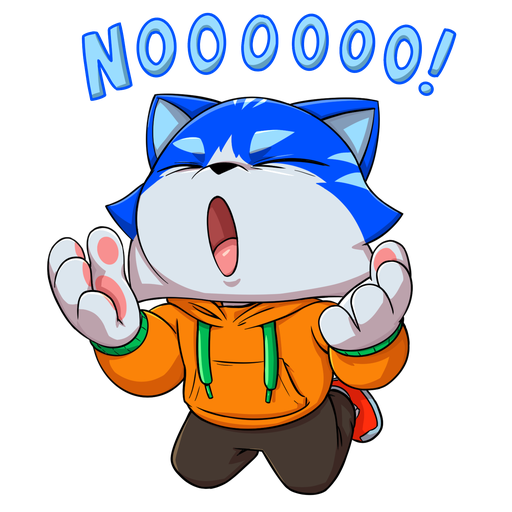
.png 56 toshi_nooo Sticker
.png 61 toshi_hahaha Sticker
.png 0 Haratin Sticker
.png 23 Noutbuck Sticker
.png 18 YouTube Sticker
.png 271 autismannouncement Sticker
.png 553 autism Sticker
.png 343 Frieren Sticker
.gif 680 PawOops Sticker
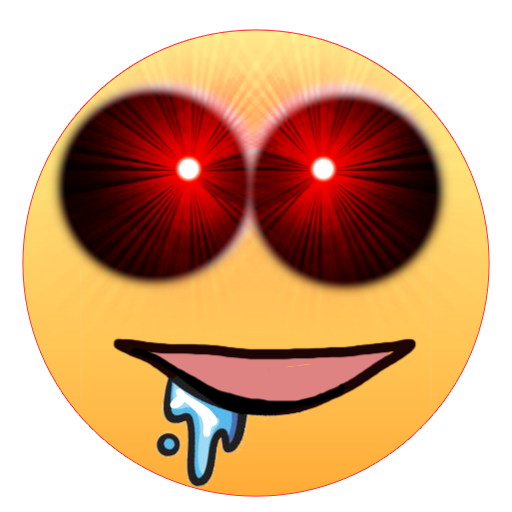
.png 647 Drooling Sticker
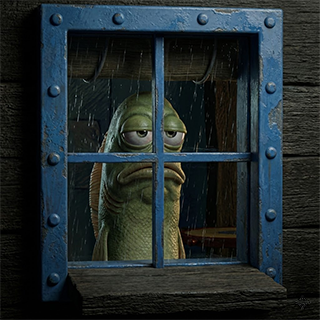
.png 80 DepressedFishHd Sticker
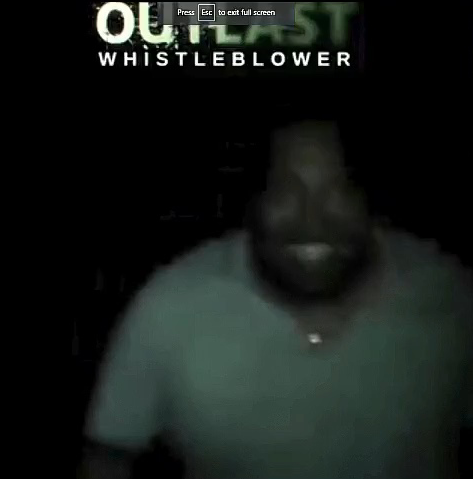
.png 48 OutlastGuy Sticker
.png 8 raquelle_stop Sticker
.png 27 barbie_holdup Sticker
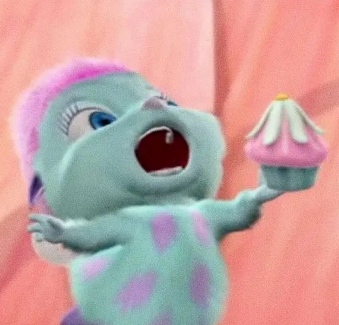
.png 52 bibble_chomp Sticker
.png 27 Sneetches Sticker
.png 112 Youtube Sticker
.png 54 Jax_Femboy Sticker
.png 13 Cowboy_Lizard Sticker
.gif 205 Bubble Sticker
.png 654 levelz Sticker
.png 2 BringOutTheBigGuns Sticker

Out Discord stickers

Browse Out stickers shared by the emoji.gg community. Open a favourite to preview it, check its details and download the image.

Building a set for your server? Save your favourites to a collection as you browse so you can find them again.

Add stickers to your Discord server

  1. Choose your favourites. Open a sticker and download its image.
  2. Open Server Settings. In Discord, select your server and go to the Stickers section.
  3. Upload and name it. Select the downloaded image, give it a name and save it for your community to use.

Get the Android app

Emoji.gg is better on the app. Download it from the Google Play store.

Get Emoji.gg on Google Play