Your Collection
Your collection items will appear here.

Os Stickers

Find Os custom stickers to use
on Discord, Telegram & Whatsapp

.png 74 Umbreon_Skinwalker Sticker
.png 21 TeioStare Sticker
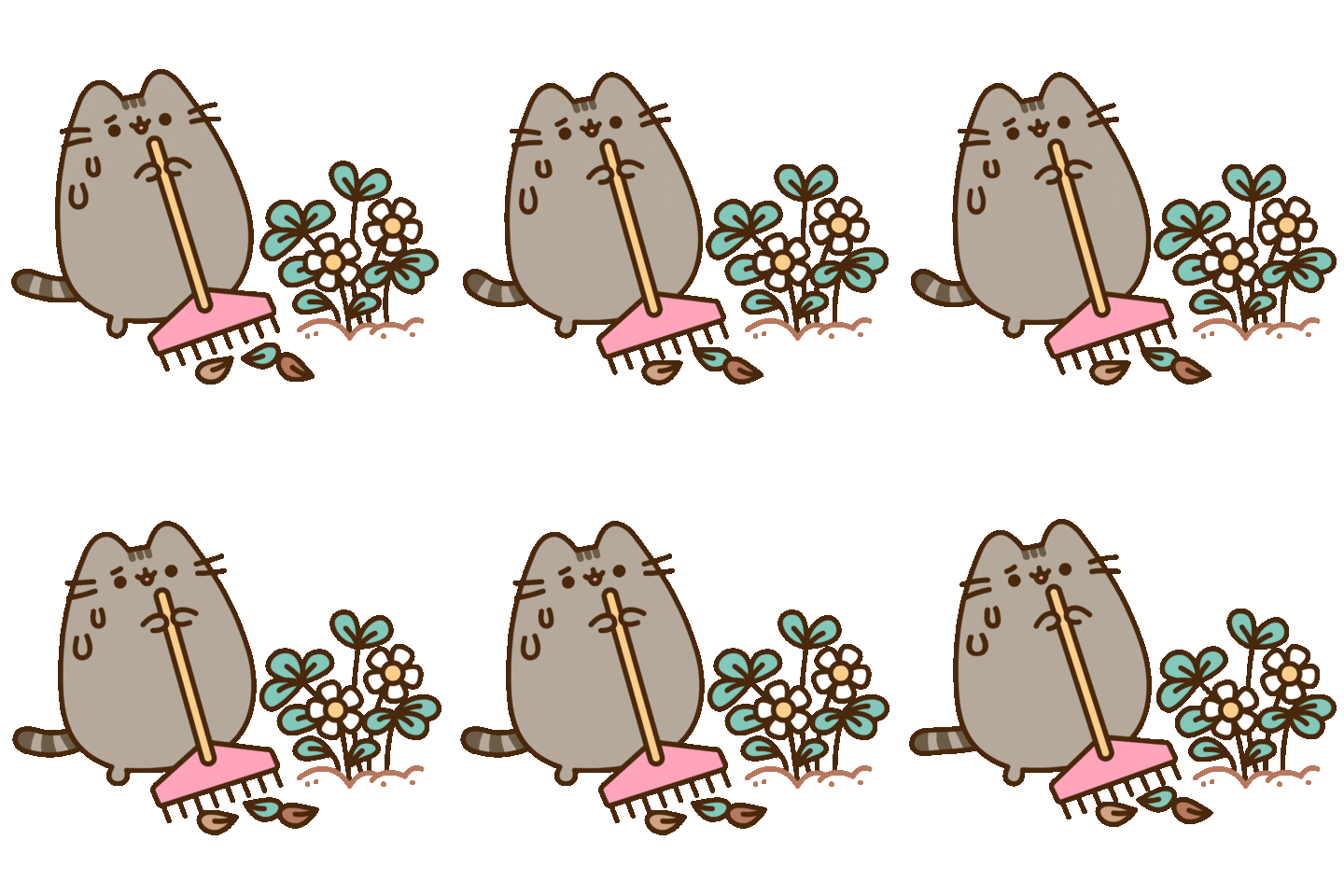
.gif 451 pusheen Sticker
.gif 286 pusheen Sticker
.gif 39 pusheen Sticker
.gif 268 pusheen Sticker
.gif 16 pusheen Sticker
.gif 68 pusheen Sticker
.gif 555 lookaround Sticker
.png 22 FIrst Sticker
.png 6 hello Sticker
.png 646 Booster Sticker
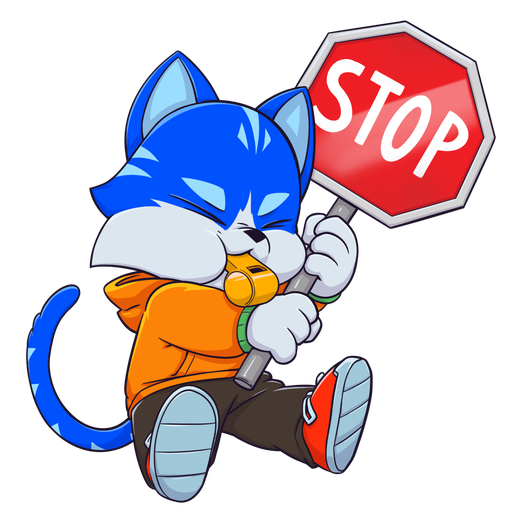
.png 220 toshi_stop Sticker
.png 130 toshi_fighto Sticker
.png 60 toshi_what_the_hell Sticker
.png 56 toshi_wtf Sticker
.png 43 toshi_yay Sticker
.png 105 toshi_hehe Sticker
.png 90 toshi_thumbs_up Sticker
.png 56 toshi_nooo Sticker
.png 39 toshi_gm_coffee Sticker
.png 63 toshi_cry Sticker
.png 103 toshi_gn Sticker
.png 61 toshi_hahaha Sticker
.png 42 toshi_whoa Sticker

Os Discord stickers

Browse Os stickers shared by the emoji.gg community. Open a favourite to preview it, check its details and download the image.

Building a set for your server? Save your favourites to a collection as you browse so you can find them again.

Add stickers to your Discord server

  1. Choose your favourites. Open a sticker and download its image.
  2. Open Server Settings. In Discord, select your server and go to the Stickers section.
  3. Upload and name it. Select the downloaded image, give it a name and save it for your community to use.

Get the Android app

Emoji.gg is better on the app. Download it from the Google Play store.

Get Emoji.gg on Google Play