Your Collection
Your collection items will appear here.

Mate Stickers

Find Mate custom stickers to use
on Discord, Telegram & Whatsapp

.gif 2.1K noodles Sticker
.gif 175 cute_cake Sticker
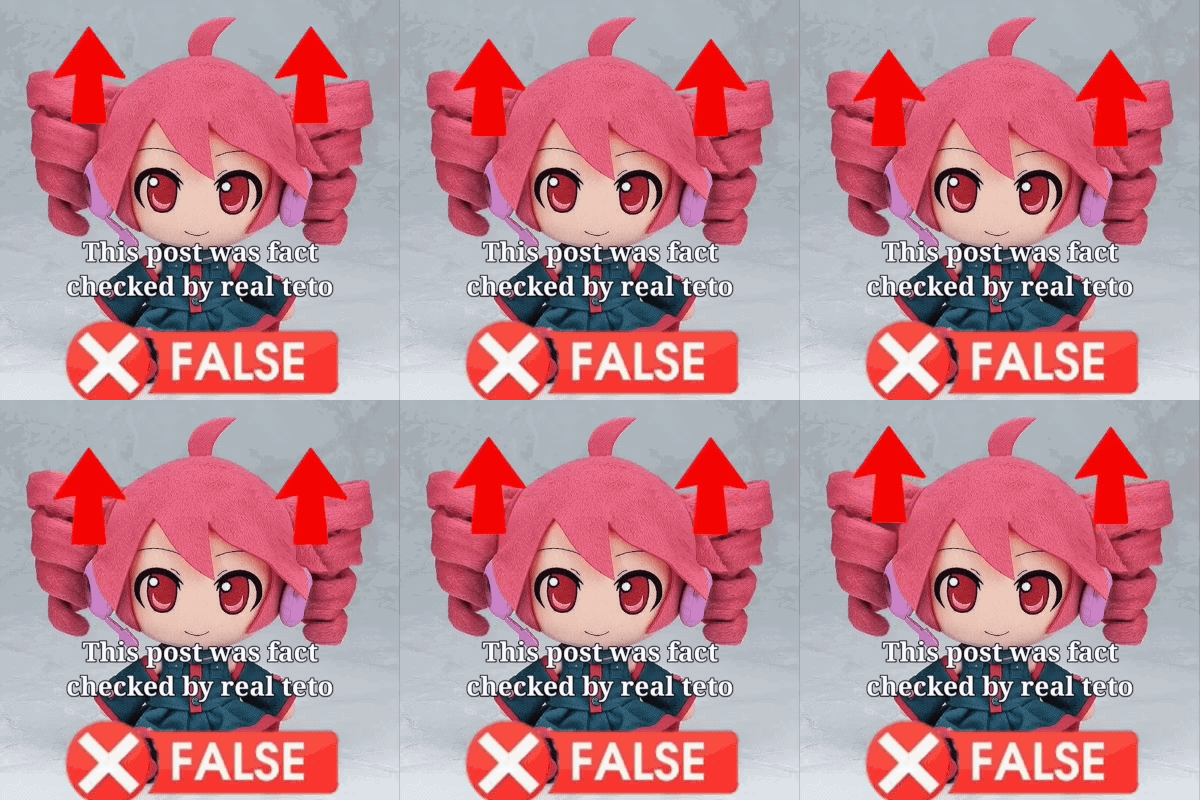
.gif 195 KasaneTeto_false_fake_bs Sticker
.gif 326 BlueSkull Sticker
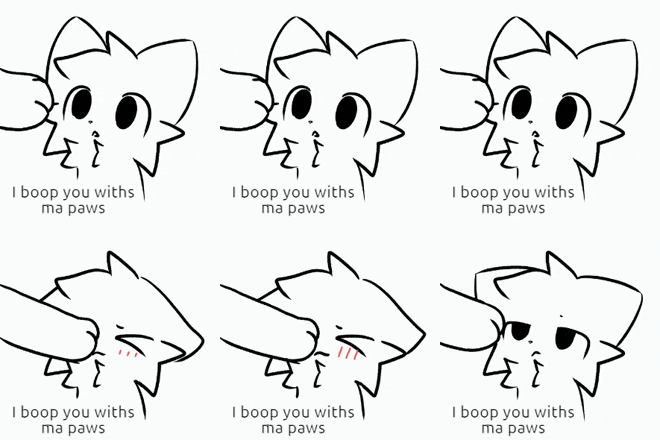
.gif 364 Paw_boop Sticker
.gif 156 SippingAdam Sticker
.gif 1.0K Bohboh Sticker
.png 11 discord_wordmark_white Sticker
.png 9 discord_wordmark_black Sticker
.png 3 discord_wordmark Sticker
.png 49 discord_logo_white Sticker
.png 10 discord_logo_black Sticker
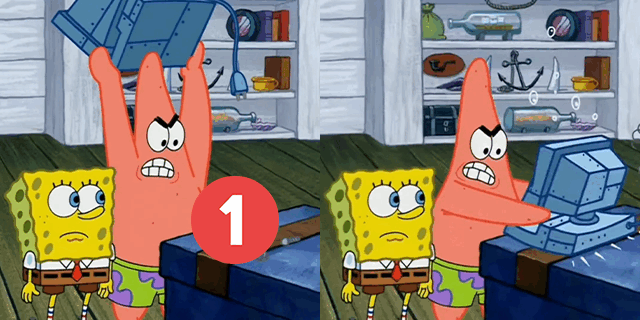
.gif 752 PatPingSmash Sticker
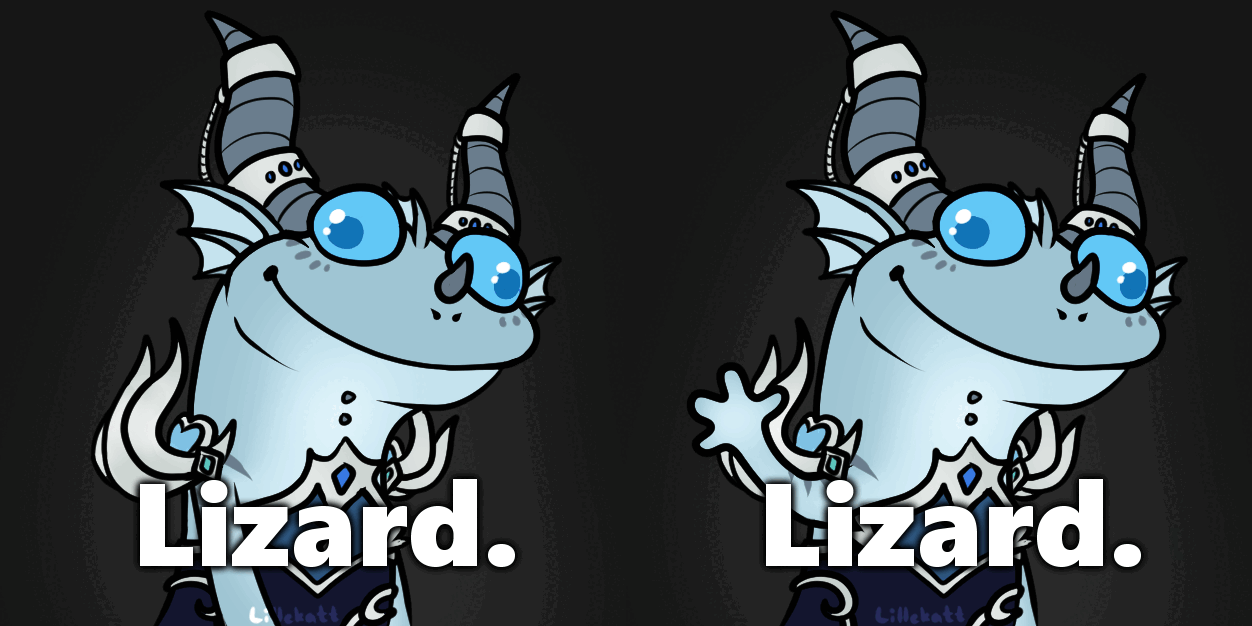
.gif 114 DracthyrLizard Sticker
.gif 377 Greystar99 Sticker
.gif 6 bearish_x_jarritos_cheer Sticker
.gif 10 bearish_x_jarritos_cheers Sticker
.gif 726 Yay Sticker
.png 67 animate Sticker
.png 873 jerkmate Sticker
.png 1.5K Koshi wave Sticker
.png 629 Koshi evil smirk Sticker
.png 568 Noko despair Sticker
.png 25.4K Deer hop Sticker
.png 284 Oh Deer Sticker

Mate Discord stickers

Browse Mate stickers shared by the emoji.gg community. Open a favourite to preview it, check its details and download the image.

Building a set for your server? Save your favourites to a collection as you browse so you can find them again.

Add stickers to your Discord server

  1. Choose your favourites. Open a sticker and download its image.
  2. Open Server Settings. In Discord, select your server and go to the Stickers section.
  3. Upload and name it. Select the downloaded image, give it a name and save it for your community to use.

Get the Android app

Emoji.gg is better on the app. Download it from the Google Play store.

Get Emoji.gg on Google Play