Your Collection
Your collection items will appear here.

Made Stickers

Find Made custom stickers to use
on Discord, Telegram & Whatsapp
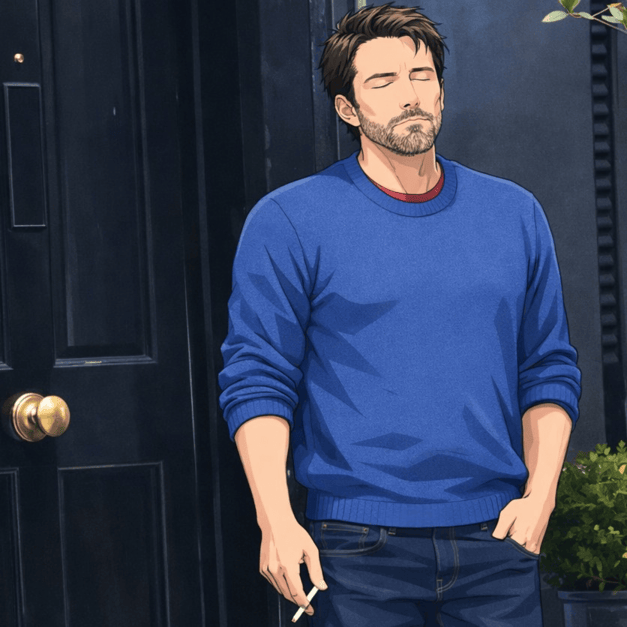
.png 30 Done_Ben_Affleck Sticker
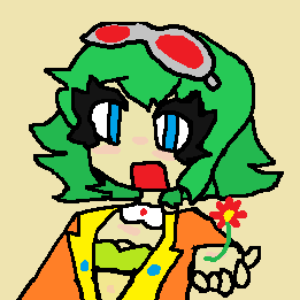
.png 7 Gumi_Rose_Flower_Love Sticker
.png 9 sprunkiimdaun Sticker
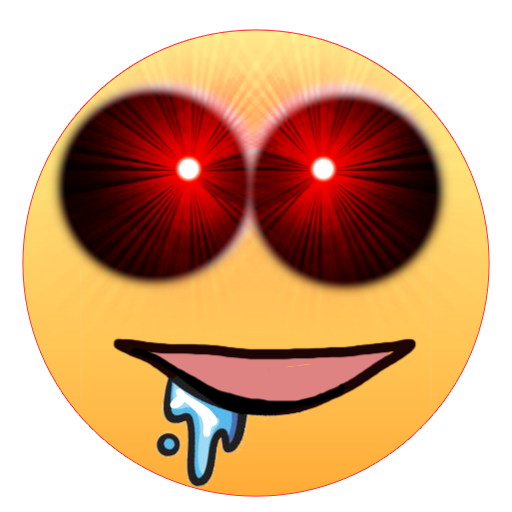
.png 647 Drooling Sticker
.png 8 Berner_Sennenhund Sticker
.png 873 jerkmate Sticker
.png 65 Boosters Sticker
.png 1 Daisuke Sticker
.png 436 PGSpray Sticker
.png 1 California_state_rp1 Sticker
.png 180 Ai_Hoshino Sticker
.png 82 SproutHuh Sticker
.png 67 Lego Sticker
.png 287 kit_mad Sticker
.png 275 giggly_kit Sticker
.png 16 ImmortalBeast Sticker
.png 102 foody Sticker
.png 64 Tera_Baap Sticker
.png 22 Play_Roblox Sticker

Made Discord stickers

Browse Made stickers shared by the emoji.gg community. Open a favourite to preview it, check its details and download the image.

Building a set for your server? Save your favourites to a collection as you browse so you can find them again.

Add stickers to your Discord server

  1. Choose your favourites. Open a sticker and download its image.
  2. Open Server Settings. In Discord, select your server and go to the Stickers section.
  3. Upload and name it. Select the downloaded image, give it a name and save it for your community to use.

Get the Android app

Emoji.gg is better on the app. Download it from the Google Play store.

Get Emoji.gg on Google Play