Your Collection
Your collection items will appear here.

Let Stickers

Find Let custom stickers to use
on Discord, Telegram & Whatsapp

.png 0 bulletholes Sticker
.gif 1.0K Kasane_teto_rahh Sticker
.png 37 complete Sticker
.png 14 Leaflet Sticker
.png 3 leaflet Sticker
.png 8 HRU Sticker
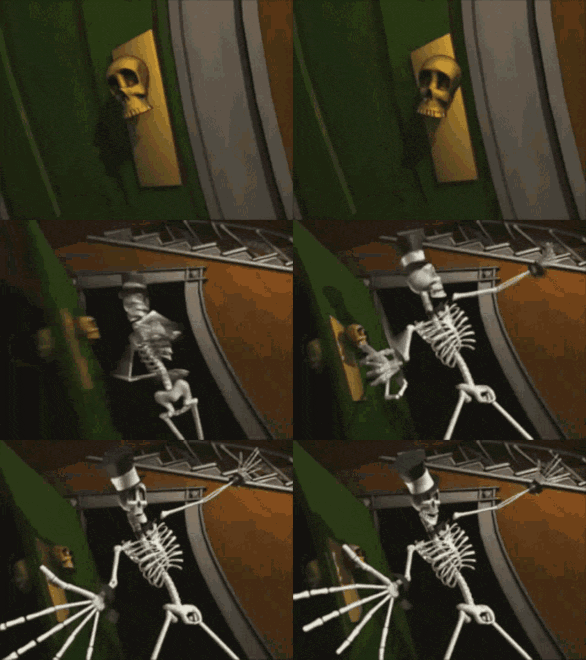
.gif 383 Skeleton Sticker
.png 86 Fuck Sticker
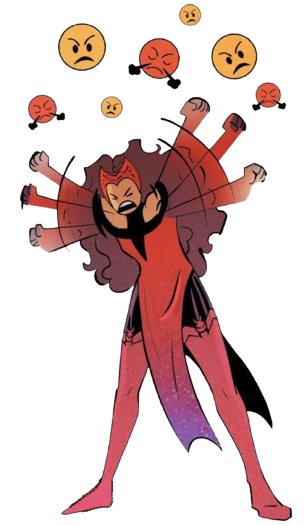
.png 21 WandaAngery Sticker
.png 37 WandaUnimpressed Sticker
.png 43 okanimepfp Sticker
.png 40 pickme Sticker
.png 44 wtfwrongwu Sticker
.png 41 dumbbitch Sticker
.png 21 boohoo Sticker
.gif 30 frogandturtlethrow Sticker
.png 175 cashmeousside Sticker
.gif 56 Shy Sticker
.gif 74 skeleton Sticker
.gif 46 grim Sticker
.png 36 Drained Sticker
.gif 6 bearish_x_jarritos_cheer Sticker

Let Discord stickers

Browse Let stickers shared by the emoji.gg community. Open a favourite to preview it, check its details and download the image.

Building a set for your server? Save your favourites to a collection as you browse so you can find them again.

Add stickers to your Discord server

  1. Choose your favourites. Open a sticker and download its image.
  2. Open Server Settings. In Discord, select your server and go to the Stickers section.
  3. Upload and name it. Select the downloaded image, give it a name and save it for your community to use.

Get the Android app

Emoji.gg is better on the app. Download it from the Google Play store.

Get Emoji.gg on Google Play