Your Collection
Your collection items will appear here.

Kitchen Stickers

Find Kitchen custom stickers to use
on Discord, Telegram & Whatsapp

.png 101 congrats Sticker
.gif 2.1K noodles Sticker
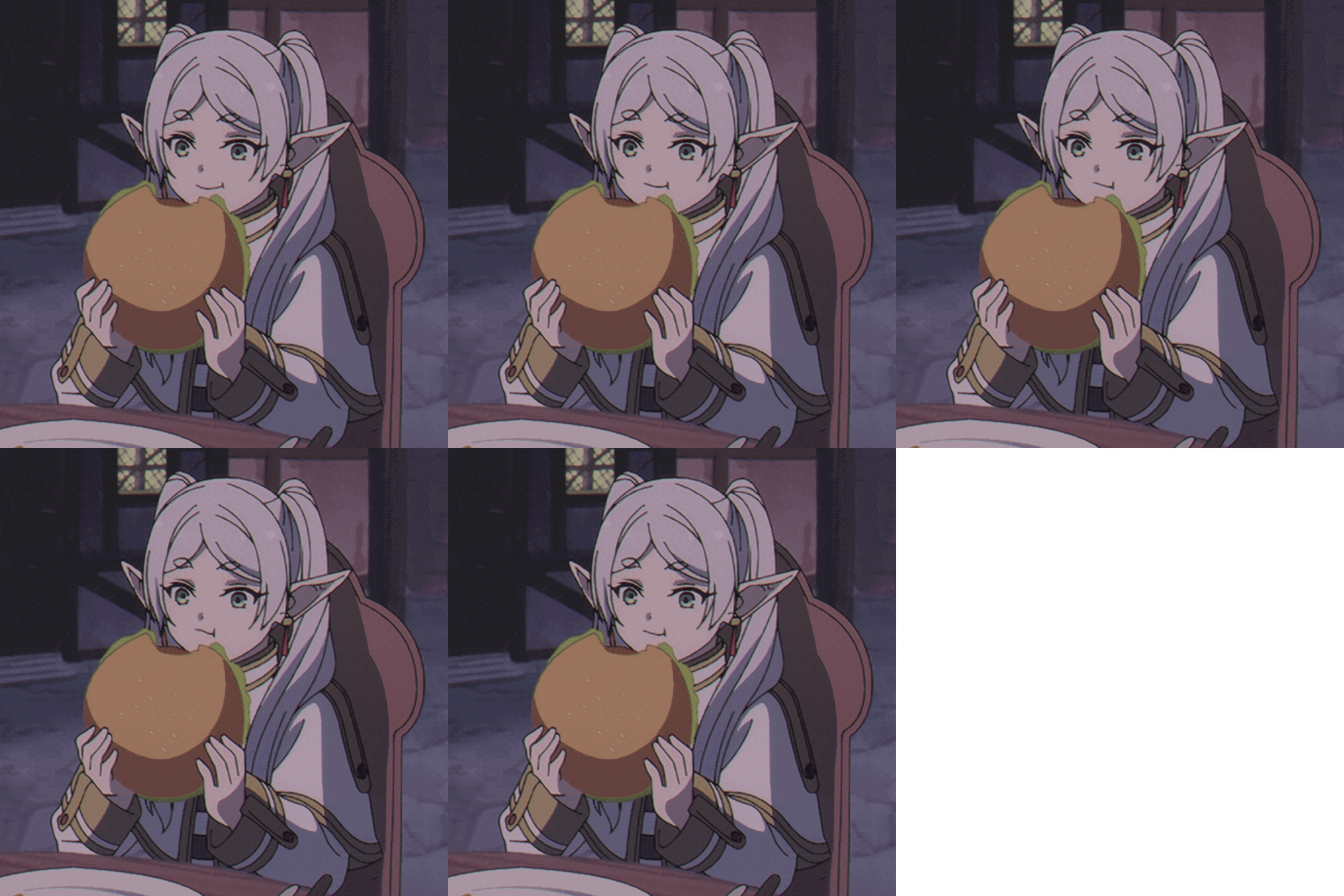
.gif 430 Burger Sticker
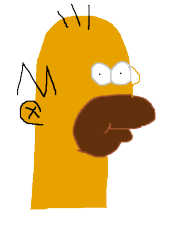
.png 165 Homer Sticker
.gif 175 cute_cake Sticker
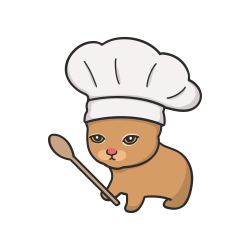
.png 99 Littlechefcatmemesticker Sticker
.gif 276 specialcooking Sticker
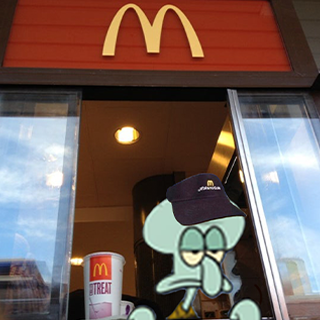
.png 1.3K SquidwardDriveThru Sticker
.png 27 marathi Sticker
.gif 16 bbq_t_bearish Sticker
.gif 8 bbq_lets_cook_bearish Sticker
.gif 8 bbq_grill_master_bearish Sticker
.gif 35 hungryTbearish Sticker
.gif 30 hungry_plate_feedmeTbearish Sticker
.gif 27 hungry_plate_Tbearish Sticker
.png 59 HUNGYGRUL Sticker
.png 873 jerkmate Sticker
.png 1.2K catcook Sticker
.png 131 PenguHungry Sticker
.png 115 NoCooking_MM Sticker
.png 135 occult_sign Sticker
.png 164 Kanna_Kamui_Youre_New_Home Sticker
.png 1.8K Vagabund_give_money Sticker
.png 28 WistfulHomer Sticker

Kitchen Discord stickers

Browse Kitchen stickers shared by the emoji.gg community. Open a favourite to preview it, check its details and download the image.

Building a set for your server? Save your favourites to a collection as you browse so you can find them again.

Add stickers to your Discord server

  1. Choose your favourites. Open a sticker and download its image.
  2. Open Server Settings. In Discord, select your server and go to the Stickers section.
  3. Upload and name it. Select the downloaded image, give it a name and save it for your community to use.

Get the Android app

Emoji.gg is better on the app. Download it from the Google Play store.

Get Emoji.gg on Google Play