Your Collection
Your collection items will appear here.

Javascript Stickers

Find Javascript custom stickers to use
on Discord, Telegram & Whatsapp

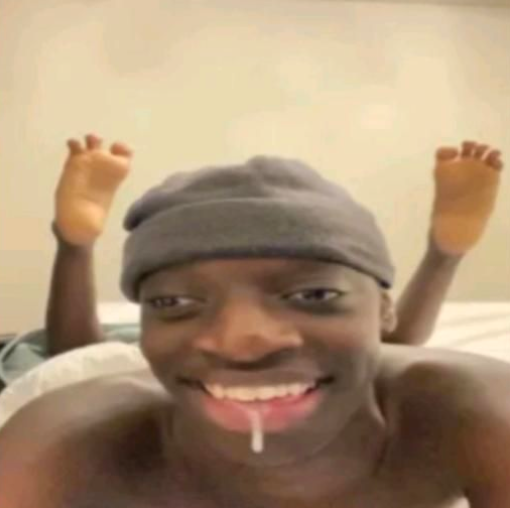
.png 5.4K Bro Sticker
.png 4.8K Minion Sticker
.png 3.5K CatCuss Sticker
.gif 2.5K hamster_shock Sticker
.png 1.5K SadSonic Sticker
.png 1.4K Sopngebob Sticker
.png 1.4K TouchGrass Sticker
.png 1.2K uwu Sticker
.gif 1.0K VegetaPhone Sticker
.png 1.0K STFU_MM Sticker
.gif 959 LiveJermaReaction Sticker
.png 944 KirbyNo Sticker
.png 862 tomhollandreaction Sticker
.png 799 BanThem_MM Sticker
.png 784 DidntAsk_MM Sticker
.png 770 UrBlocked_MM Sticker
.png 749 Shuddup Sticker
.png 743 KirbyItWasAJoke Sticker
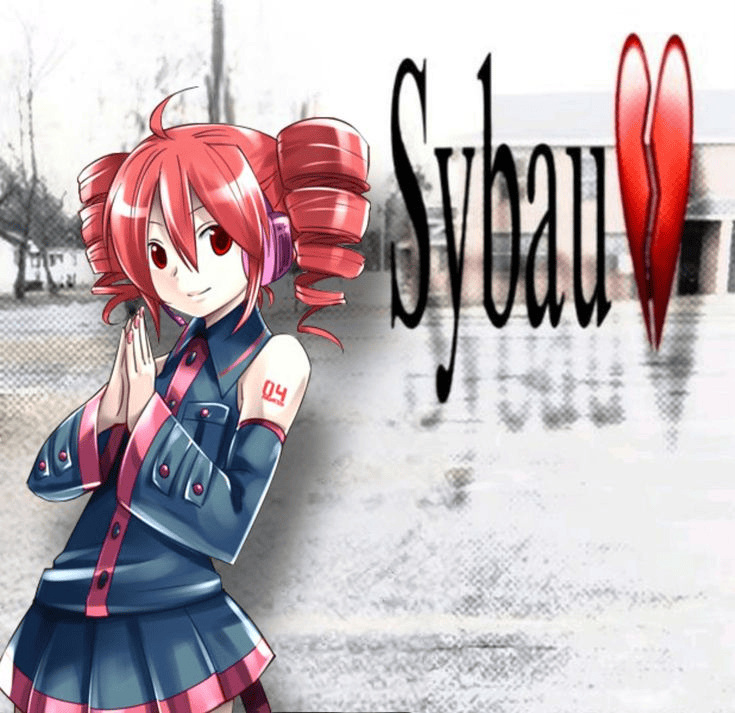
.png 723 KasaneTeto_Sybau Sticker
.png 704 mee Sticker
.png 702 DontCare_MM Sticker
.png 673 monkey_think Sticker
.png 670 HelloKittyFU Sticker
.png 650 JustJoking Sticker
.png 618 LickleThePickle Sticker

Javascript Discord stickers

Browse Javascript stickers shared by the emoji.gg community. Open a favourite to preview it, check its details and download the image.

Building a set for your server? Save your favourites to a collection as you browse so you can find them again.

Add stickers to your Discord server

  1. Choose your favourites. Open a sticker and download its image.
  2. Open Server Settings. In Discord, select your server and go to the Stickers section.
  3. Upload and name it. Select the downloaded image, give it a name and save it for your community to use.

Get the Android app

Emoji.gg is better on the app. Download it from the Google Play store.

Get Emoji.gg on Google Play