Your Collection
Your collection items will appear here.

Is Stickers

Find Is custom stickers to use
on Discord, Telegram & Whatsapp

.gif 36 Tuxedo_Boy_Shocked Sticker
.gif 12 Karen_Driving Sticker
.gif 128 SpeedEdit3 Sticker
.gif 113 PeterTwitching Sticker
.png 92 MinionsPapoi Sticker
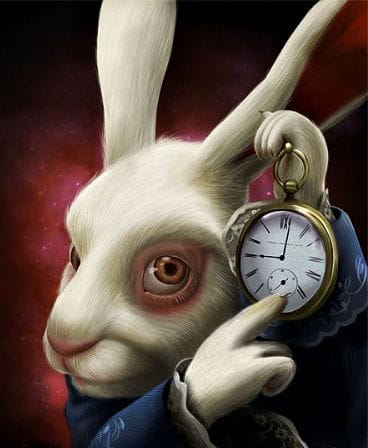
.png 132 ClockRabbit Sticker
.png 19 Arrogante Sticker
.png 1.4K eitcha Sticker
.png 1.2K Admin Sticker
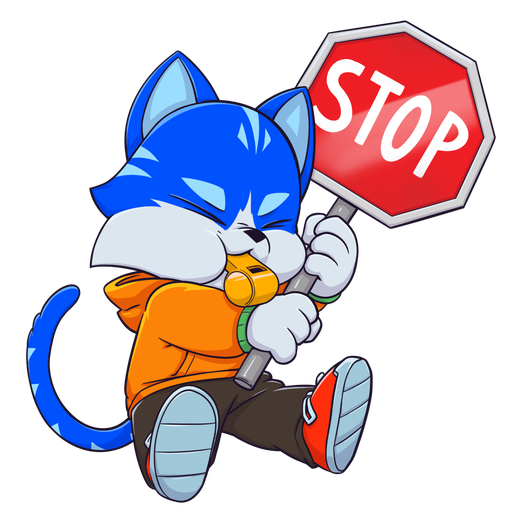
.png 220 toshi_stop Sticker
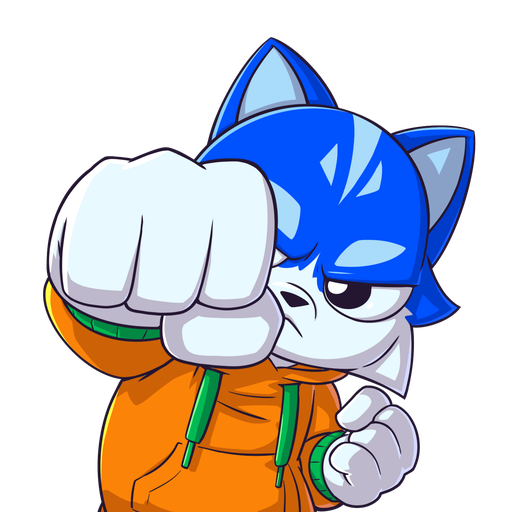
.png 130 toshi_fighto Sticker
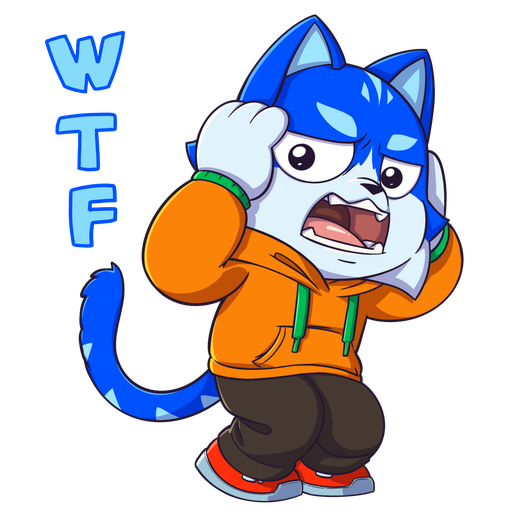
.png 56 toshi_wtf Sticker
.png 105 toshi_hehe Sticker
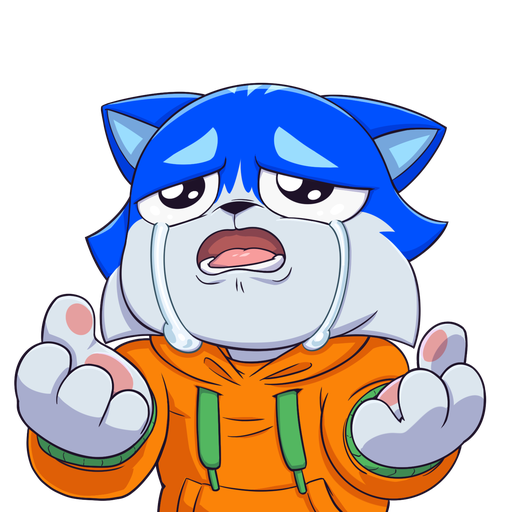
.png 63 toshi_cry Sticker
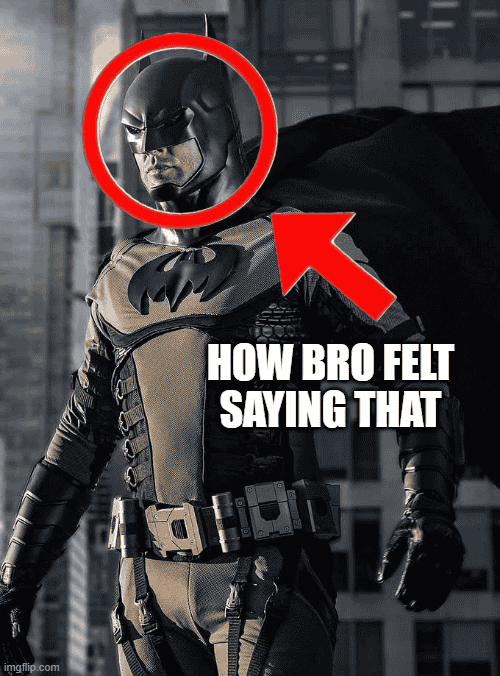
.png 432 Whoisbrofeelinglike Sticker
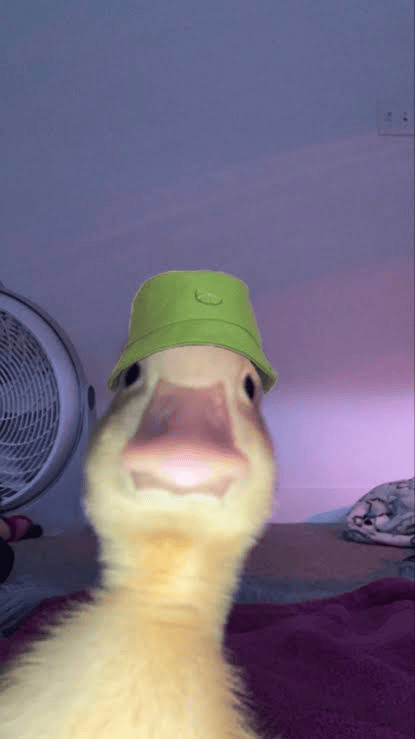
.png 436 WutDuckie Sticker
.png 1 mujis Sticker
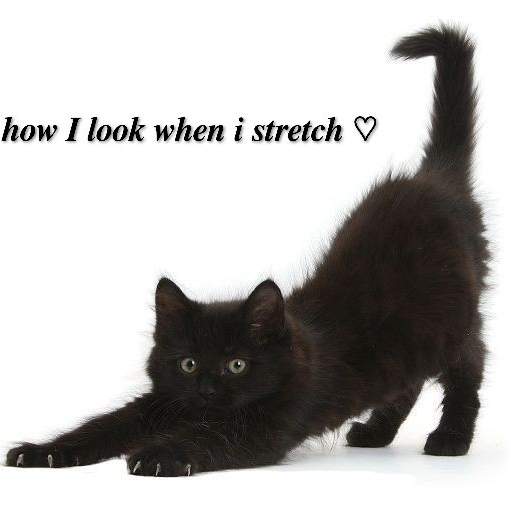
.png 152 Howilookwhenistretch Sticker
.gif 1.4K LowIQorBait Sticker
.png 94 Loveball Sticker
.png 2 finalfluffernutter Sticker
.png 7 Ryzaa Sticker
.png 44 thumbs_down_bee Sticker
.png 646 who_is_this_guy Sticker
.png 506 who_is_he Sticker

Is Discord stickers

Browse Is stickers shared by the emoji.gg community. Open a favourite to preview it, check its details and download the image.

Building a set for your server? Save your favourites to a collection as you browse so you can find them again.

Add stickers to your Discord server

  1. Choose your favourites. Open a sticker and download its image.
  2. Open Server Settings. In Discord, select your server and go to the Stickers section.
  3. Upload and name it. Select the downloaded image, give it a name and save it for your community to use.

Get the Android app

Emoji.gg is better on the app. Download it from the Google Play store.

Get Emoji.gg on Google Play