Your Collection
Your collection items will appear here.

Ip Stickers

Find Ip custom stickers to use
on Discord, Telegram & Whatsapp

.gif 0 Walking_into_work Sticker
.gif 0 Hood_rats Sticker
.png 0 jenipyePEGGY Sticker
.gif 0 sip Sticker
.gif 723 Peach Sticker
.gif 468 Goma Sticker
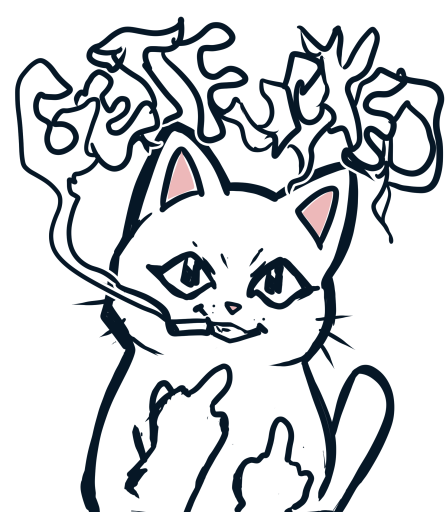
.png 123 GetFkd Sticker
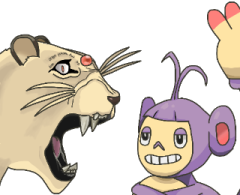
.png 88 PersianAmbipom Sticker
.png 5 Lip_Bite Sticker
.gif 28 backflip Sticker
.png 244 emspeed Sticker
.png 118 emslowdown Sticker
.gif 16 IDX_propose_day_3010 Sticker
.gif 1 IDX_propose_day_3009 Sticker
.gif 11 IDX_propose_day_3008 Sticker
.gif 1 IDX_propose_day_3006 Sticker
.gif 16 IDX_you_look_beautiful Sticker
.png 338 Golshiscream Sticker
.gif 156 SippingAdam Sticker
.png 14 eunavigator Sticker
.png 2 rip Sticker
.png 93 petty_bitch Sticker
.png 98 angry_middle_finger Sticker
.png 40 Verified Sticker
.png 65 LexLutherSippingCoffee Sticker

Ip Discord stickers

Browse Ip stickers shared by the emoji.gg community. Open a favourite to preview it, check its details and download the image.

Building a set for your server? Save your favourites to a collection as you browse so you can find them again.

Add stickers to your Discord server

  1. Choose your favourites. Open a sticker and download its image.
  2. Open Server Settings. In Discord, select your server and go to the Stickers section.
  3. Upload and name it. Select the downloaded image, give it a name and save it for your community to use.

Get the Android app

Emoji.gg is better on the app. Download it from the Google Play store.

Get Emoji.gg on Google Play