Emoji.gg logo emoji.gg
Your collections

Keep your favourite assets together

Interrupt Stickers

Find Interrupt custom stickers to use
on Discord, Telegram & Whatsapp

.png 578 Stop! Sticker
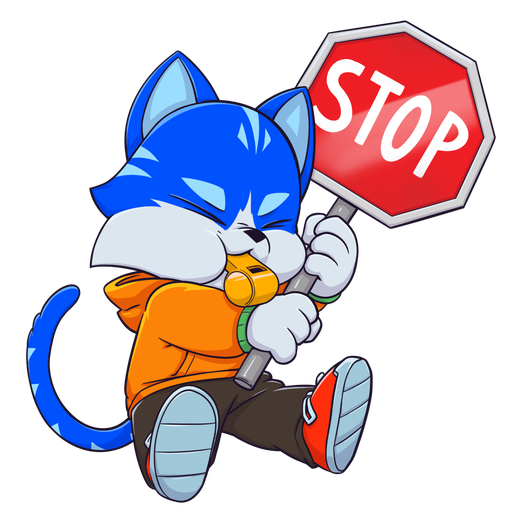
.png 1.9K Stop_twink Sticker
.png 7 OkuuStunned Sticker
.png 48 Rover Stop Sticker
.png 1.4K stop_fighting Sticker
.png 269 kanye_stops_laughing Sticker
.png 31.4K OHMYGAH Sticker
.png 73 StopFighting Sticker
.png 14 Stoppp Sticker
.png 7 Peach_stop Sticker
.png 237 holymoly Sticker
.png 92 Stop Sticker
.png 258 Tripping Sticker
.png 33 CapPengu Sticker
.png 772 Shuddup Sticker
.png 391 stop Sticker
.png 136 HUHGRUL Sticker
.png 33 disturbed Sticker
.png 42 barbie_holdup Sticker
.png 8 raquelle_stop Sticker
.gif 185 stopbeingpoor Sticker
.png 1.0K STOP Sticker
.png 220 toshi_stop Sticker
.gif 51 Tuxedo_Boy_Shocked Sticker

Interrupt Discord stickers

Browse Interrupt stickers shared by the emoji.gg community. Open a favourite to preview it, check its details and download the image.

Building a set for your server? Save your favourites to a collection as you browse so you can find them again.

Add stickers to your Discord server

  1. Choose your favourites. Open a sticker and download its image.
  2. Open Server Settings. In Discord, select your server and go to the Stickers section.
  3. Upload and name it. Select the downloaded image, give it a name and save it for your community to use.

Get the Android app

Emoji.gg is better on the app. Download it from the Google Play store.

Get Emoji.gg on Google Play