Your Collection
Your collection items will appear here.

Id Stickers

Find Id custom stickers to use
on Discord, Telegram & Whatsapp

.gif 36 Tuxedo_Boy_Shocked Sticker
.png 22 FIrst Sticker
.gif 19 Sigfrid Sticker
.gif 1.3K Echidnasilly Sticker
.png 12 Tuffprussia Sticker
.gif 3.3K Echidnasilly Sticker
.png 15 Ahwazi Sticker
.png 39 Kimmysideeye Sticker
.png 131 SealHappyStickers Sticker
.png 154 SealCutieStickers Sticker
.gif 1.4K LowIQorBait Sticker
.png 53 SquidwardClown Sticker
.png 1.6K areweserious Sticker
.png 37 Raid Sticker
.png 3 shidou Sticker
.gif 71 sideye Sticker
.png 219 Did_they_fall_for_it Sticker
.png 97 But_did_you Sticker
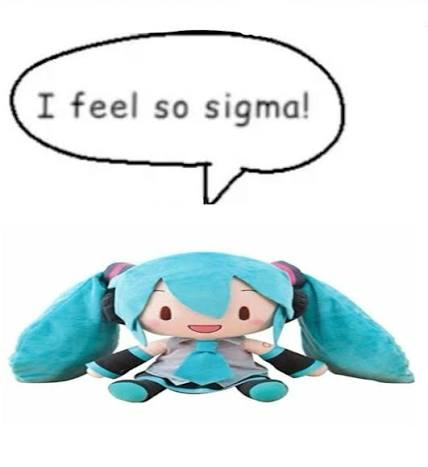
.png 217 mikusigma Sticker
.png 0 WINDOWS Sticker
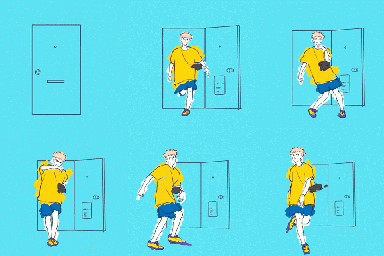
.gif 97 Yujidance Sticker
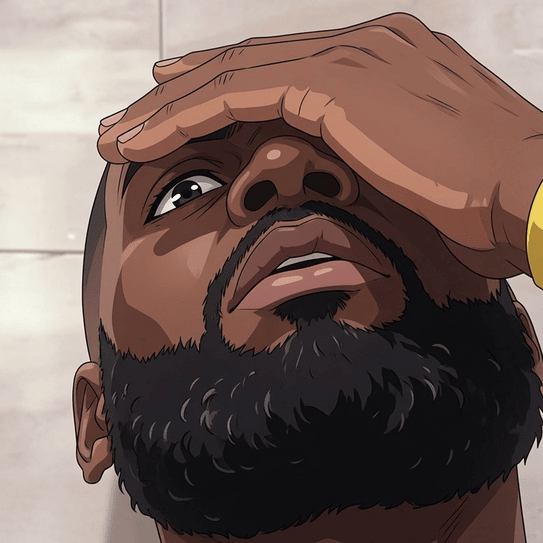
.gif 176 gi_hun_scream Sticker
.png 7 Gumi_Rose_Flower_Love Sticker

Id Discord stickers

Browse Id stickers shared by the emoji.gg community. Open a favourite to preview it, check its details and download the image.

Building a set for your server? Save your favourites to a collection as you browse so you can find them again.

Add stickers to your Discord server

  1. Choose your favourites. Open a sticker and download its image.
  2. Open Server Settings. In Discord, select your server and go to the Stickers section.
  3. Upload and name it. Select the downloaded image, give it a name and save it for your community to use.

Get the Android app

Emoji.gg is better on the app. Download it from the Google Play store.

Get Emoji.gg on Google Play