Your Collection
Your collection items will appear here.

I Stickers

Find I custom stickers to use
on Discord, Telegram & Whatsapp

.gif 73 Rebecca_with_gun Sticker
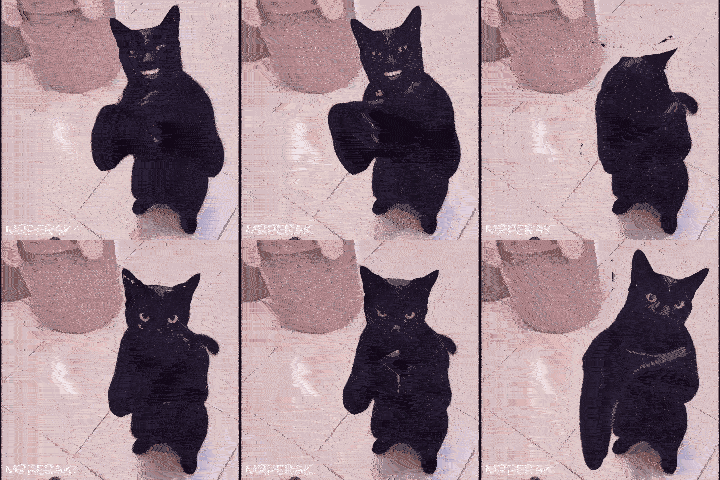
.gif 12 Meeses_With_Gun Sticker
.gif 36 Tuxedo_Boy_Shocked Sticker
.gif 12 Karen_Driving Sticker
.png 74 Umbreon_Skinwalker Sticker
.png 515 Scary Sticker
.gif 52 Antique_Roadshow_Baddie Sticker
.gif 128 SpeedEdit3 Sticker
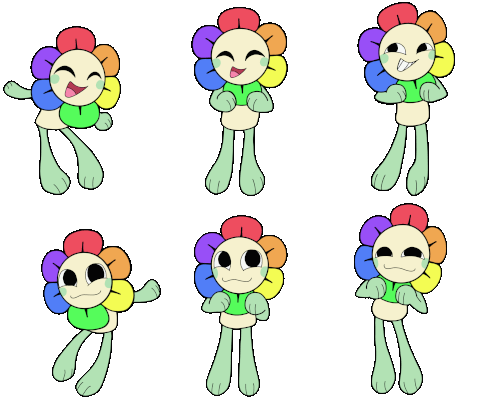
.gif 14 Dandy Sticker
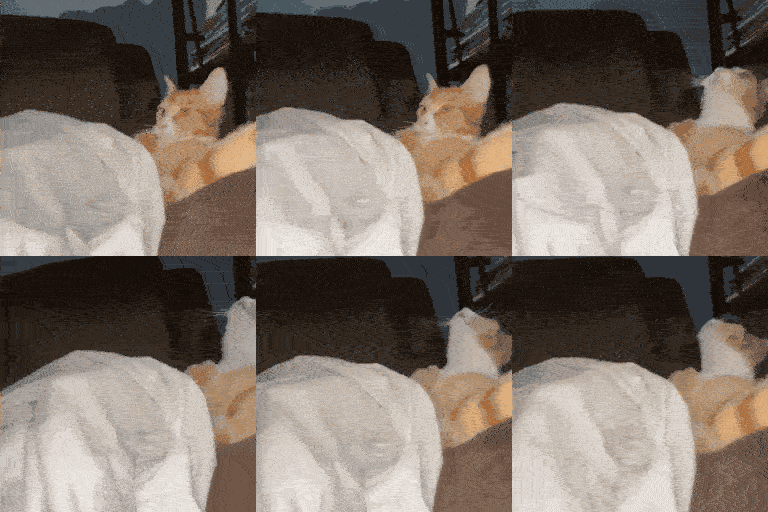
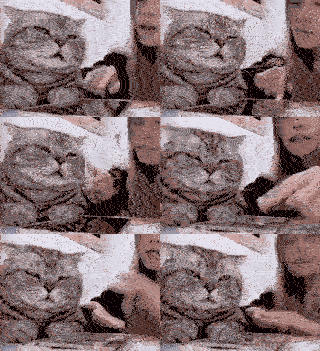
.gif 252 Catstrokingit Sticker
.gif 113 PeterTwitching Sticker
.png 92 MinionsPapoi Sticker
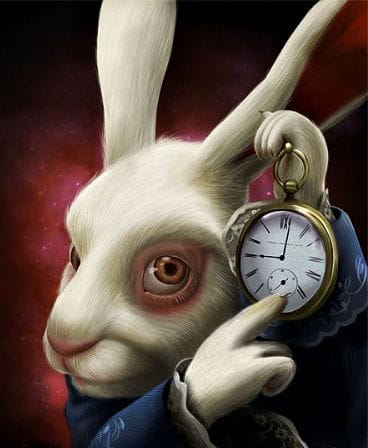
.png 132 ClockRabbit Sticker
.png 19 Arrogante Sticker
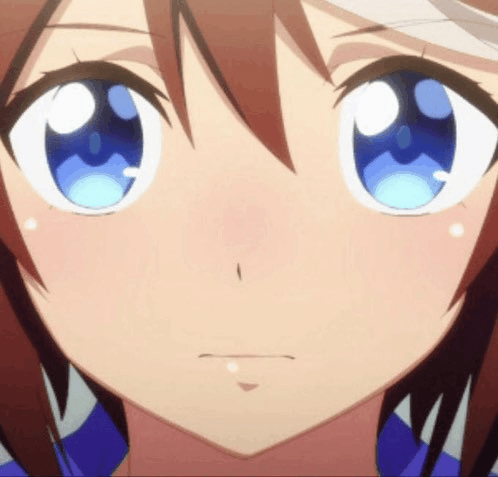
.png 21 TeioStare Sticker
.gif 62 Cat Sticker
.gif 30 Umbrella Sticker
.gif 261 Cat Sticker
.gif 438 Cat Sticker
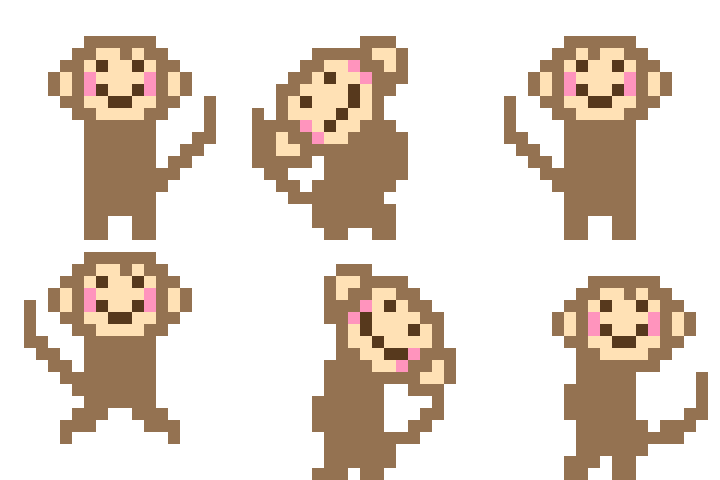
.gif 12 monkey Sticker
.png 15 ineedyou Sticker
.gif 451 pusheen Sticker
.gif 286 pusheen Sticker
.gif 39 pusheen Sticker
.gif 268 pusheen Sticker

I Discord stickers

Browse I stickers shared by the emoji.gg community. Open a favourite to preview it, check its details and download the image.

Building a set for your server? Save your favourites to a collection as you browse so you can find them again.

Add stickers to your Discord server

  1. Choose your favourites. Open a sticker and download its image.
  2. Open Server Settings. In Discord, select your server and go to the Stickers section.
  3. Upload and name it. Select the downloaded image, give it a name and save it for your community to use.

Get the Android app

Emoji.gg is better on the app. Download it from the Google Play store.

Get Emoji.gg on Google Play