Your Collection
Your collection items will appear here.

Have Stickers

Find Have custom stickers to use
on Discord, Telegram & Whatsapp
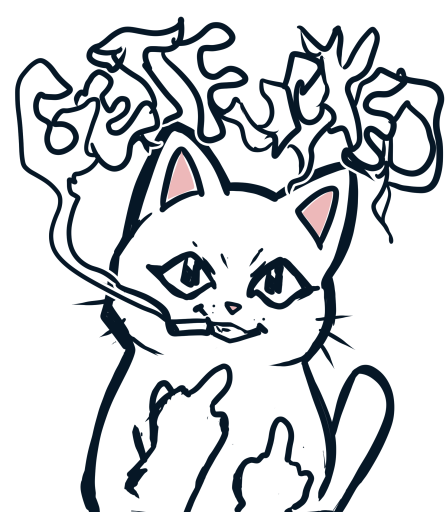
.png 123 GetFkd Sticker
.png 94 Whathaveyoudone Sticker
.png 3 Marina_Kirarazaka Sticker
.png 689 realistic_foreman_pig Sticker
.png 172 SlurPengu Sticker
.png 172 Question Sticker
.png 41 i_have_your_IP Sticker
.png 59 doIhavegyat Sticker
.png 253 Ifeelsosigma Sticker
.png 2.1K Doing_hard_drugs Sticker
.png 63 Confused Sticker
.png 476 crying_jordan_princess Sticker
.png 737 crying_jordan Sticker
.png 146 doordash_peak_pay_happy_pepe Sticker
.png 161 you have 5 seconds Sticker
.png 38 you have 5 seconds Sticker
.png 253 I have a meme for this Sticker

Have Discord stickers

Browse Have stickers shared by the emoji.gg community. Open a favourite to preview it, check its details and download the image.

Building a set for your server? Save your favourites to a collection as you browse so you can find them again.

Add stickers to your Discord server

  1. Choose your favourites. Open a sticker and download its image.
  2. Open Server Settings. In Discord, select your server and go to the Stickers section.
  3. Upload and name it. Select the downloaded image, give it a name and save it for your community to use.

Get the Android app

Emoji.gg is better on the app. Download it from the Google Play store.

Get Emoji.gg on Google Play