Your Collection
Your collection items will appear here.

Harmony Stickers

Find Harmony custom stickers to use
on Discord, Telegram & Whatsapp
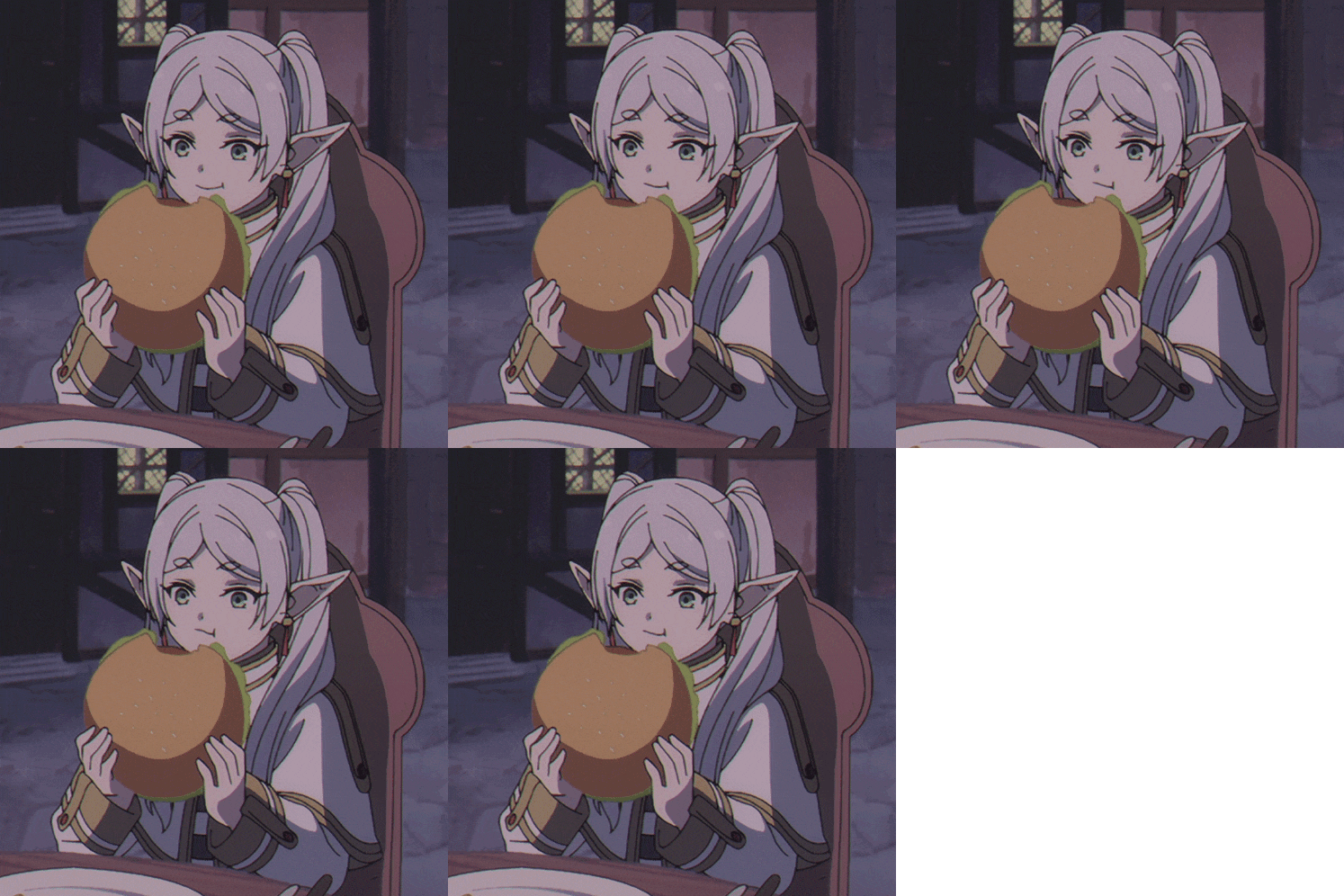
.gif 161 Burger Sticker
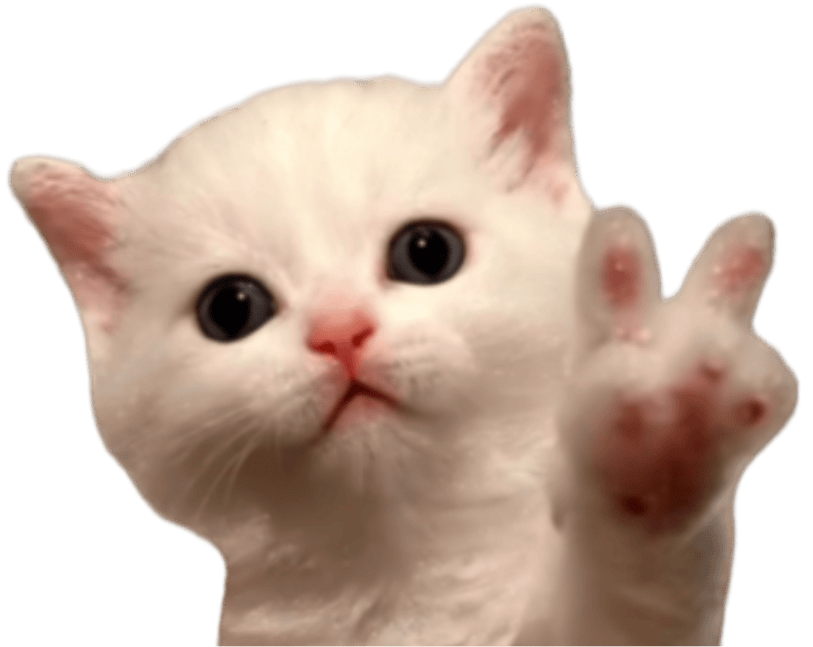
.png 1.3K kittenpeace Sticker
.png 14 eunavigator Sticker
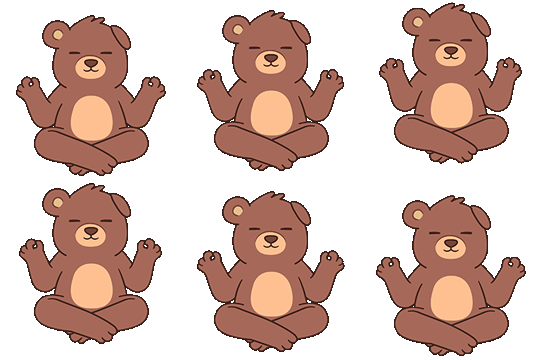
.gif 71 yoga Sticker
.png 4 SC111 Sticker
.png 28 eve_no_drama Sticker
.png 370 WhoAsked_MM Sticker
.png 330 EducateYourself_MM Sticker
.png 371 TrashOpinion_MM Sticker
.png 309 No_MM Sticker
.png 799 BanThem_MM Sticker
.png 222 UrDone_MM Sticker
.png 399 TouchGrass_MM Sticker
.png 115 NoCooking_MM Sticker
.png 308 Embarrassing_MM Sticker
.png 37 LookAGreenie_MM Sticker
.png 770 UrBlocked_MM Sticker
.png 702 DontCare_MM Sticker
.png 1.0K STFU_MM Sticker
.png 784 DidntAsk_MM Sticker
.png 18 YOTTABYTES Sticker
.png 70 New_Balance Sticker
.png 201 Server_Boosted Sticker

Harmony Discord stickers

Browse Harmony stickers shared by the emoji.gg community. Open a favourite to preview it, check its details and download the image.

Building a set for your server? Save your favourites to a collection as you browse so you can find them again.

Add stickers to your Discord server

  1. Choose your favourites. Open a sticker and download its image.
  2. Open Server Settings. In Discord, select your server and go to the Stickers section.
  3. Upload and name it. Select the downloaded image, give it a name and save it for your community to use.

Get the Android app

Emoji.gg is better on the app. Download it from the Google Play store.

Get Emoji.gg on Google Play