Emoji.gg logo emoji.gg
Your Collection
Your collection items will appear here.

Goo Stickers

Find Goo custom stickers to use
on Discord, Telegram & Whatsapp

.gif 393 Doggo Sticker
.png 39 toshi_gm_coffee Sticker
.png 103 toshi_gn Sticker
.png 24 Goose Sticker
.gif 751 cat_absolute_cinema Sticker
.gif 32 Good_Boy Sticker
.gif 43 Good_Girl Sticker
.gif 49 Goober Sticker
.gif 111 Gir_Night Sticker
.png 308 GoodBye Sticker
.png 13 ick Sticker
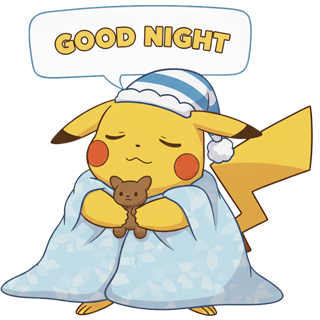
.png 103 pikasleep Sticker
.png 60 pikawake Sticker
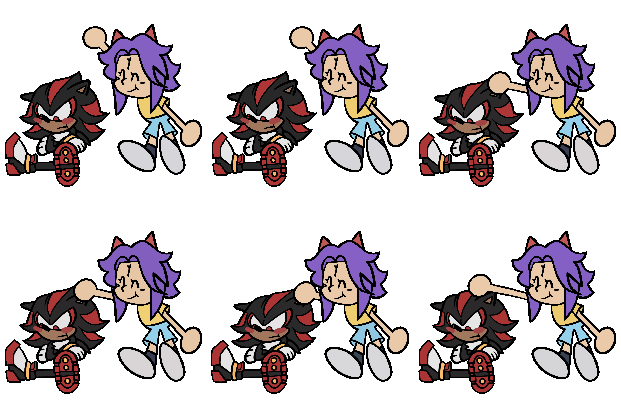
.gif 9 pat Sticker
.gif 95 idontfeelsogood Sticker
.gif 162 GoodBoy Sticker
.gif 130 just_1_more_night Sticker
.png 3 Salute_Maitree Sticker
.png 0 abitexcited Sticker
.gif 1.8K LICKABIGHEHE Sticker
.gif 1.6K bantumlum Sticker
.gif 78 CC_GN Sticker
.gif 90 bye_car_bearish Sticker
.gif 14 thats_it_Tbearish Sticker
.png 8 eve_goodnight Sticker

Goo Discord stickers

Browse Goo stickers shared by the emoji.gg community. Open a favourite to preview it, check its details and download the image.

Building a set for your server? Save your favourites to a collection as you browse so you can find them again.

Add stickers to your Discord server

  1. Choose your favourites. Open a sticker and download its image.
  2. Open Server Settings. In Discord, select your server and go to the Stickers section.
  3. Upload and name it. Select the downloaded image, give it a name and save it for your community to use.

Get the Android app

Emoji.gg is better on the app. Download it from the Google Play store.

Get Emoji.gg on Google Play