Your Collection
Your collection items will appear here.

Go Stickers

Find Go custom stickers to use
on Discord, Telegram & Whatsapp

.gif 73 Rebecca_with_gun Sticker
.gif 296 Doggo Sticker
.png 39 toshi_gm_coffee Sticker
.png 103 toshi_gn Sticker
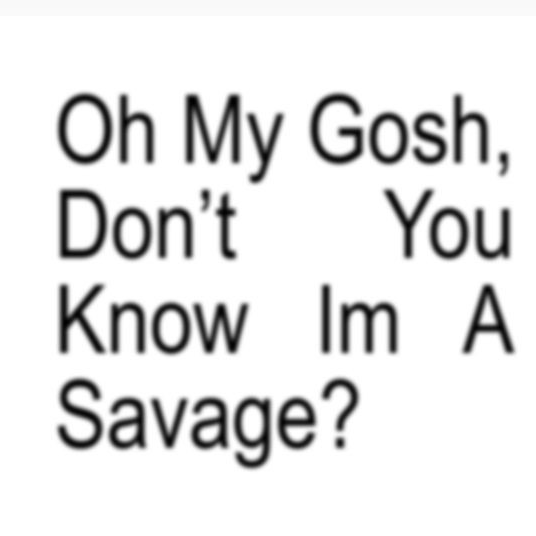
.png 160 Dontyouknowimasavage Sticker
.gif 1.2K glowdance Sticker
.png 433 oh_god Sticker
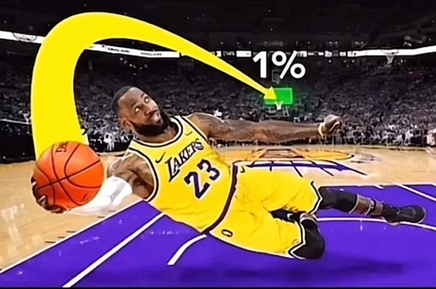
.png 533 airball Sticker
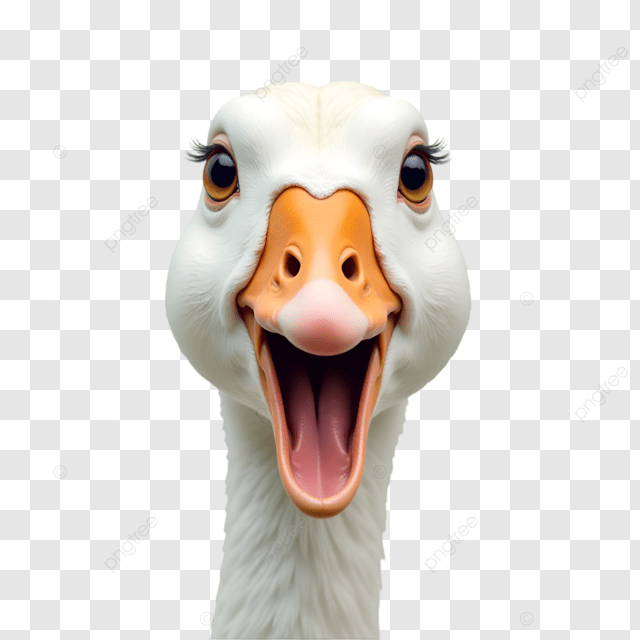
.png 24 Goose Sticker
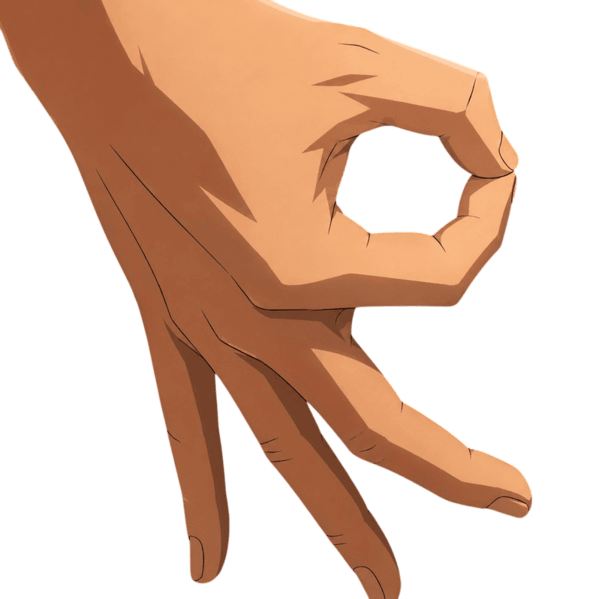
.png 345 Circle_Finger Sticker
.png 219 Did_they_fall_for_it Sticker
.png 97 But_did_you Sticker
.png 0 Lushengtellsfortune Sticker
.png 24 eye Sticker
.gif 751 cat_absolute_cinema Sticker
.gif 723 Peach Sticker
.gif 468 Goma Sticker
.png 53 Messi10 Sticker
.png 17 ficsit_logo_large Sticker
.png 11 Collector_Cafe_NJ_Logo_Sticker Sticker
.gif 32 Good_Boy Sticker
.gif 43 Good_Girl Sticker
.gif 49 Goober Sticker
.png 2 Angry Sticker
.gif 270 Gojo Sticker

Go Discord stickers

Browse Go stickers shared by the emoji.gg community. Open a favourite to preview it, check its details and download the image.

Building a set for your server? Save your favourites to a collection as you browse so you can find them again.

Add stickers to your Discord server

  1. Choose your favourites. Open a sticker and download its image.
  2. Open Server Settings. In Discord, select your server and go to the Stickers section.
  3. Upload and name it. Select the downloaded image, give it a name and save it for your community to use.

Get the Android app

Emoji.gg is better on the app. Download it from the Google Play store.

Get Emoji.gg on Google Play